
Free AI OC generator· One character, a whole kit
OC Maker: Draw Your OC Once, Build Its Whole Kit
Describe your original character or upload a reference and get the art in seconds. Then turn the same OC into stickers, a PNGtuber set, turnaround sheets and outfits — every piece locked to one look.
Character Style
(optional)How to make an OC in 3 steps
Three steps, one character
Describe it or upload it
Plain words or a reference image. What you type is exactly the prompt that runs.
Keep the image you like
Regenerate until it is right. The one you keep becomes the reference for everything after.
Add one asset at a time
Stickers today, a PNGtuber set next week. Everything lands on the same character page.
Want the whole process, from first idea to a name? Read the guide: How to Make an OC
One OC, a whole kit
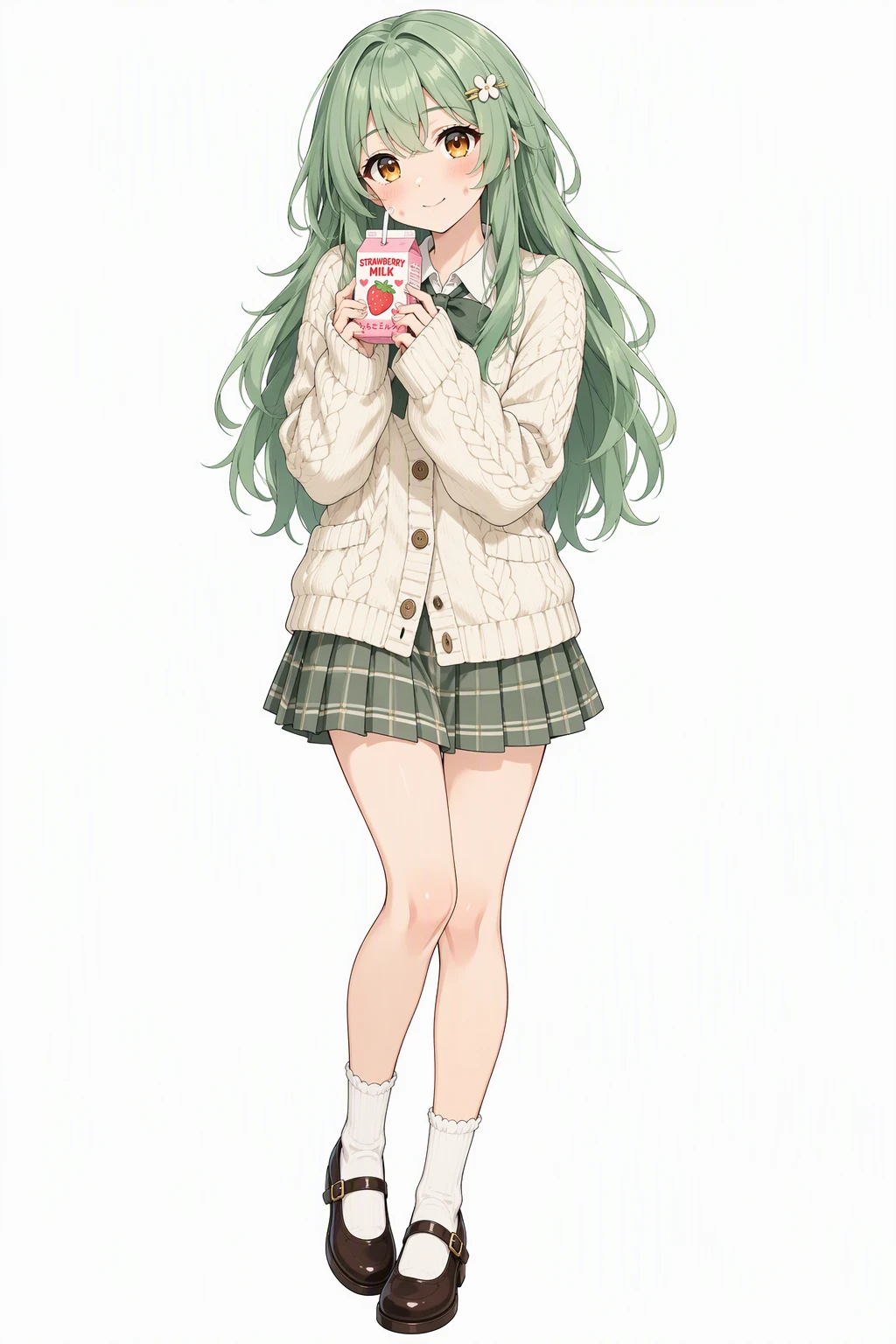
Every asset starts from the same reference image. Flip through what the product made from it.
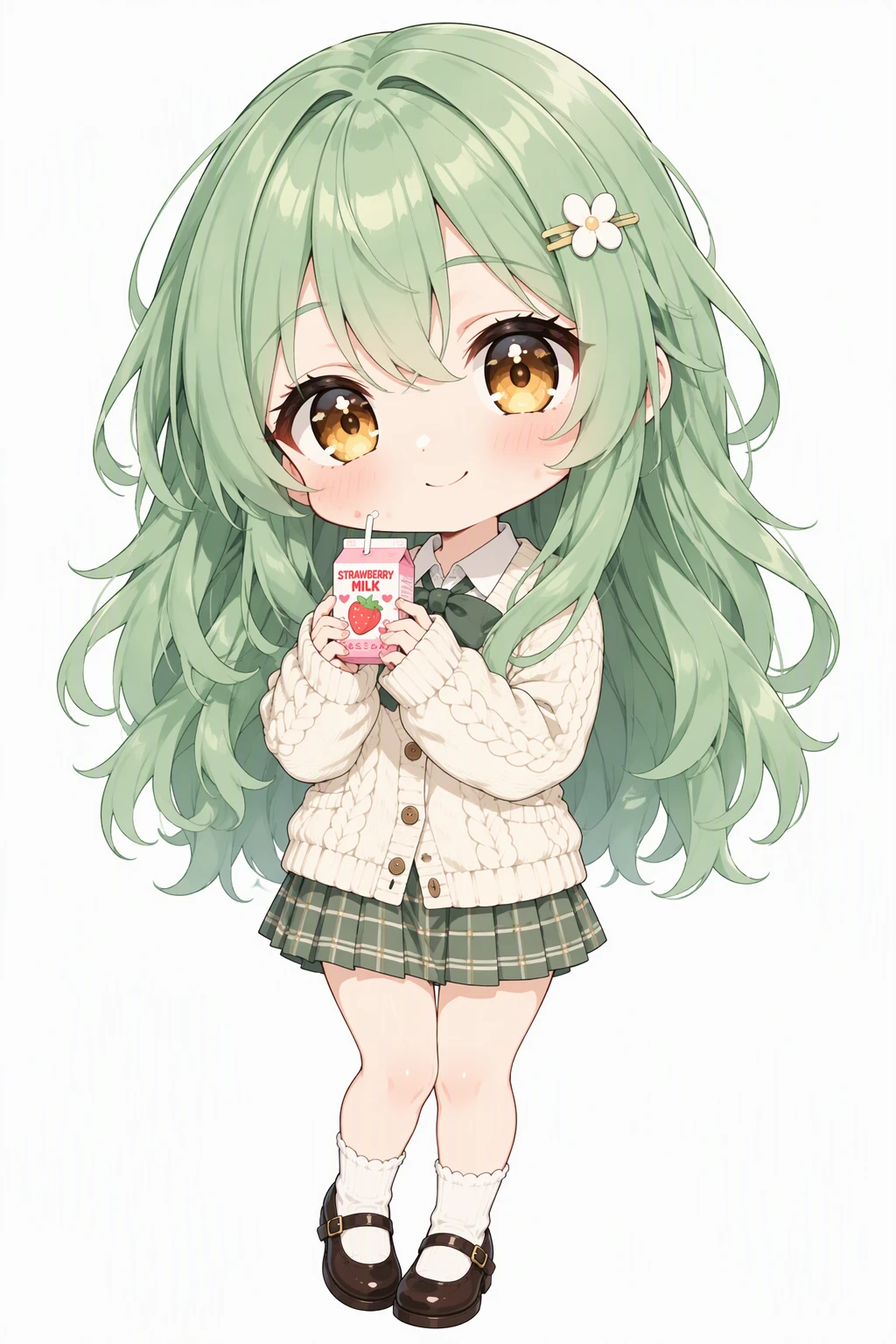 Chibi
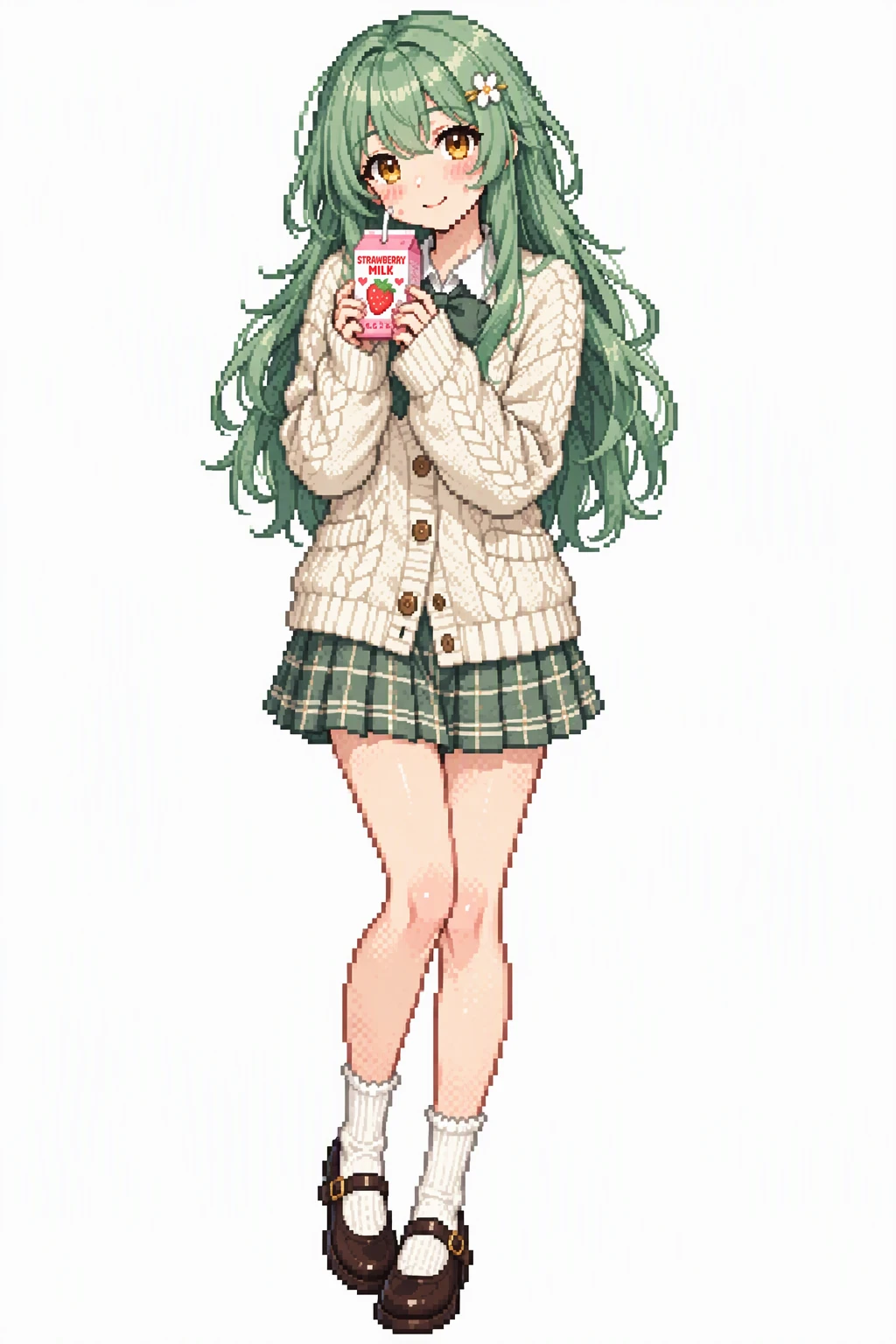 Pixel Art
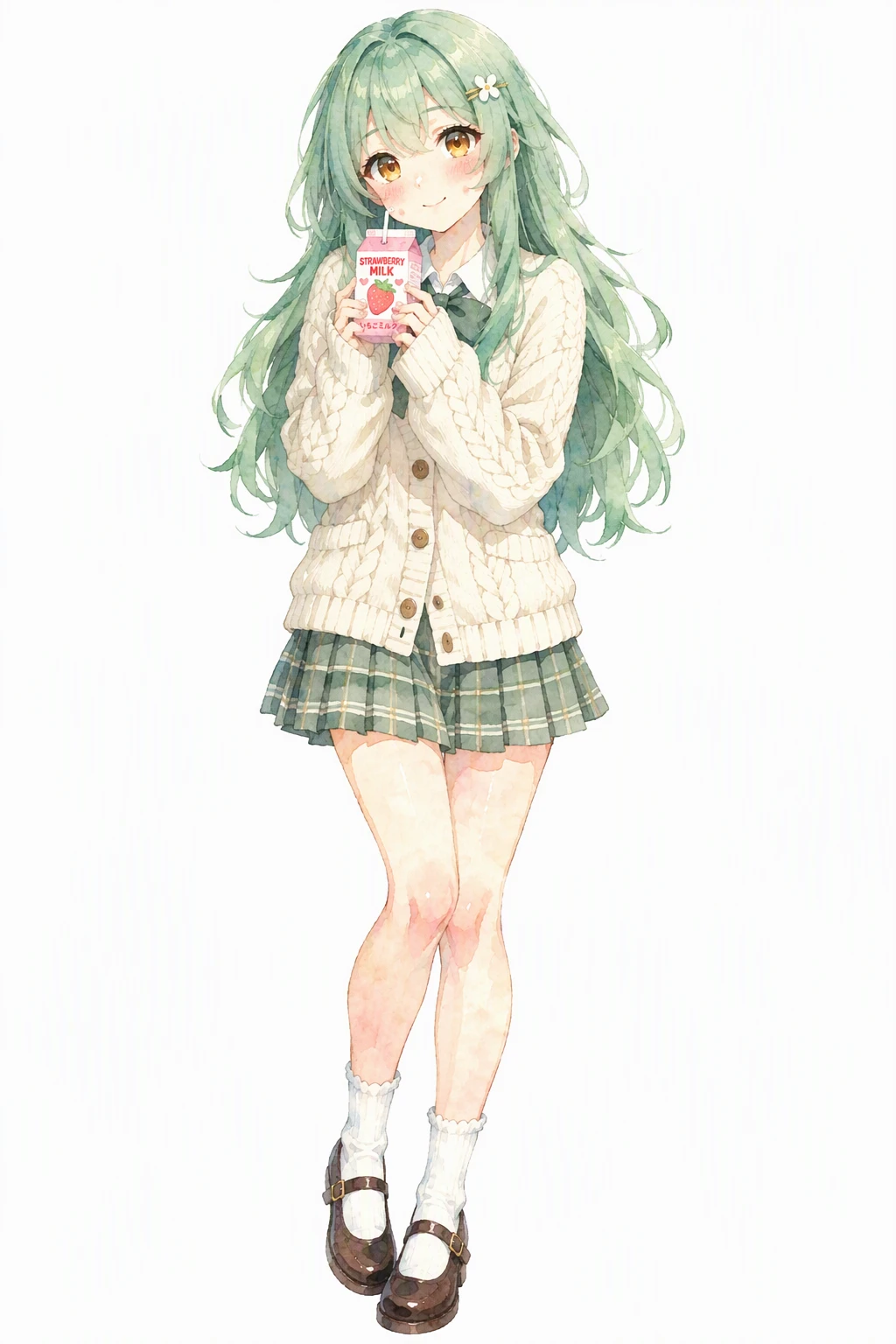 Watercolor
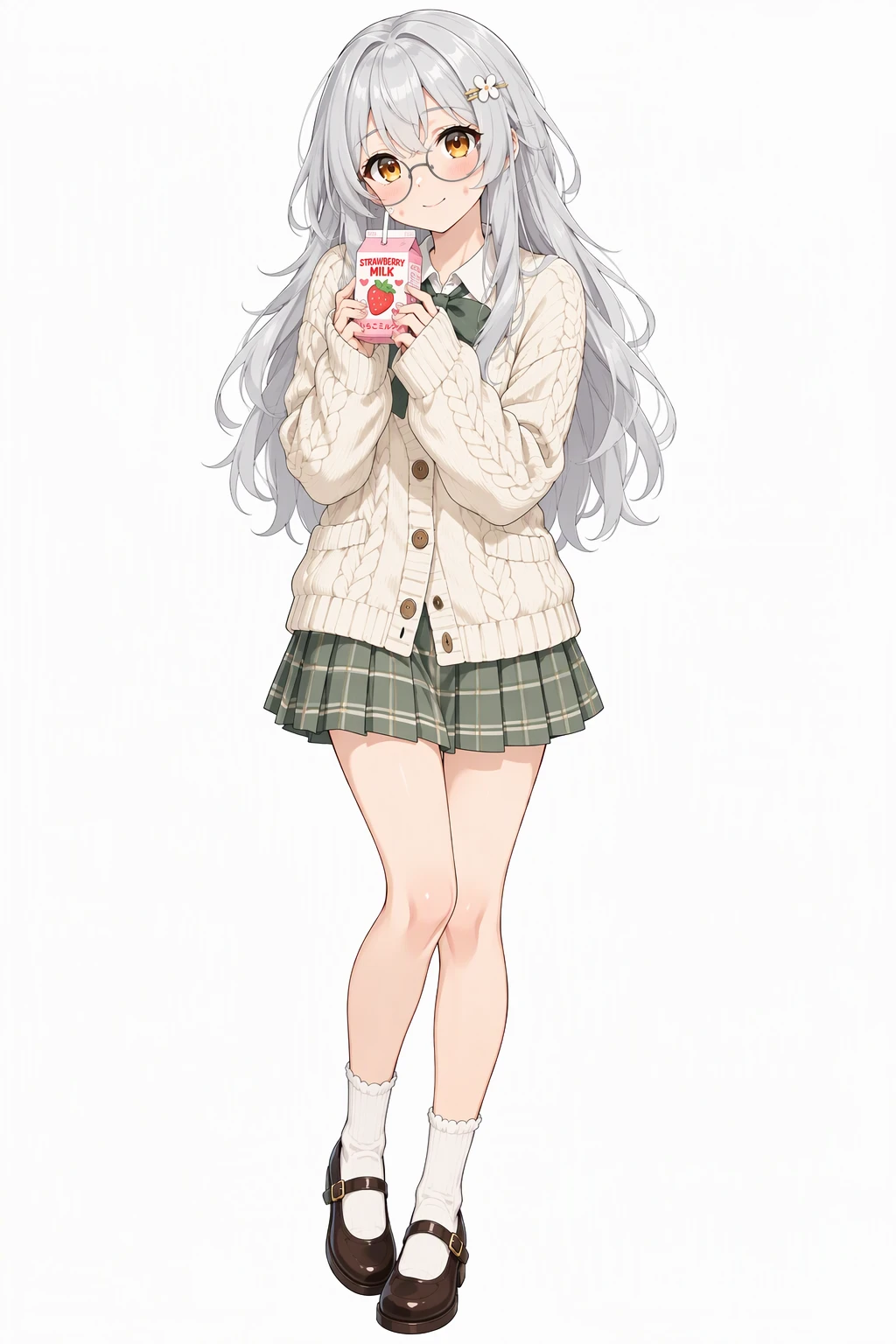 Make her hair silver and add round glasses
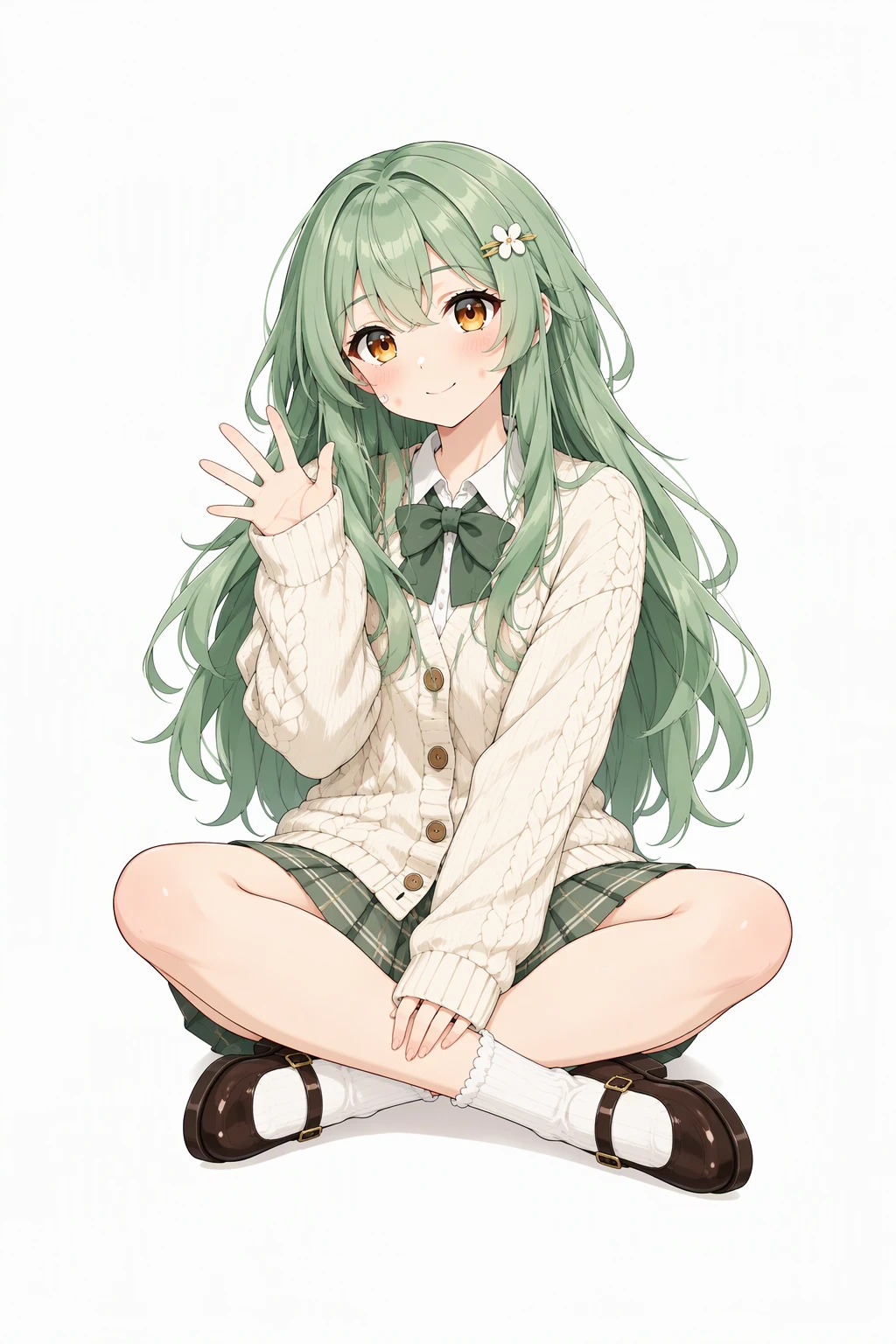 Sitting cross-legged on the floor, waving at the viewer
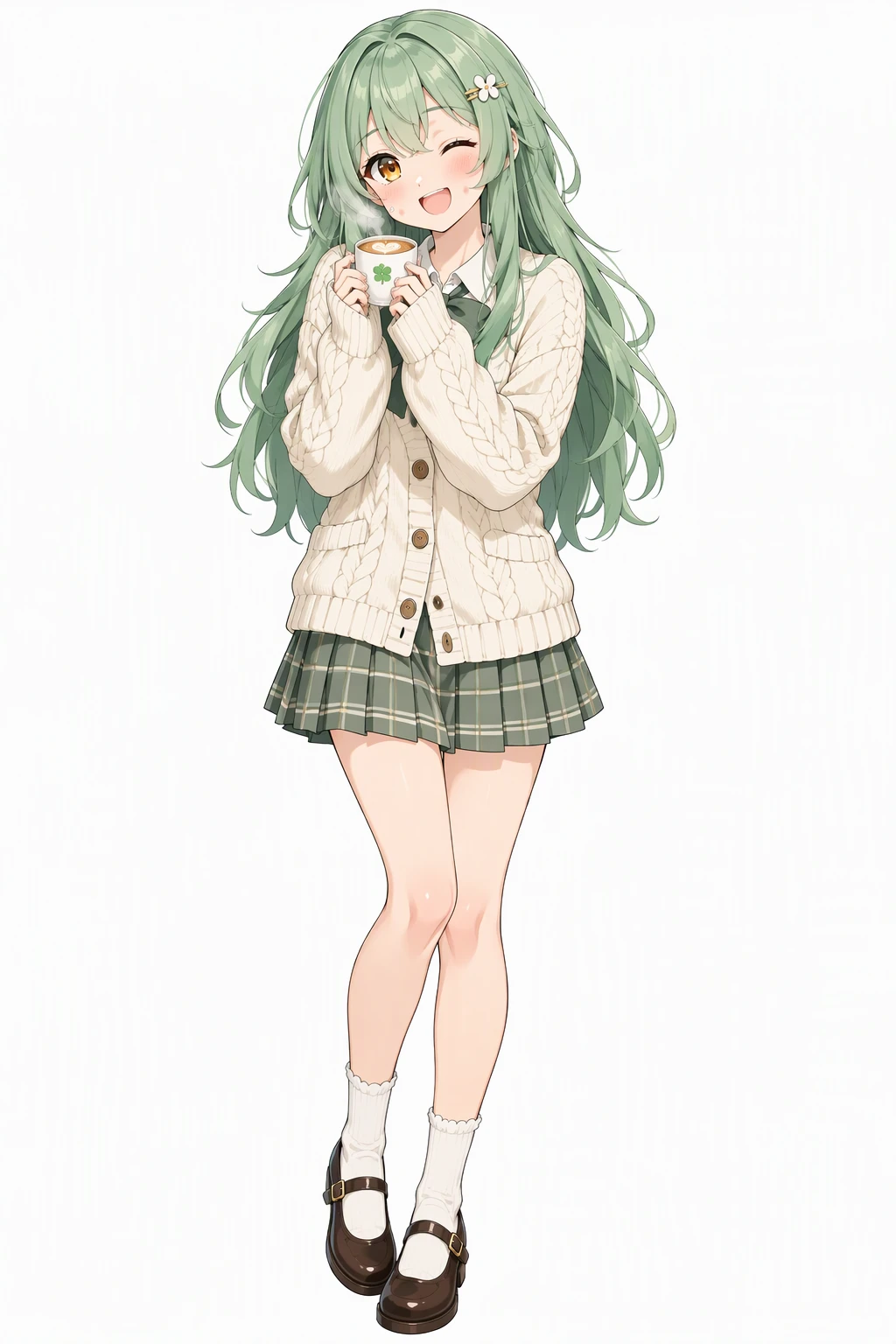 Winking with a big smile, holding a cup of coffee
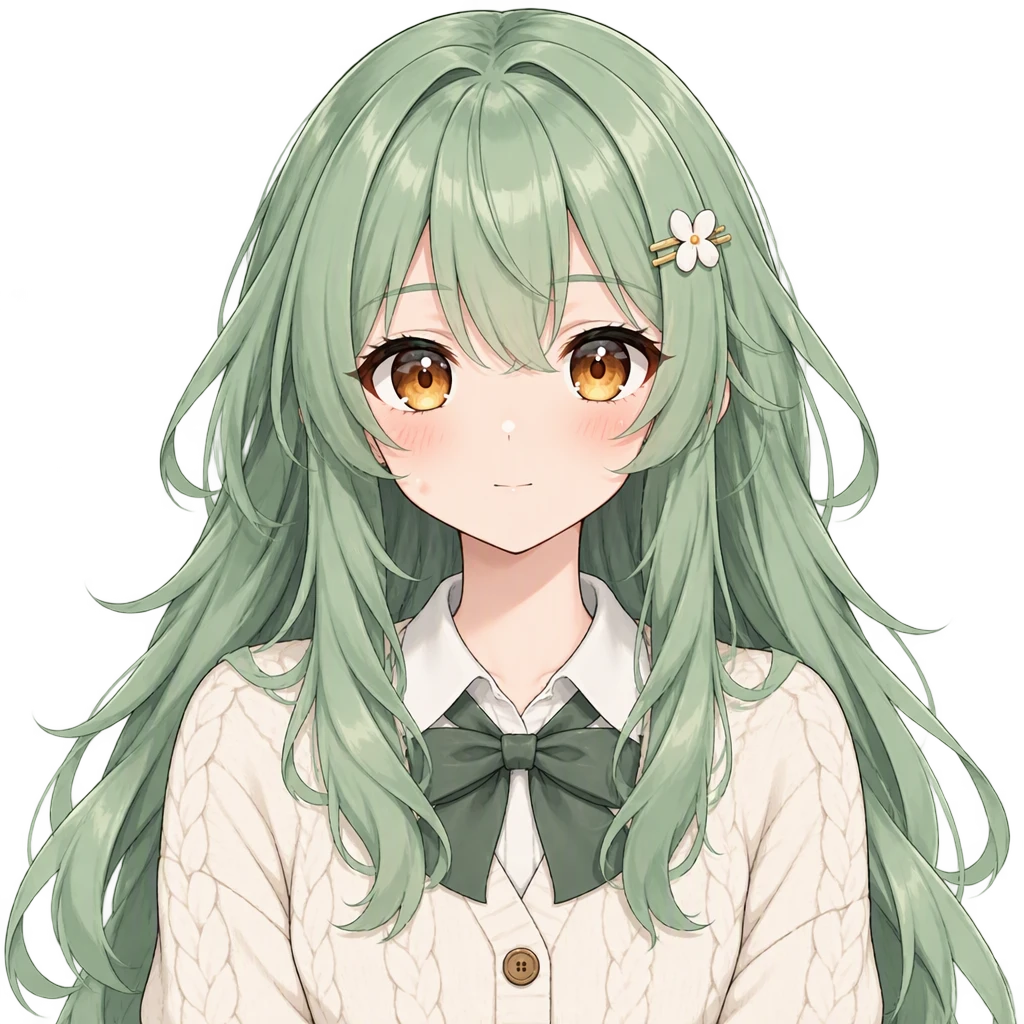
Click a state — the head doesn't move between them.
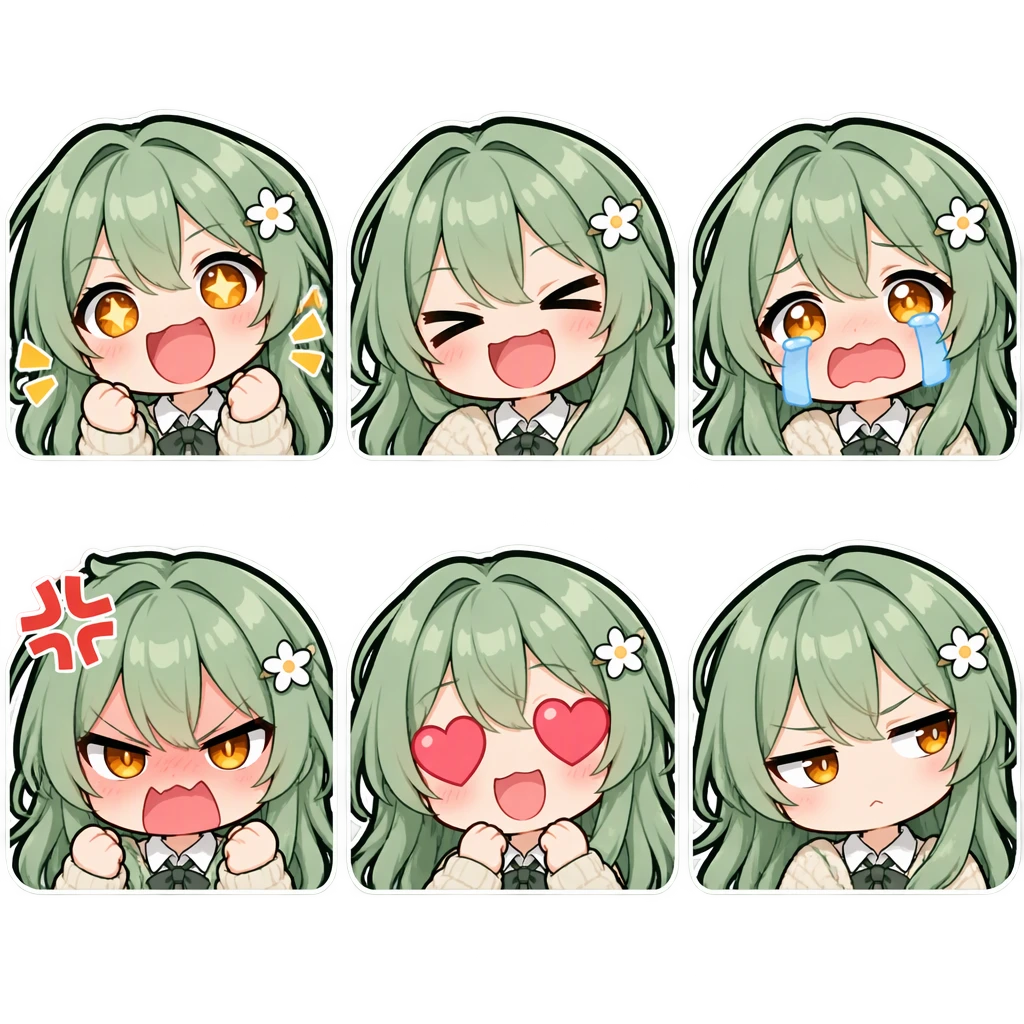
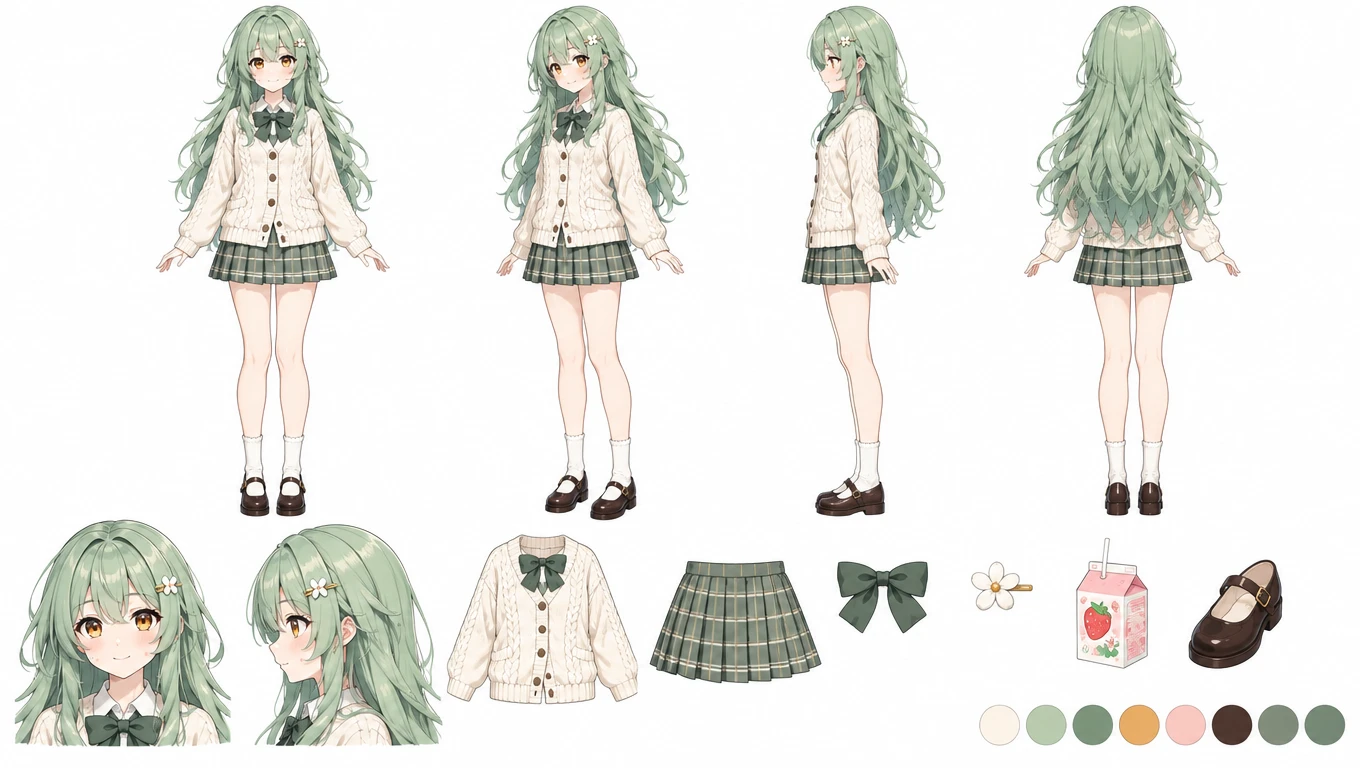
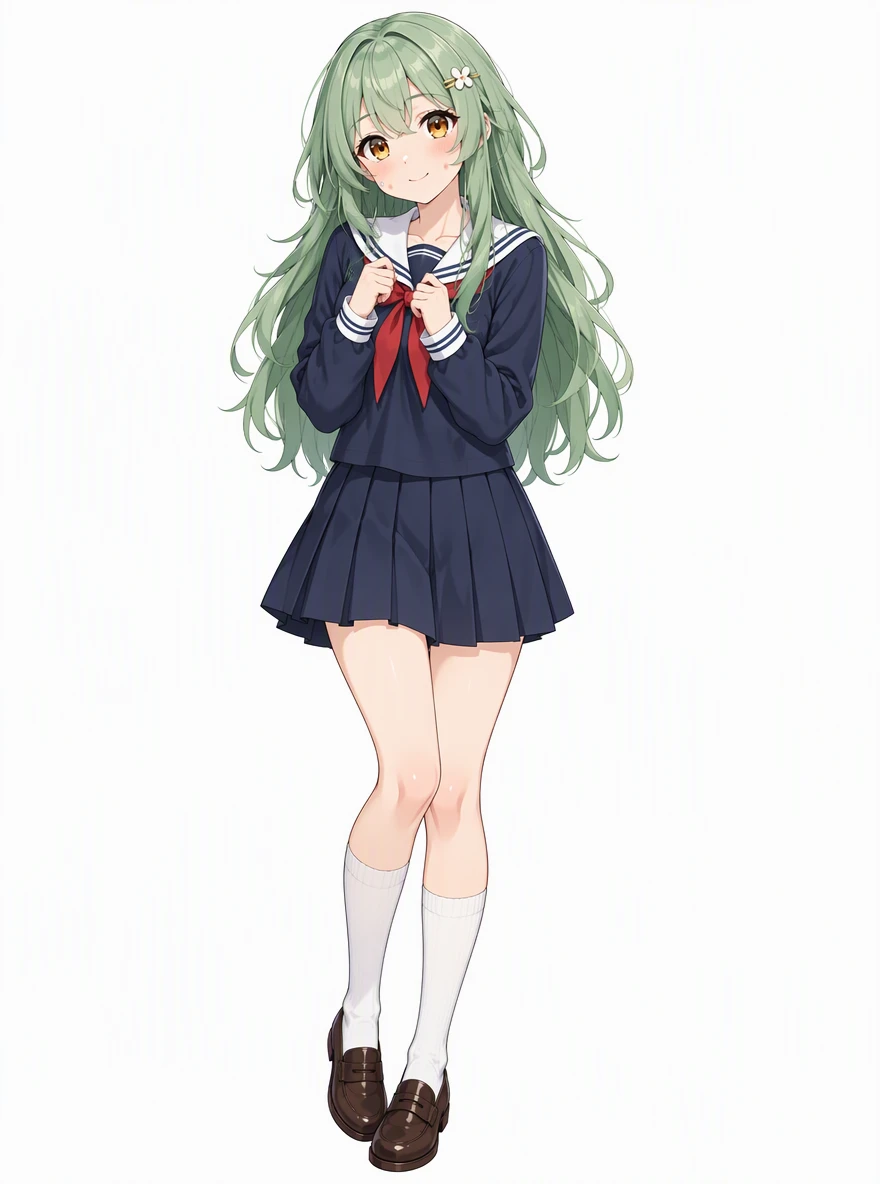
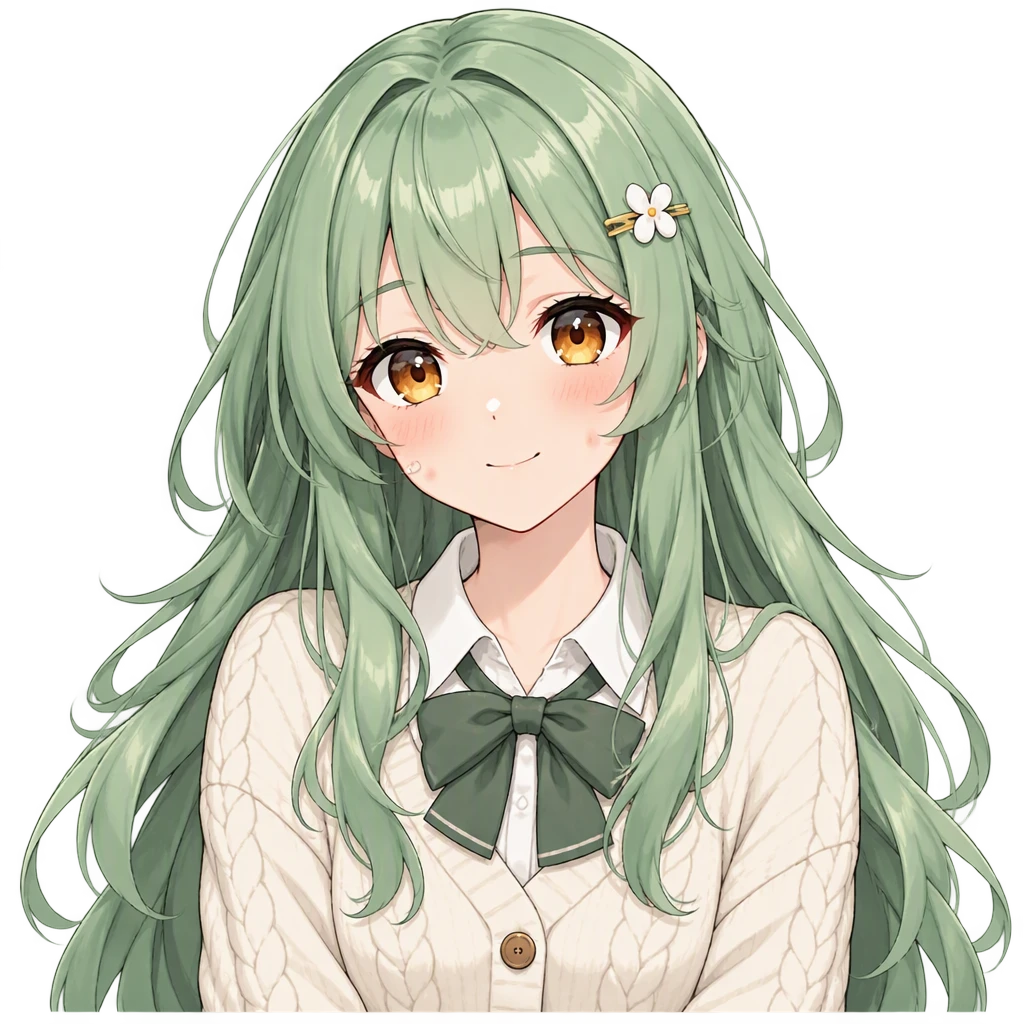
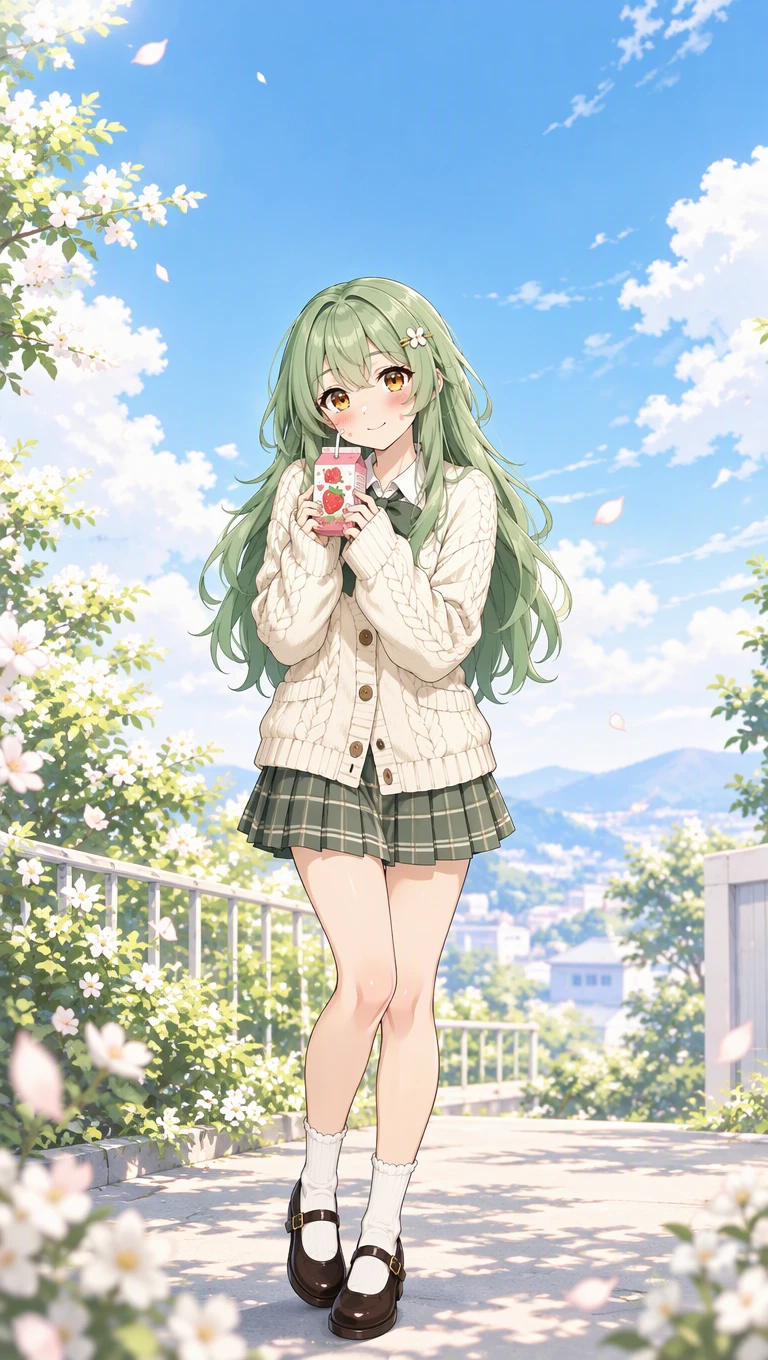
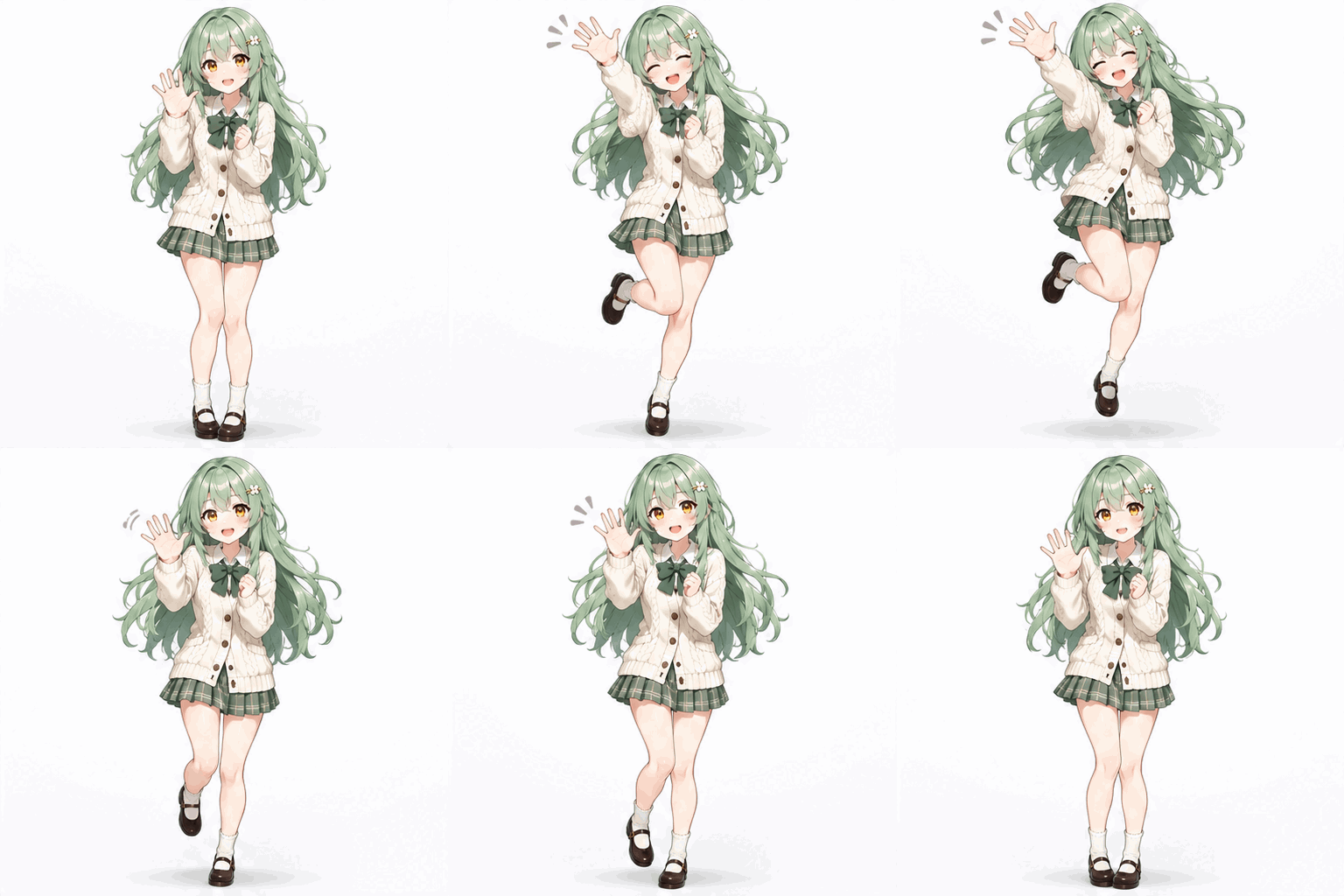
Character-Consistent Output
Upload a reference and the AI keeps hair color, outfit, and key traits intact across every art style you generate.
Seconds, Not Hours
Skip days of commission queues. Get full-color OC artwork in seconds — perfect for iterating on a design fast.
Many Art Styles in One Tool
Anime, cartoon, illustration, pixel, aesthetic — redraw the same character in any style, then build its library: stickers, a PNGtuber set, VTT tokens, wallpapers, a turnaround sheet, new outfits.
High-Resolution, No Watermark
Download crisp artwork ready for portfolios, profile pictures, stickers, prints, or commercial projects (Pro).
More ways to make your OC
OC asset makers: stickers, emotes, PNGtuber and more
An AI maker for each asset, drawn from your own character — tokens, PNGtuber frames, emotes, stickers, chibis and turnaround sheets.
- Chibi MakerYour character as a chibi
- OC EditorChange one detail of your character
- Discord Sticker MakerFree 320×320 converter
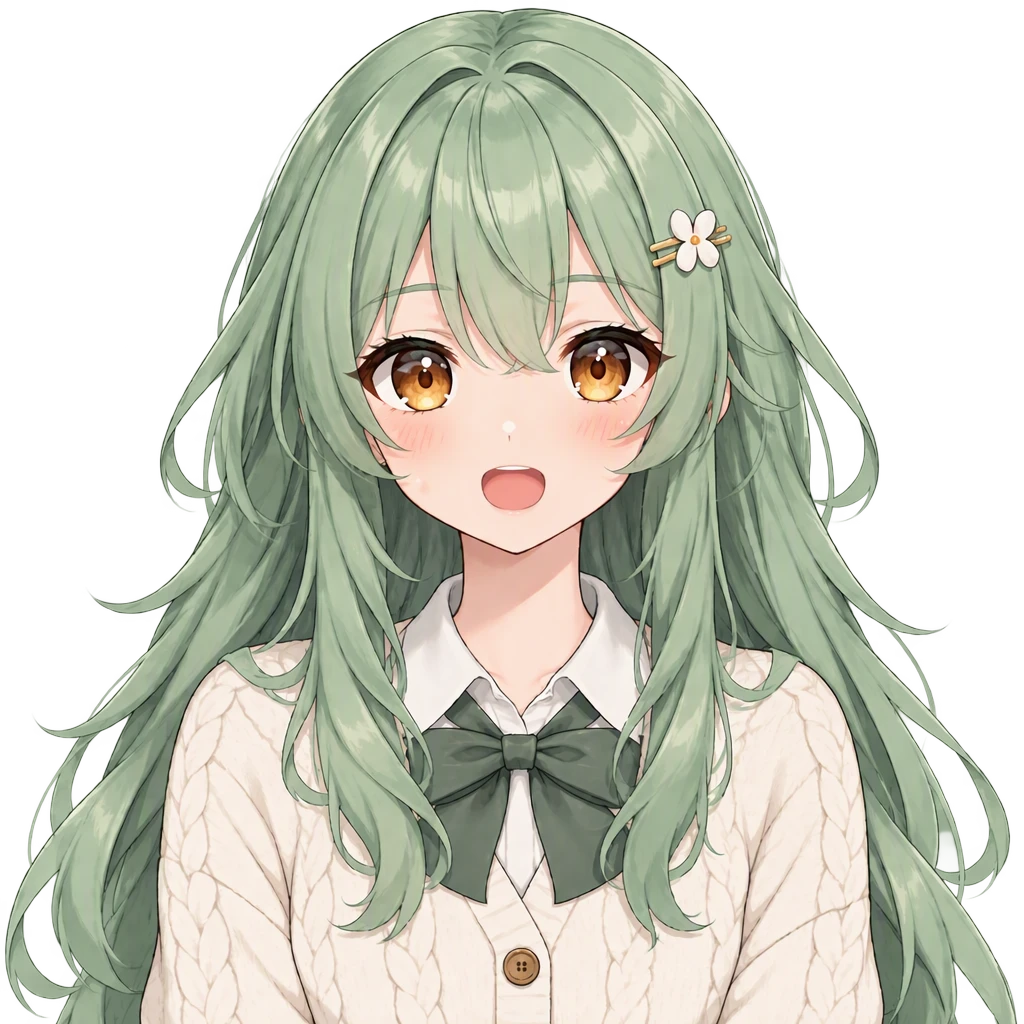
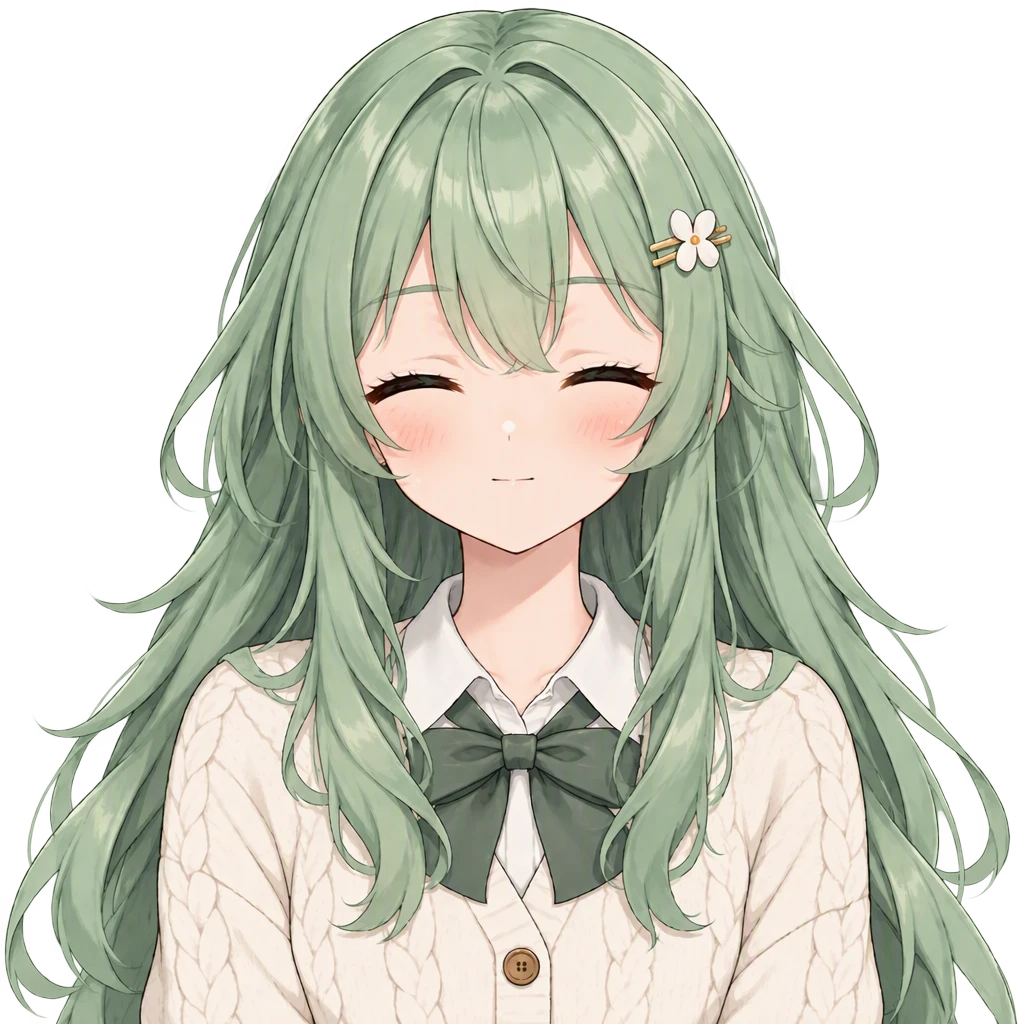
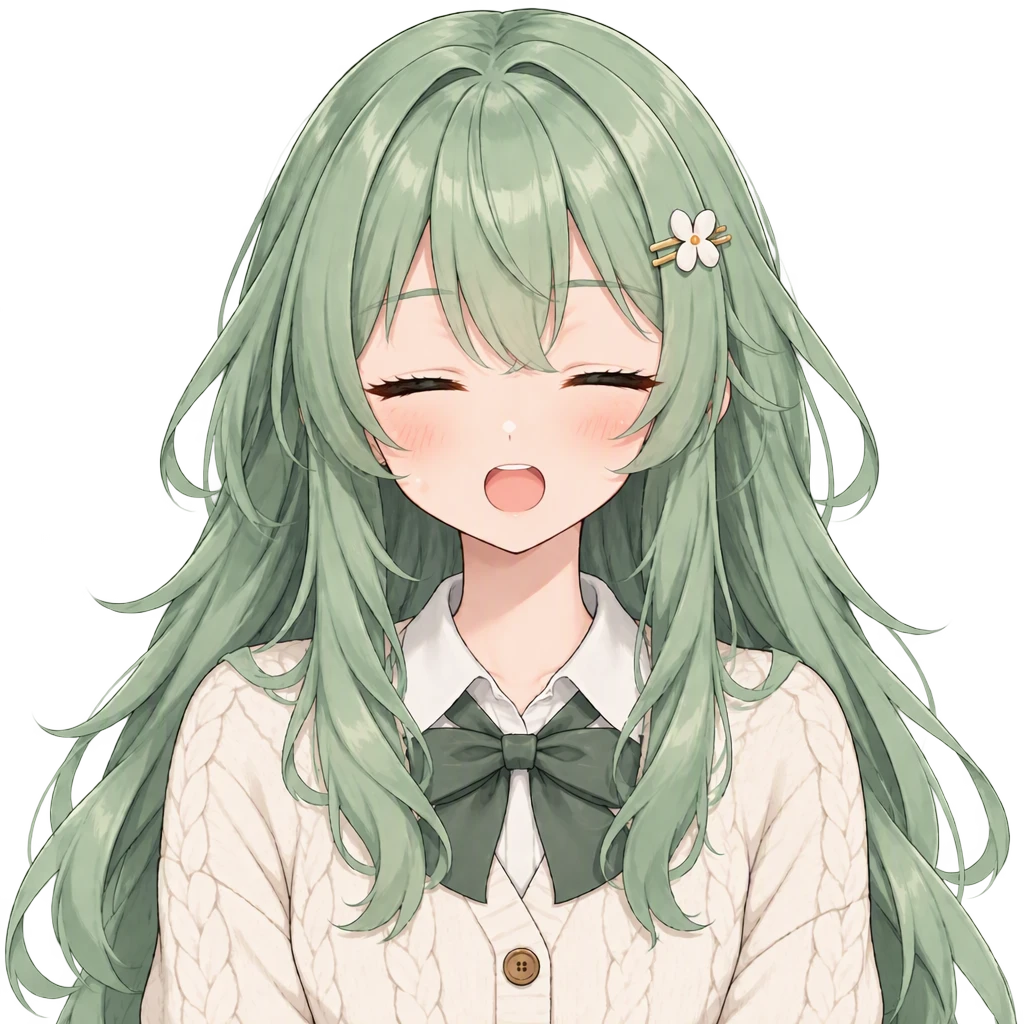 PNGtuber Maker4 frames · talking + blinking
- Twitch Emote MakerFree resizer · 112/56/28 px
- Character Turnaround GeneratorFront, side & back sheet
- OC Outfit GeneratorYour character in a new outfit
- DnD Token MakerFree crop · Roll20, Foundry
- OC Wallpaper MakerYour character as a phone wallpaper
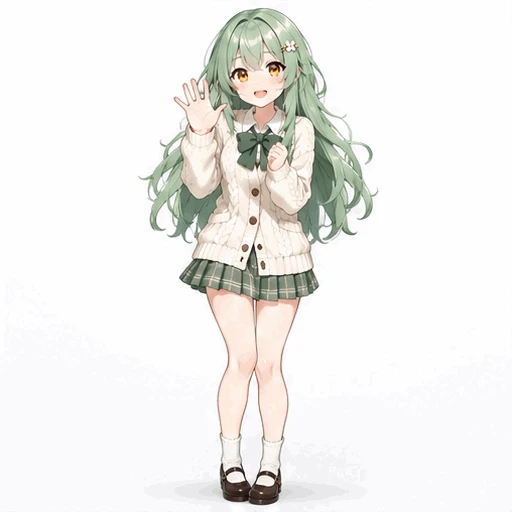 OC GIF MakerYour character as a looping GIF
Fandom OC makers
Fandom-tuned makers with ready-to-edit prompts. Every OC you start here gets the same library — stickers, PNGtuber sets and more.
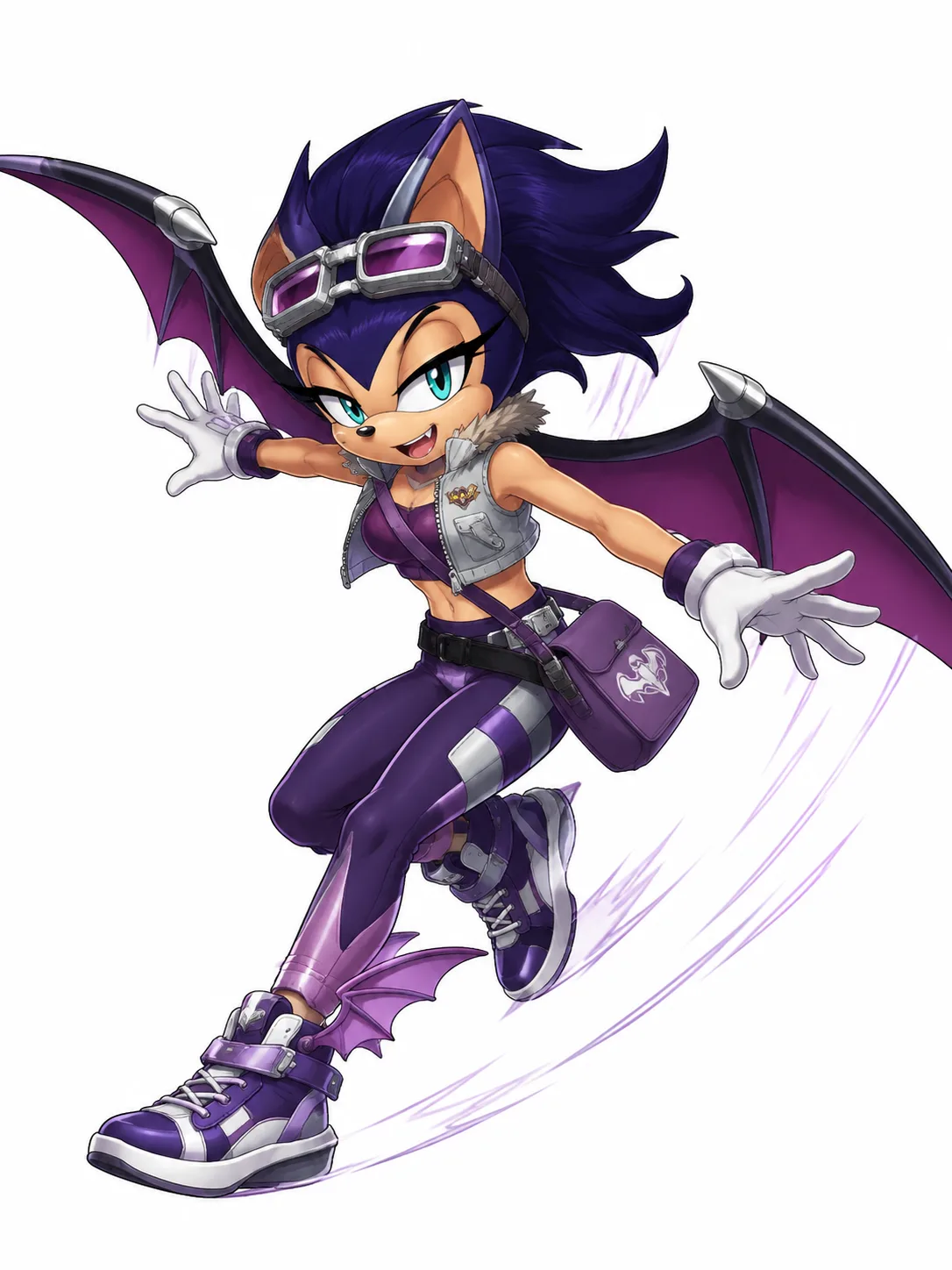
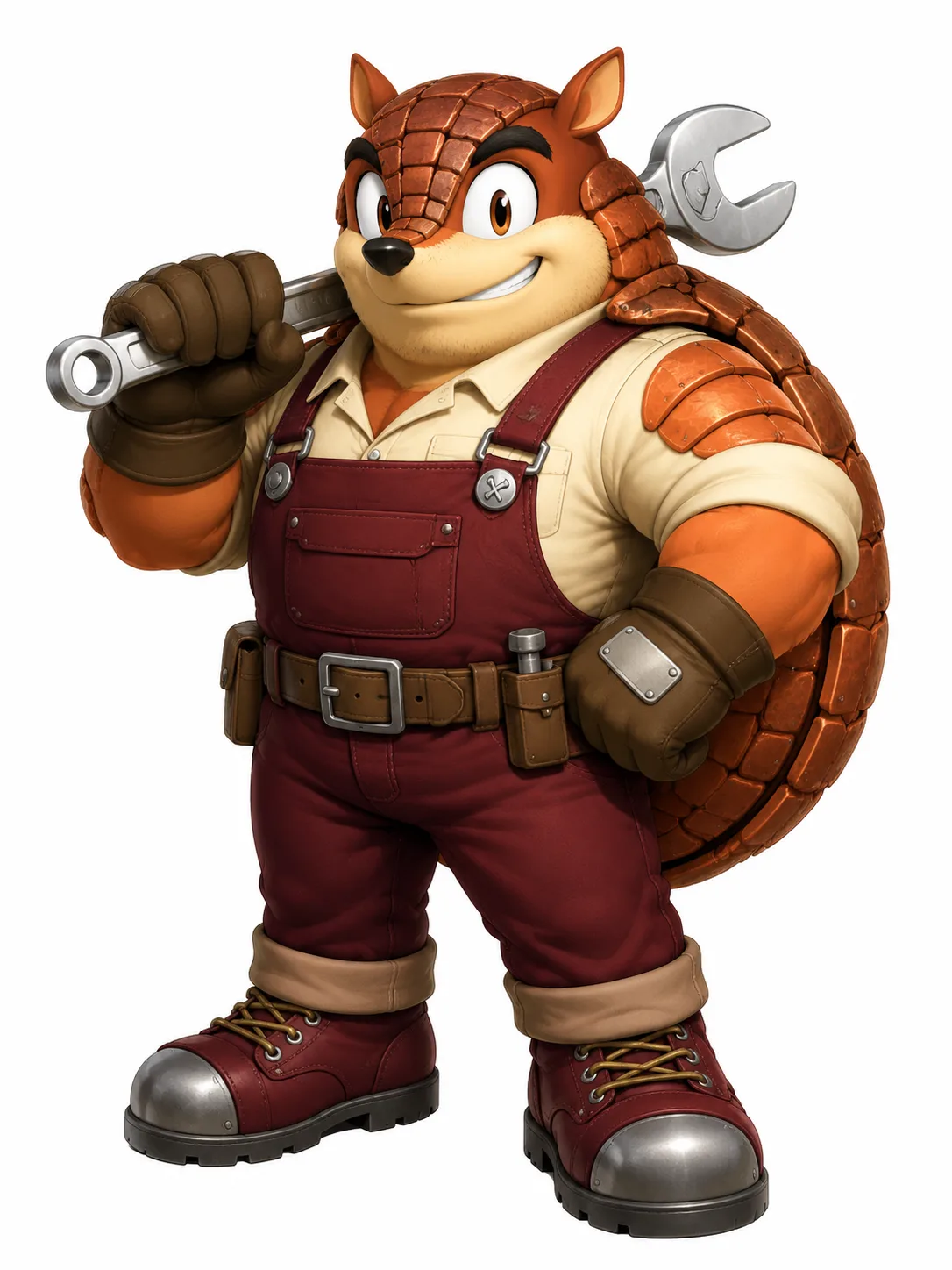
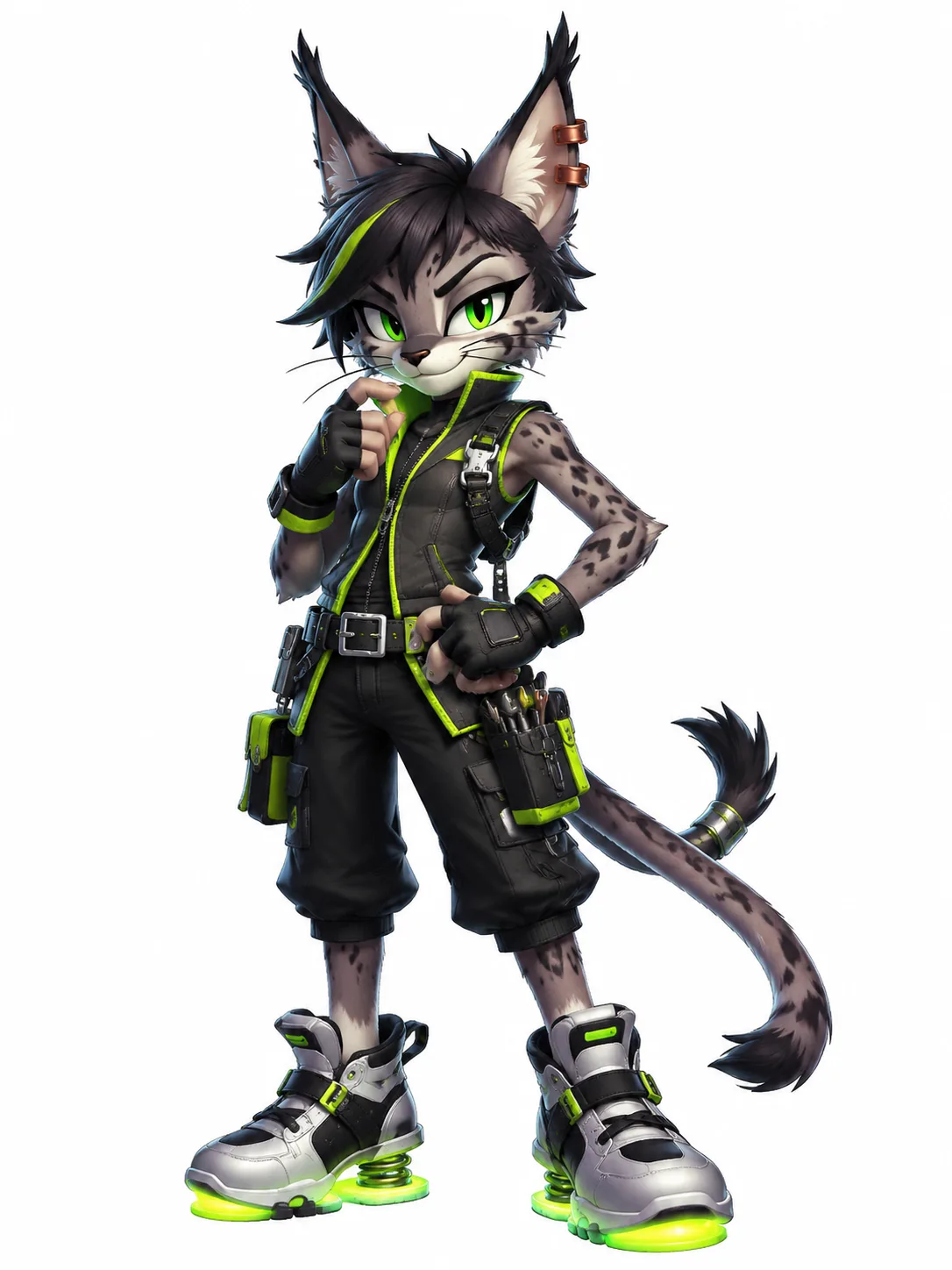
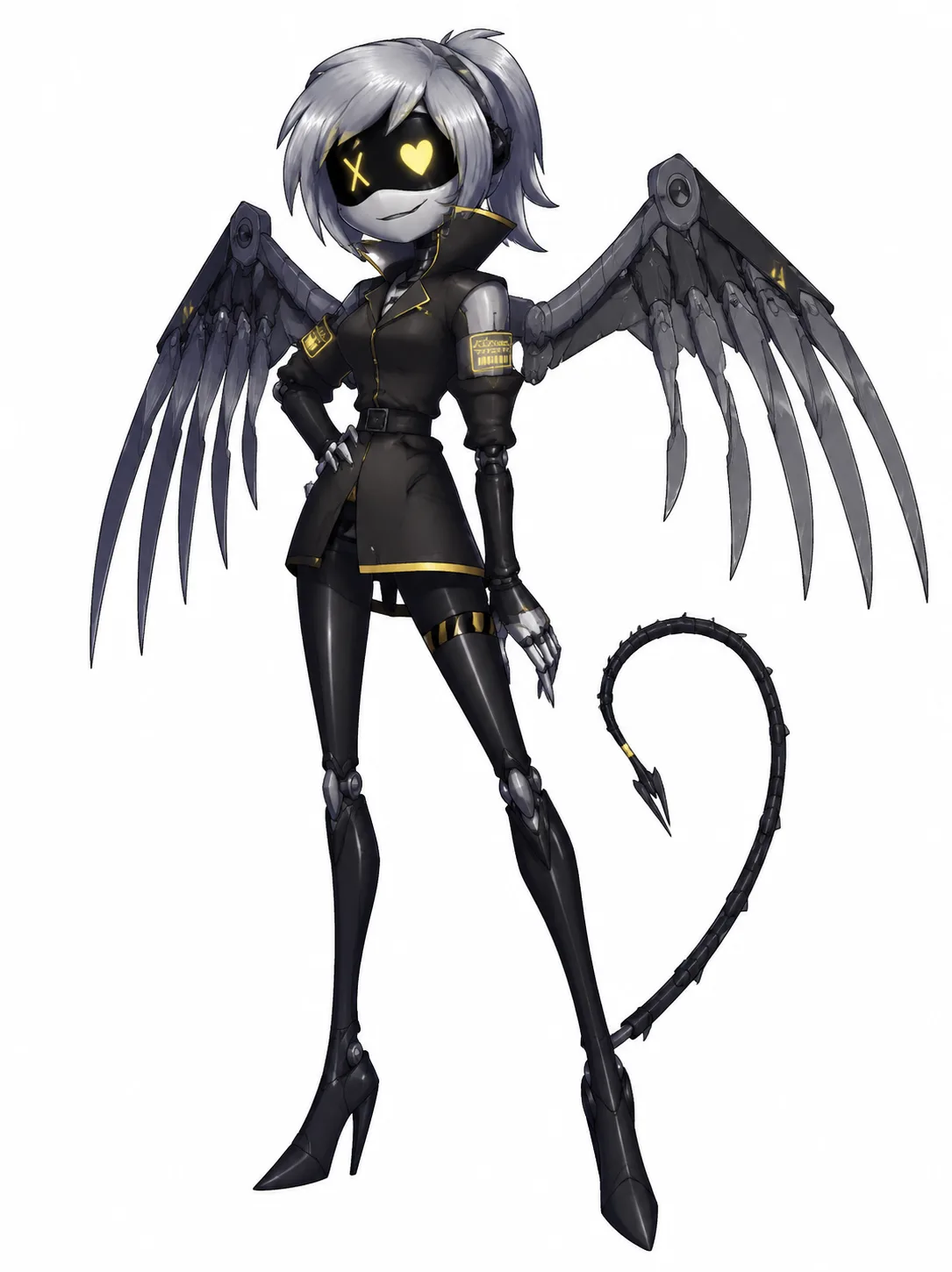
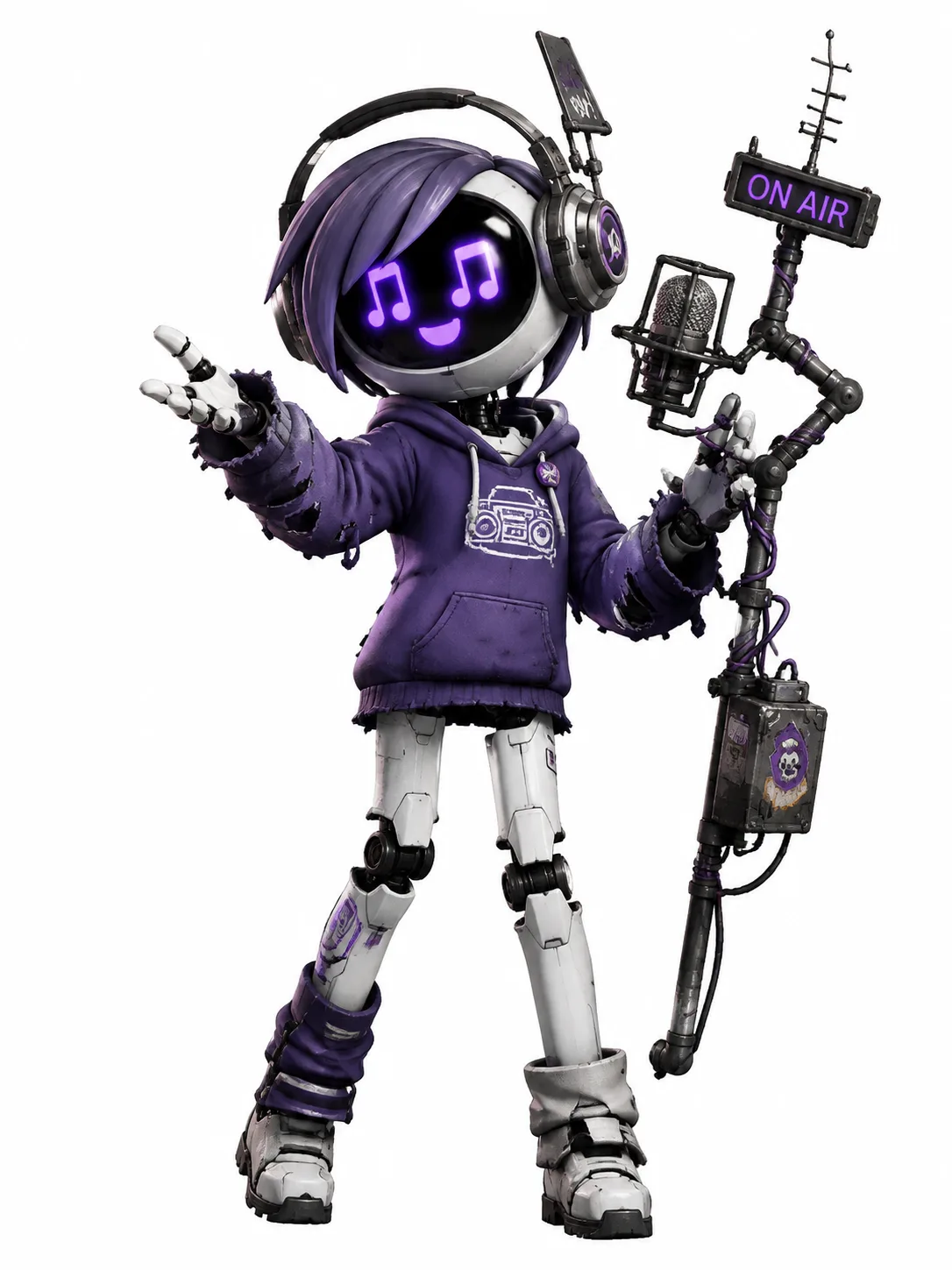
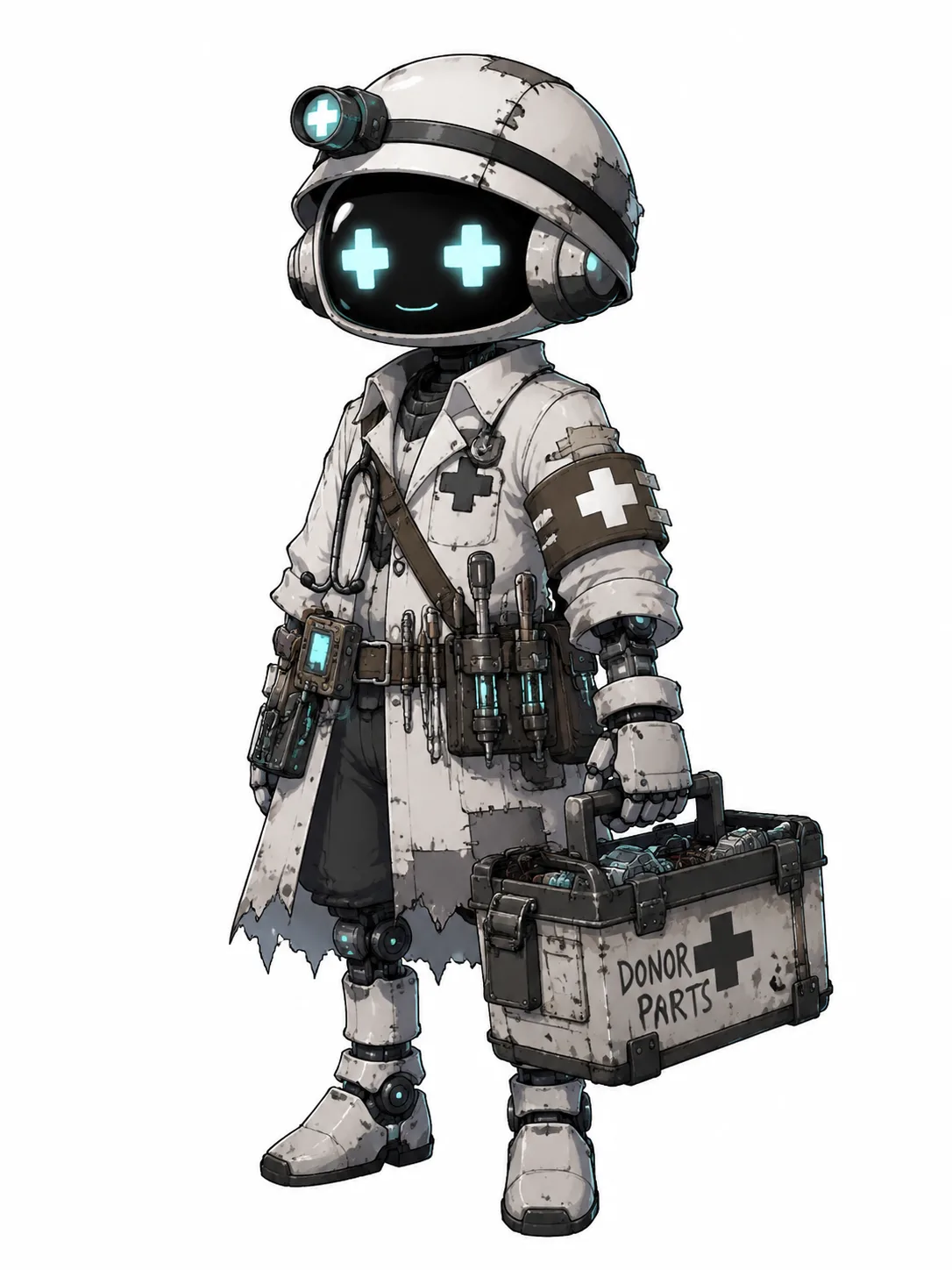
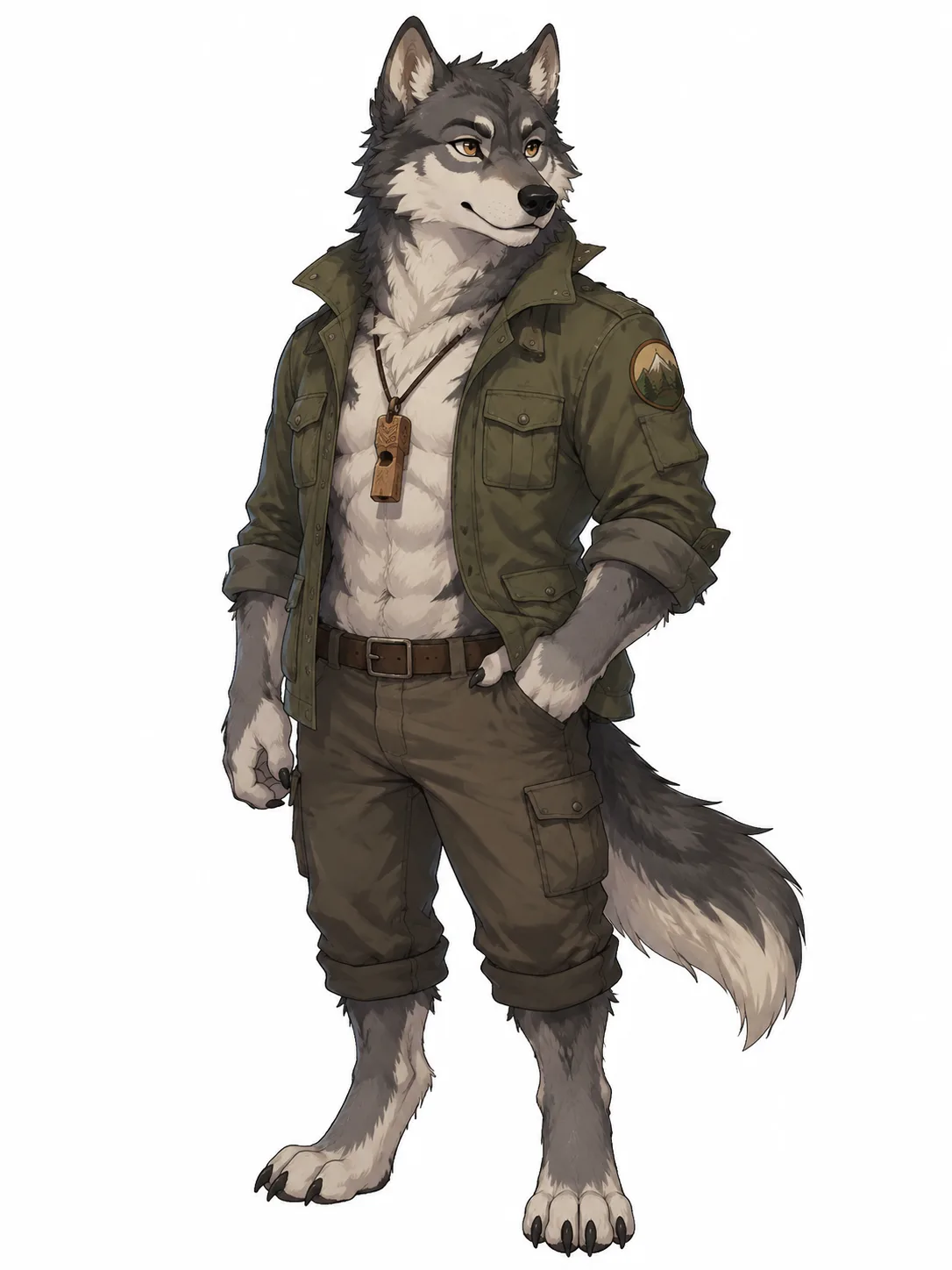
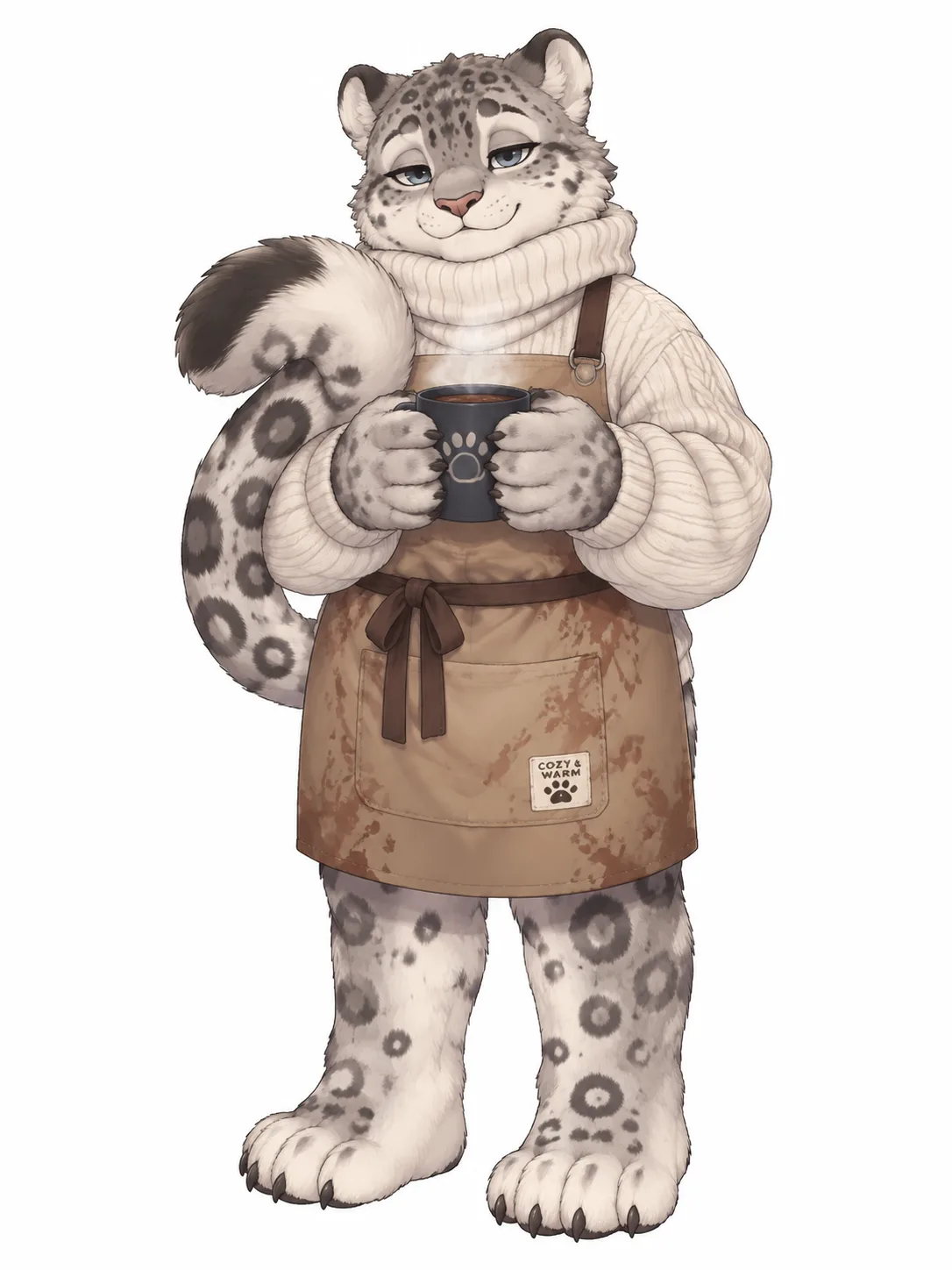
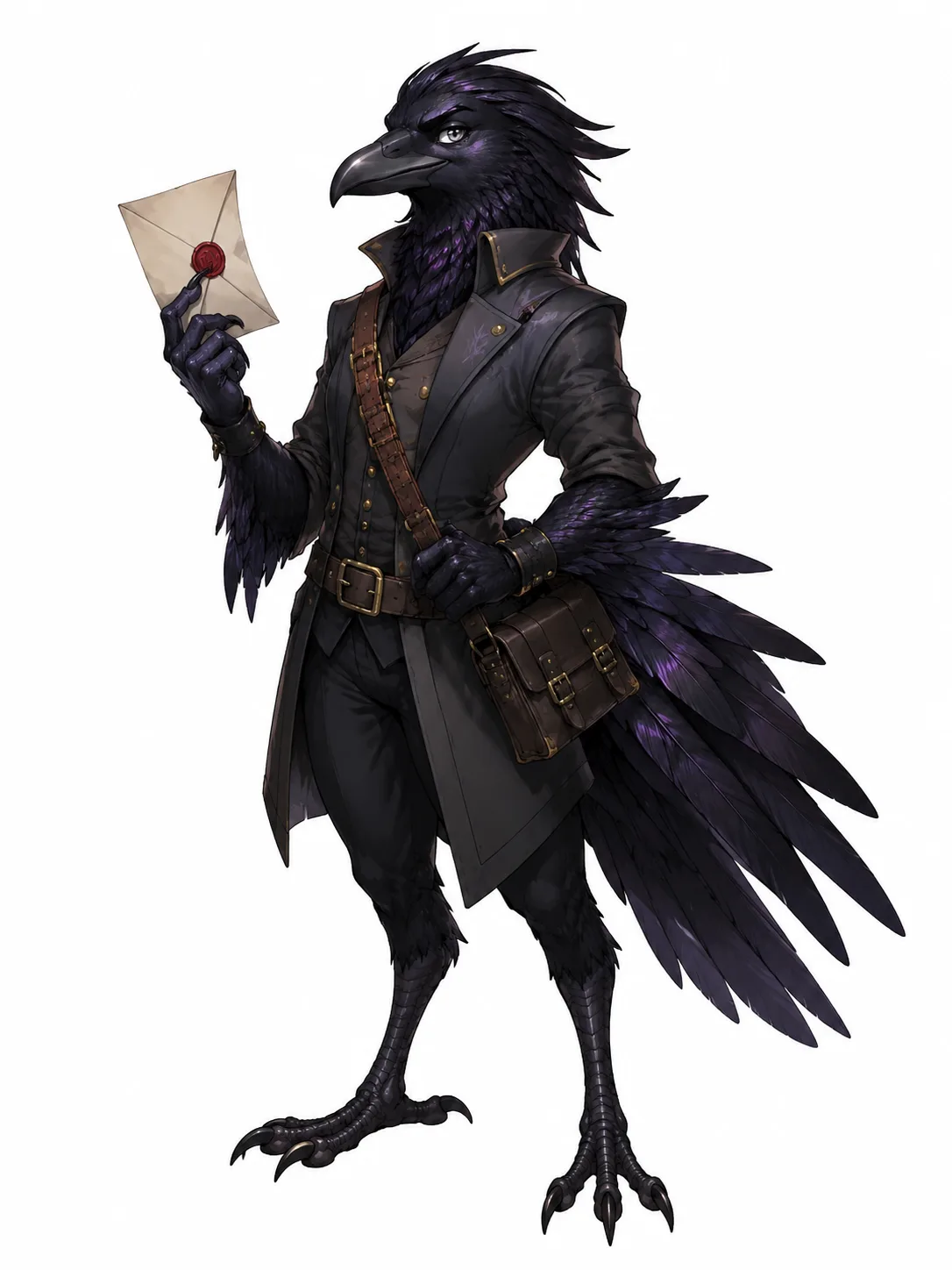
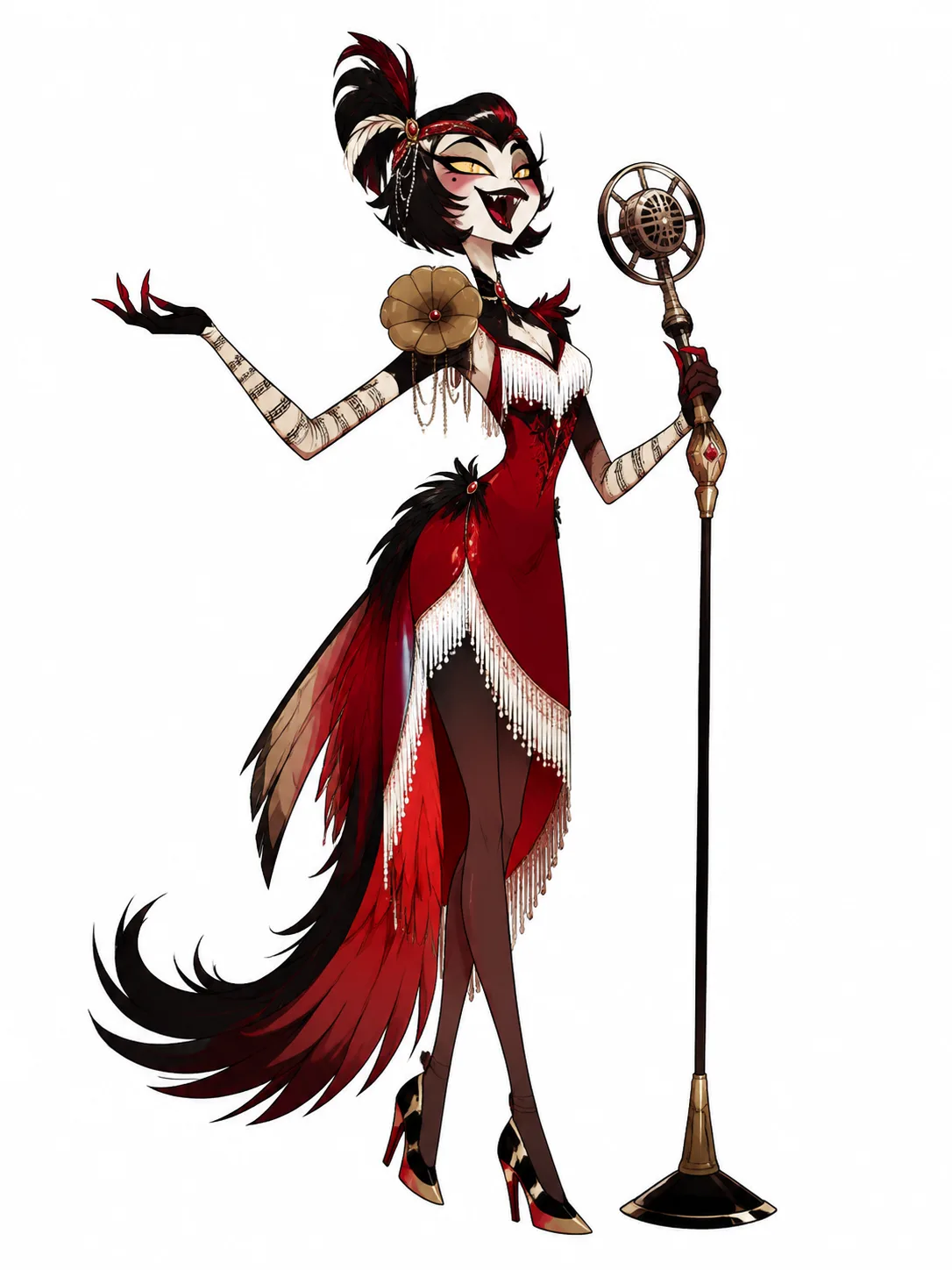
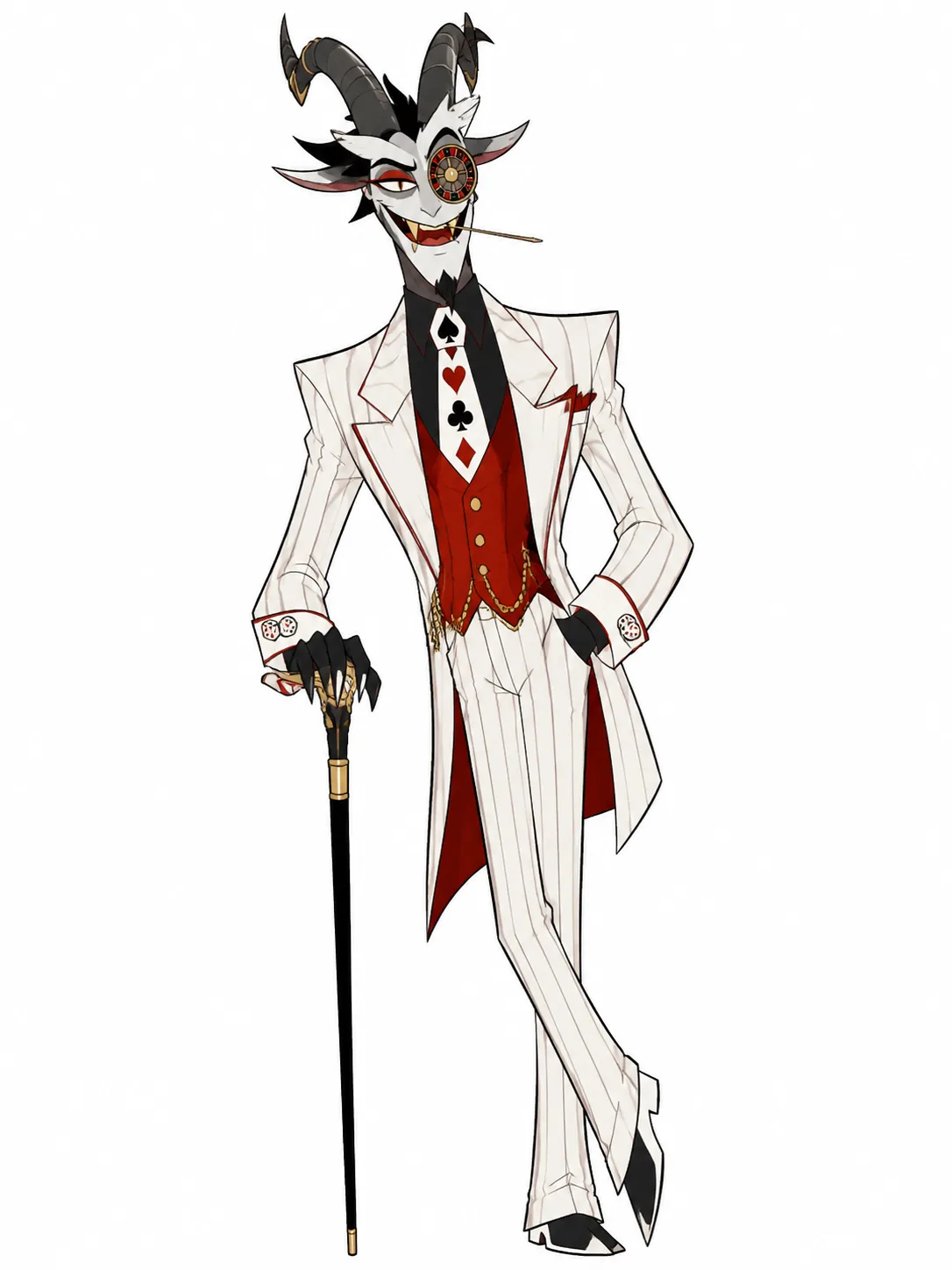
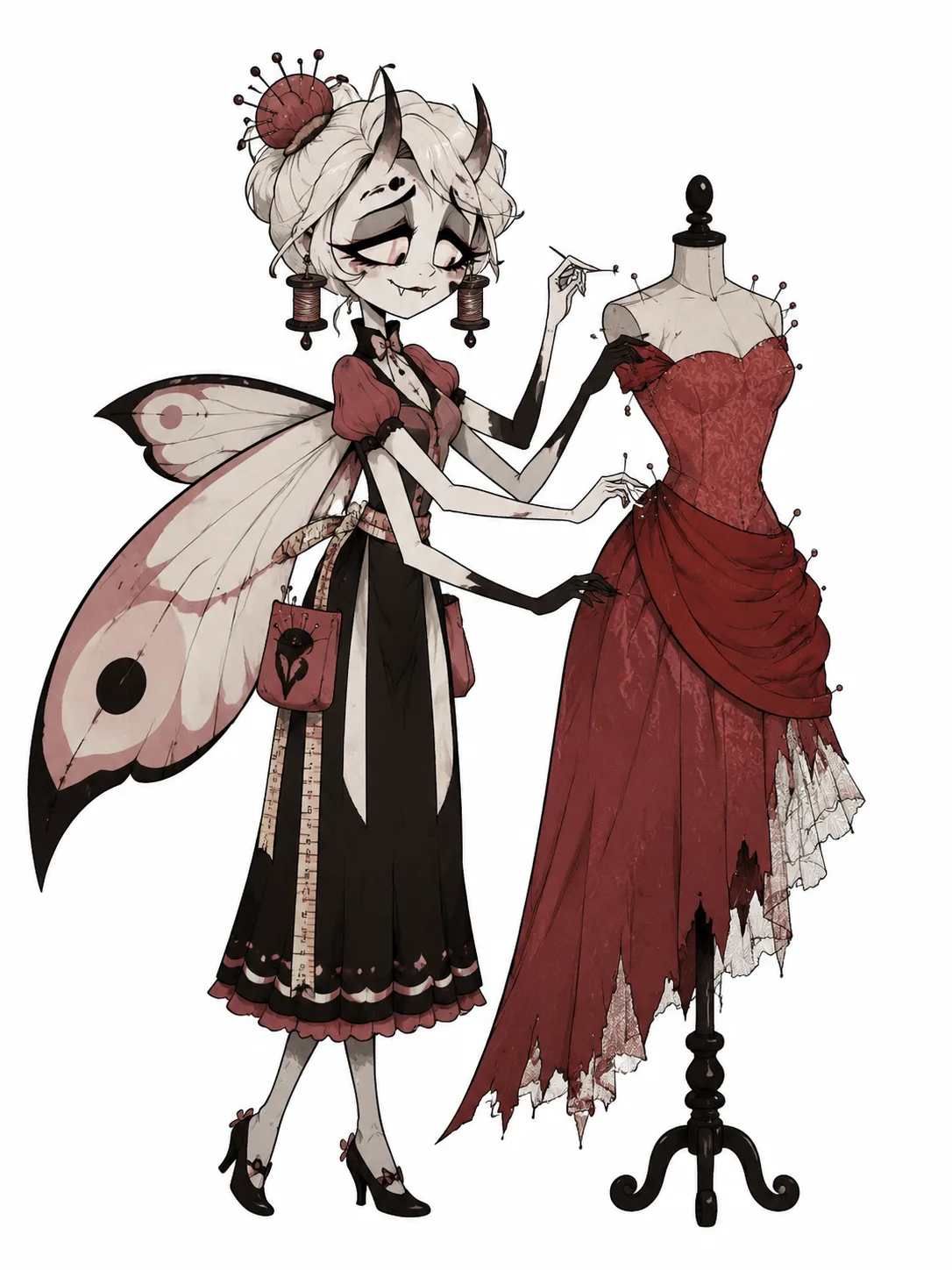
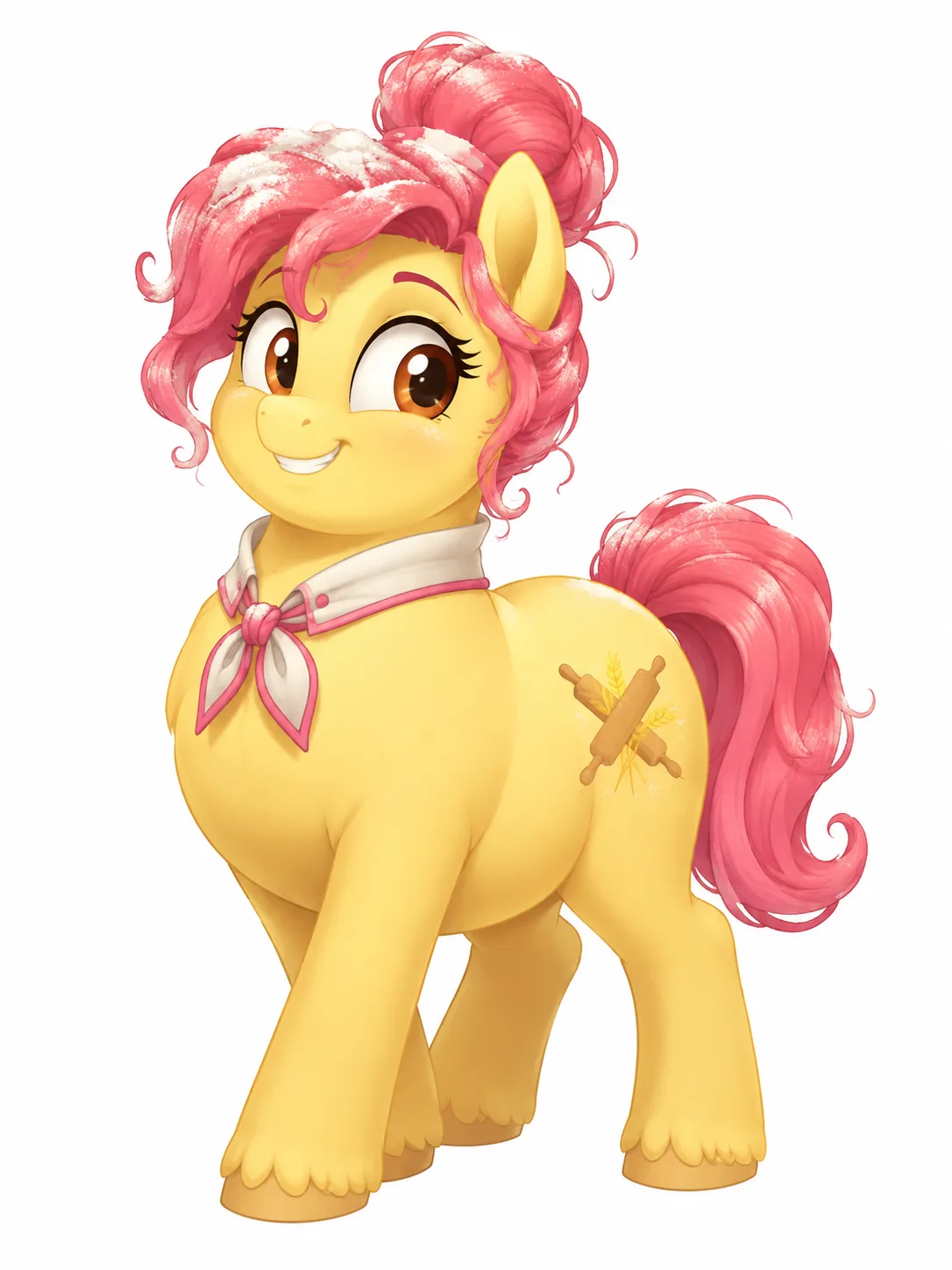
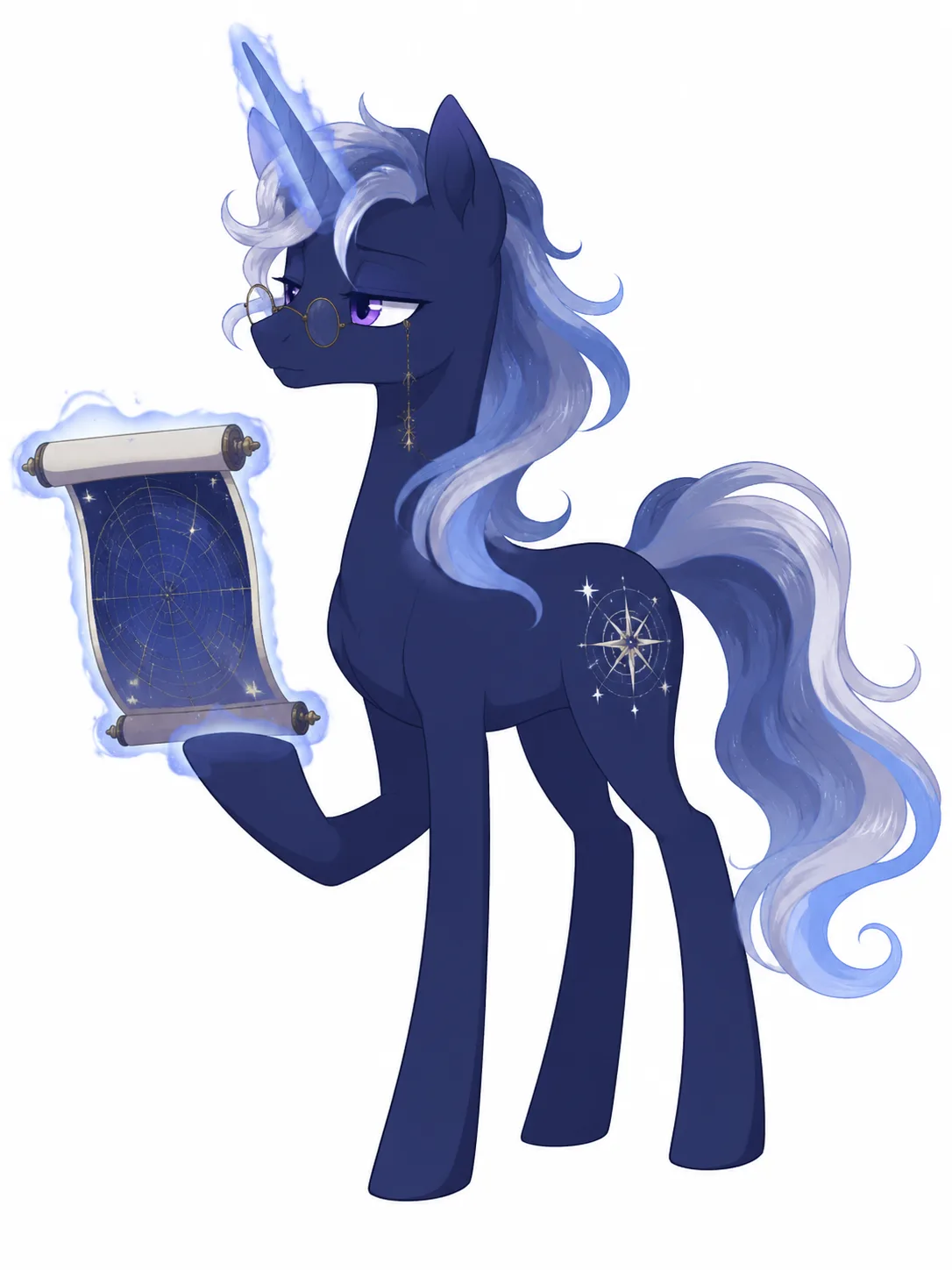
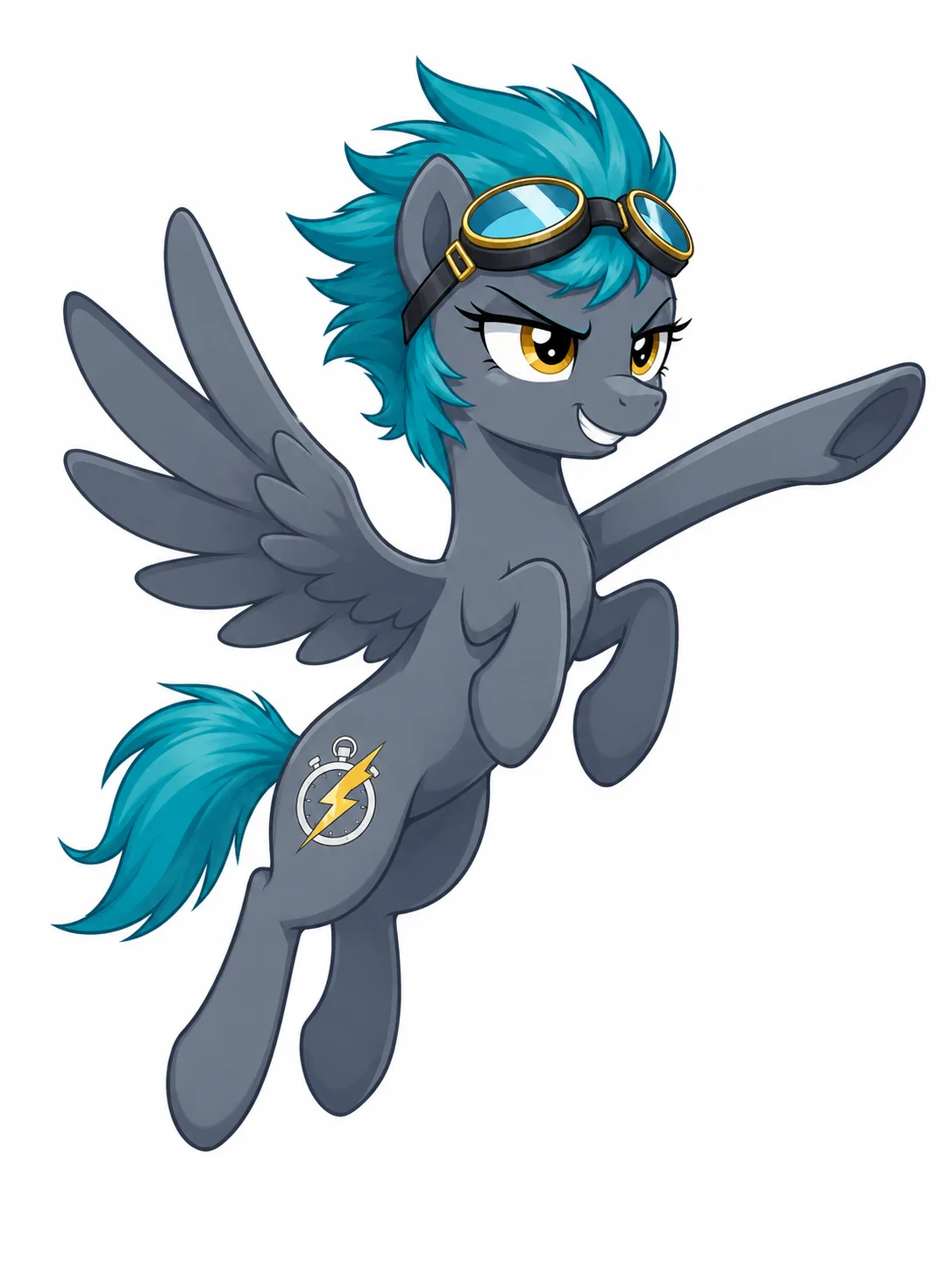
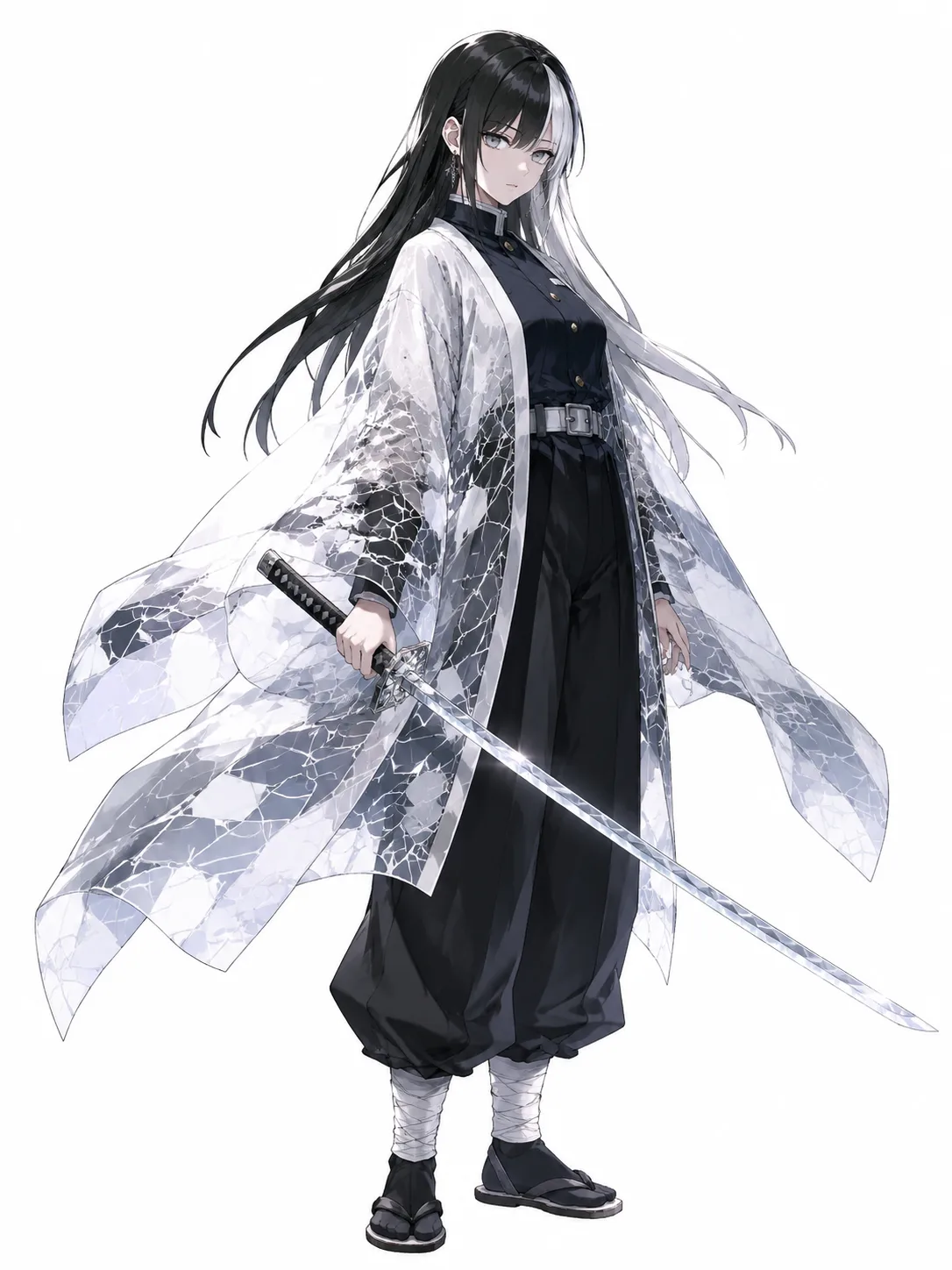
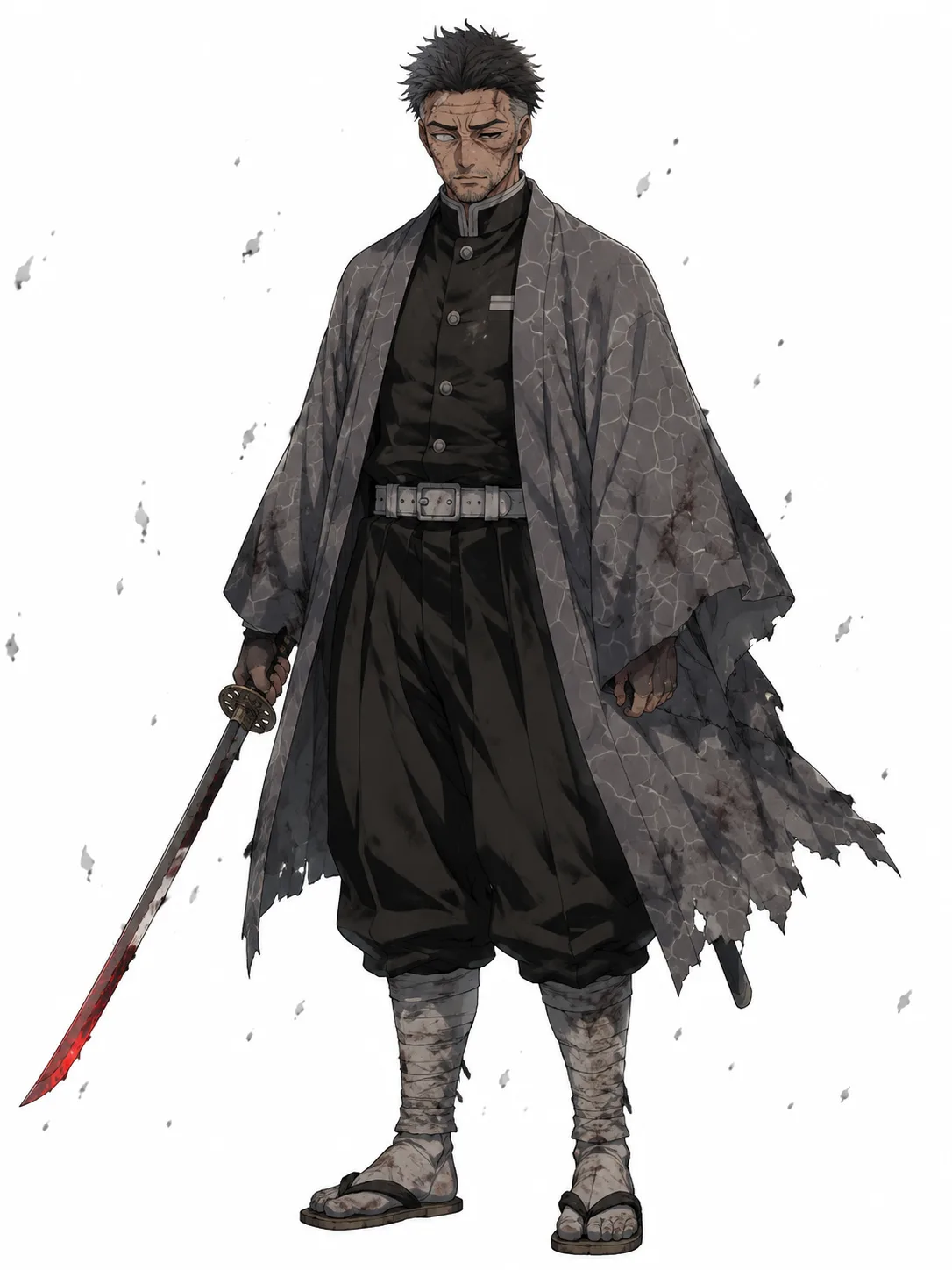
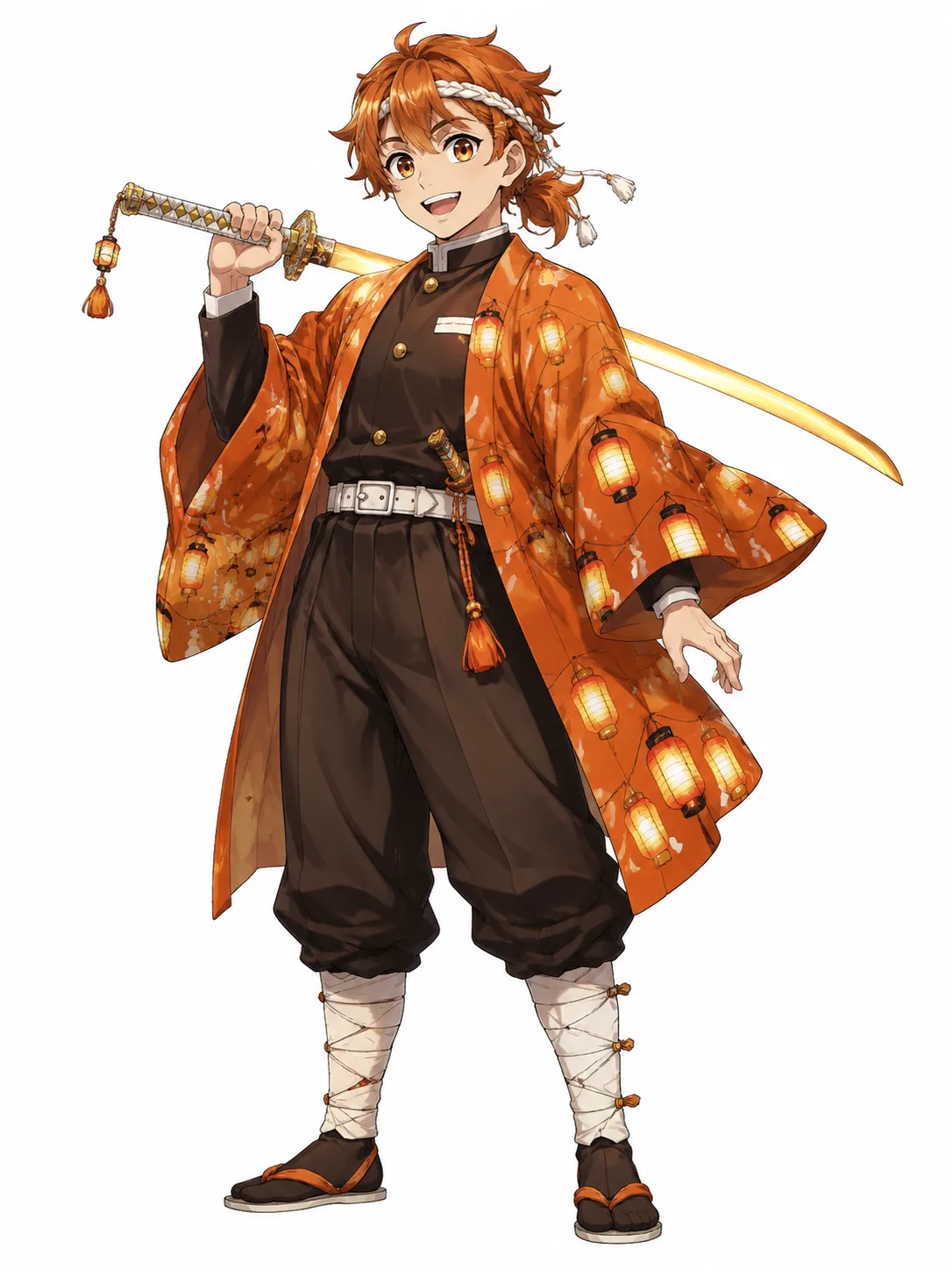
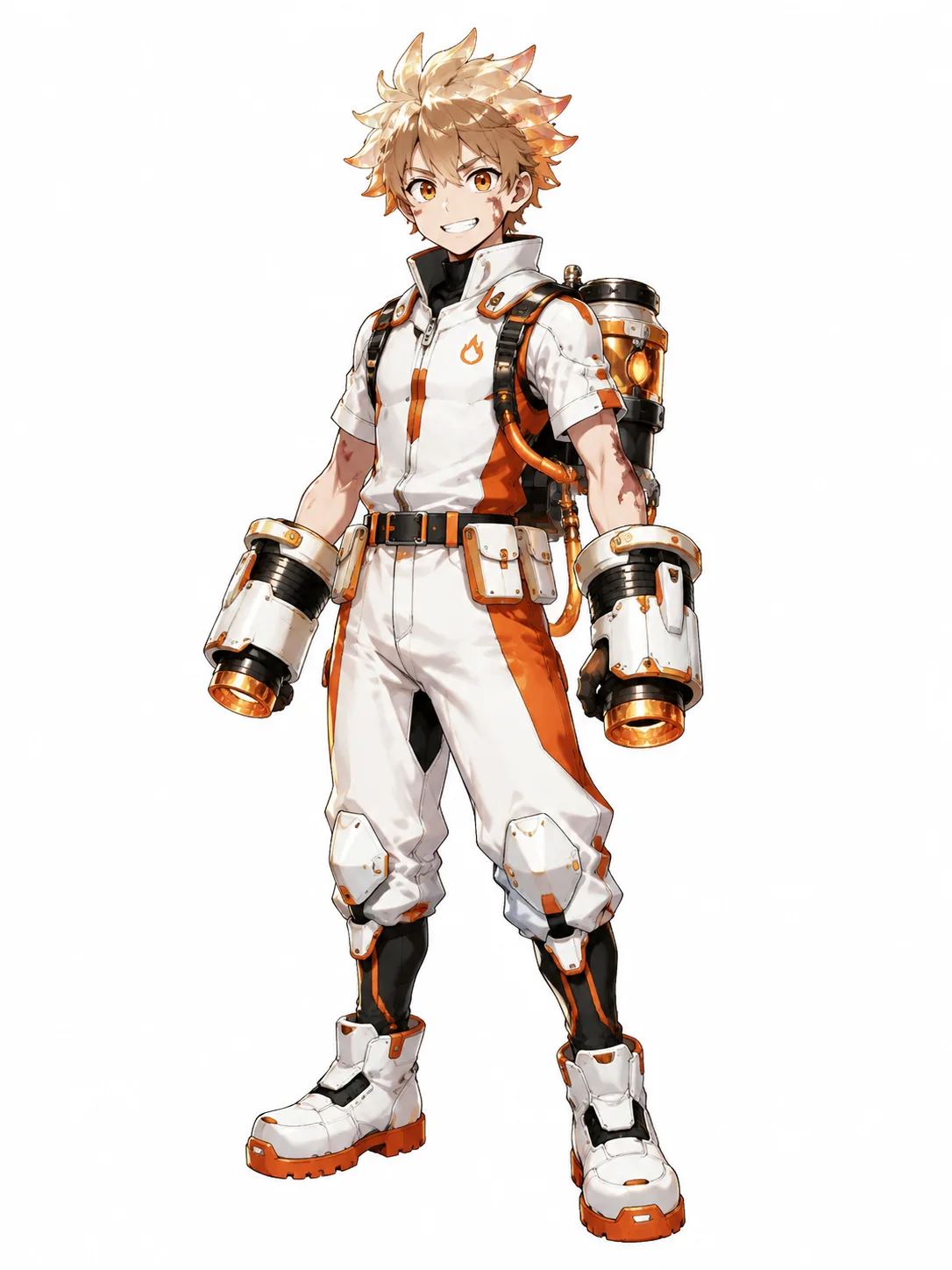
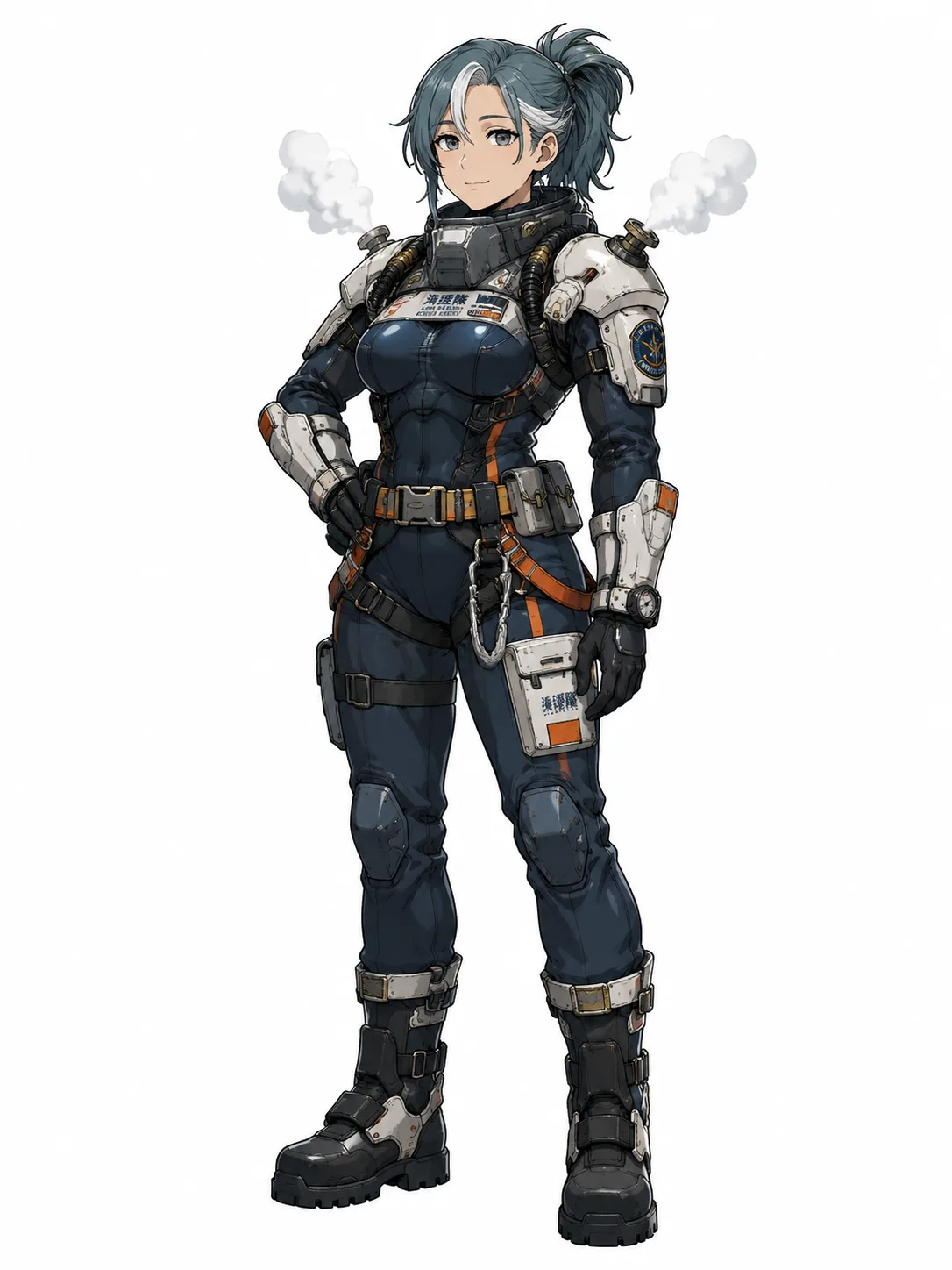
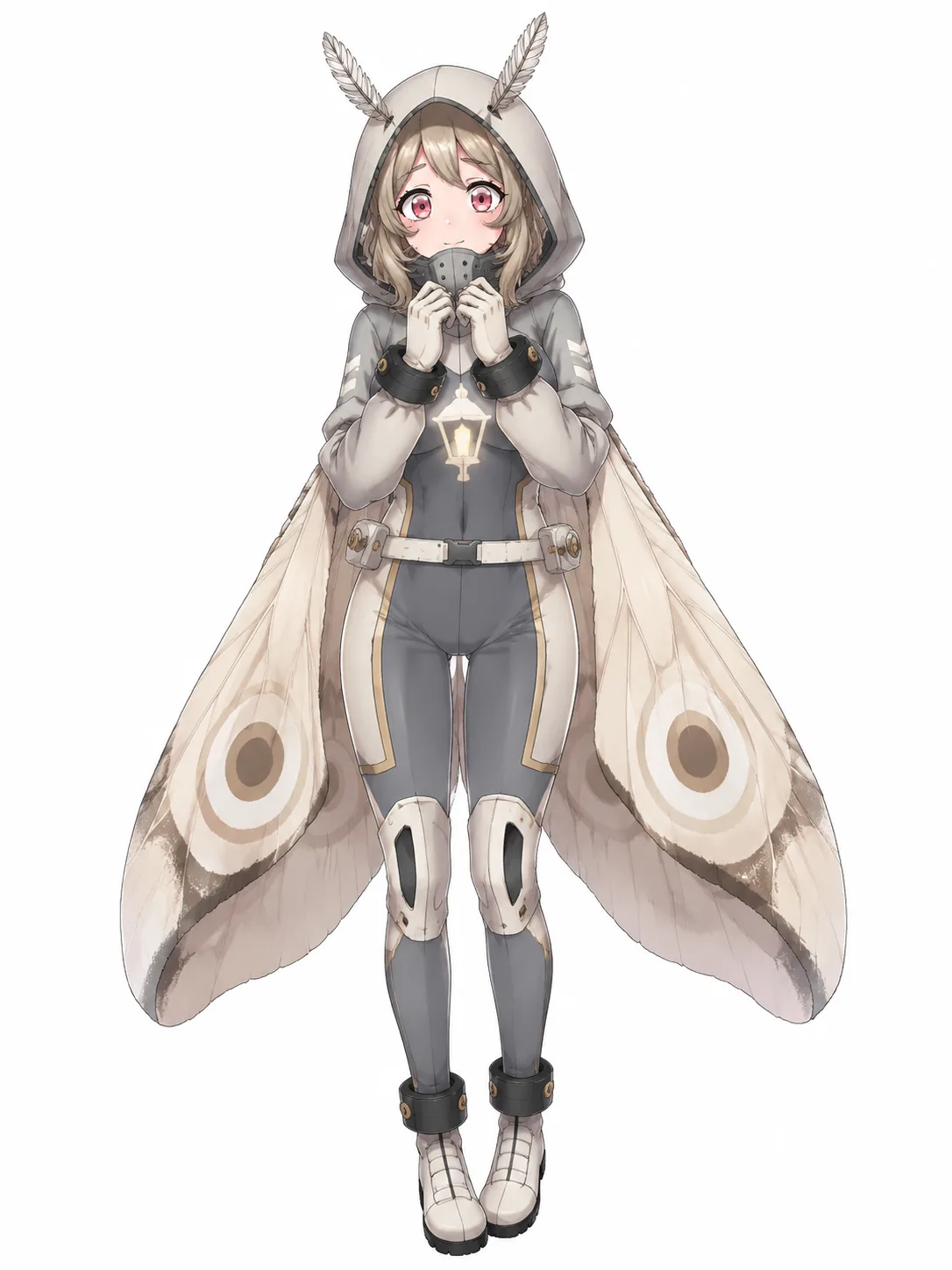
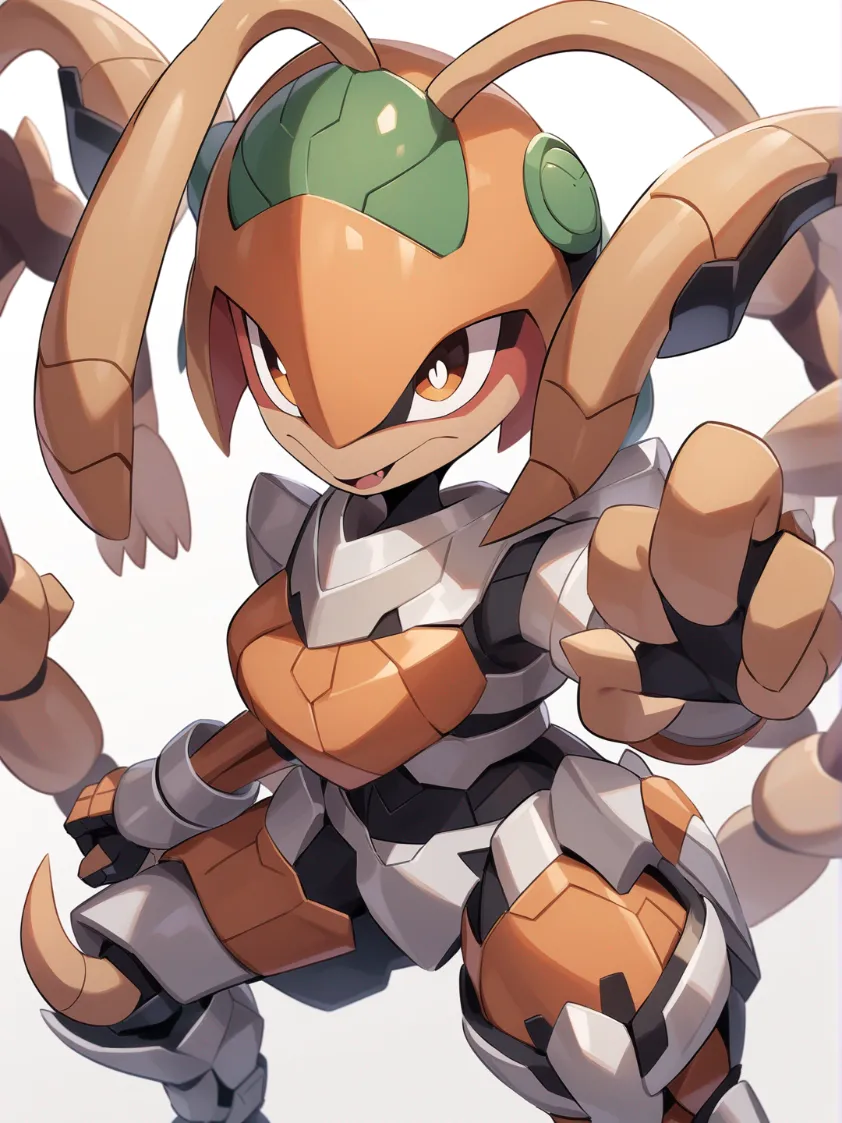
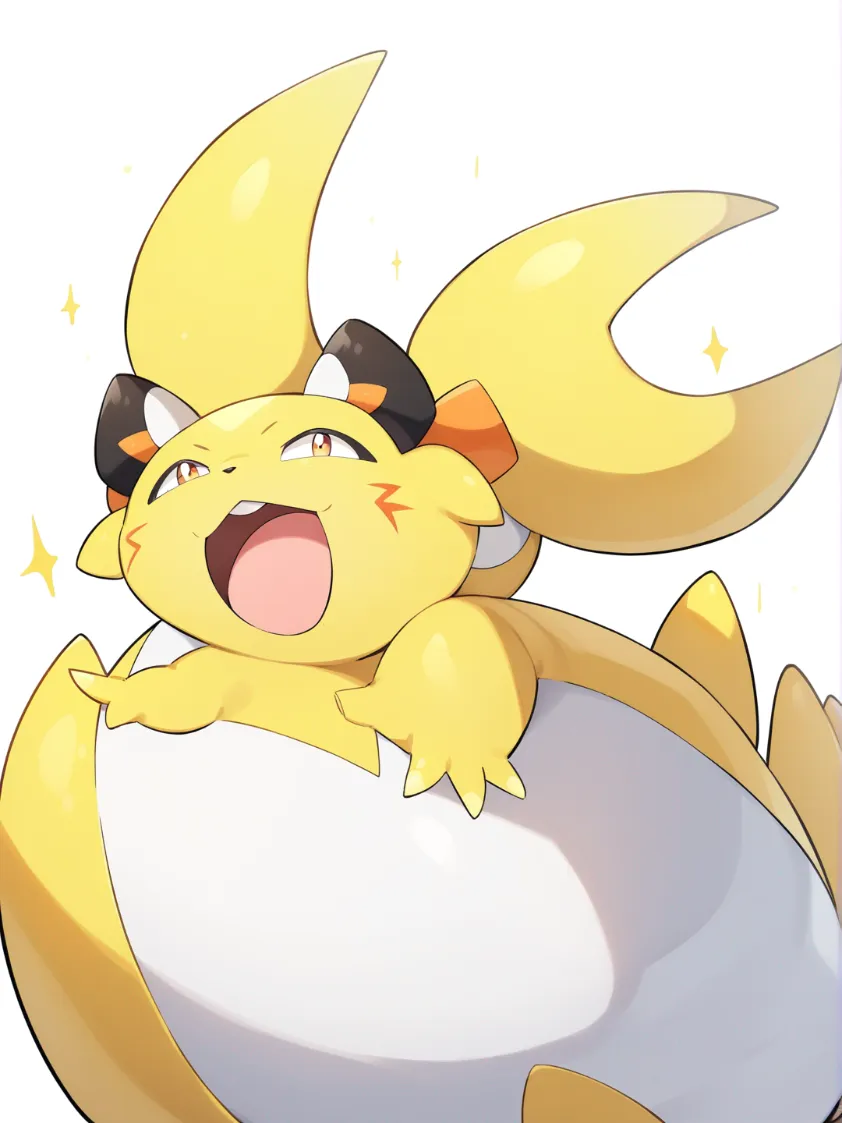
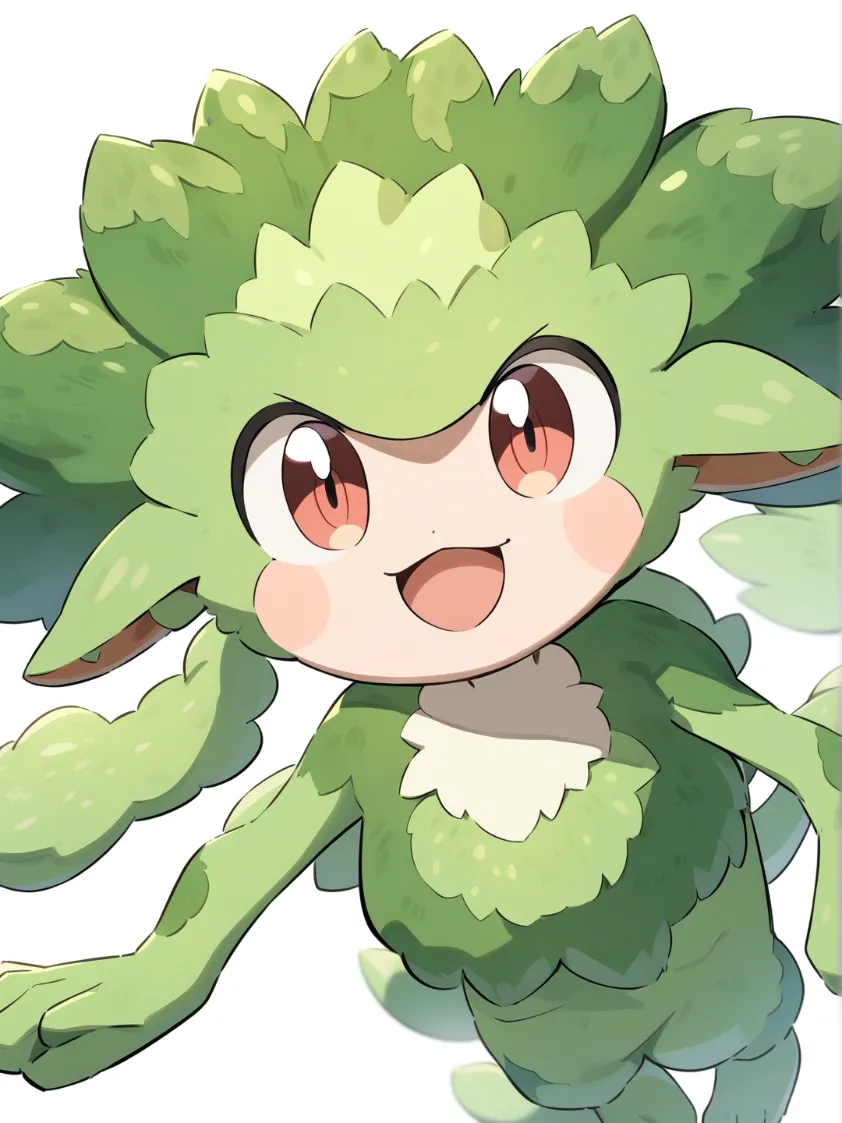
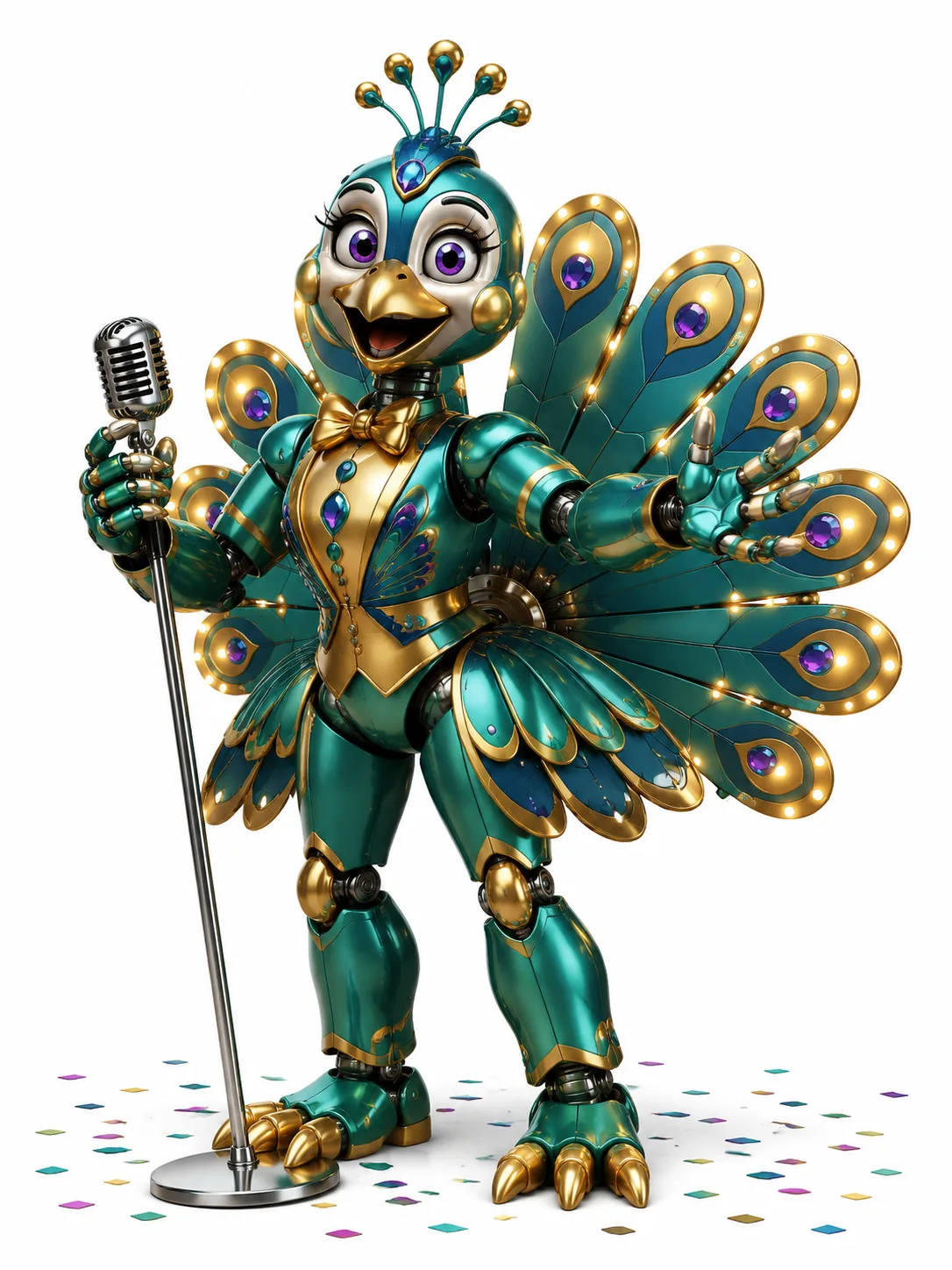
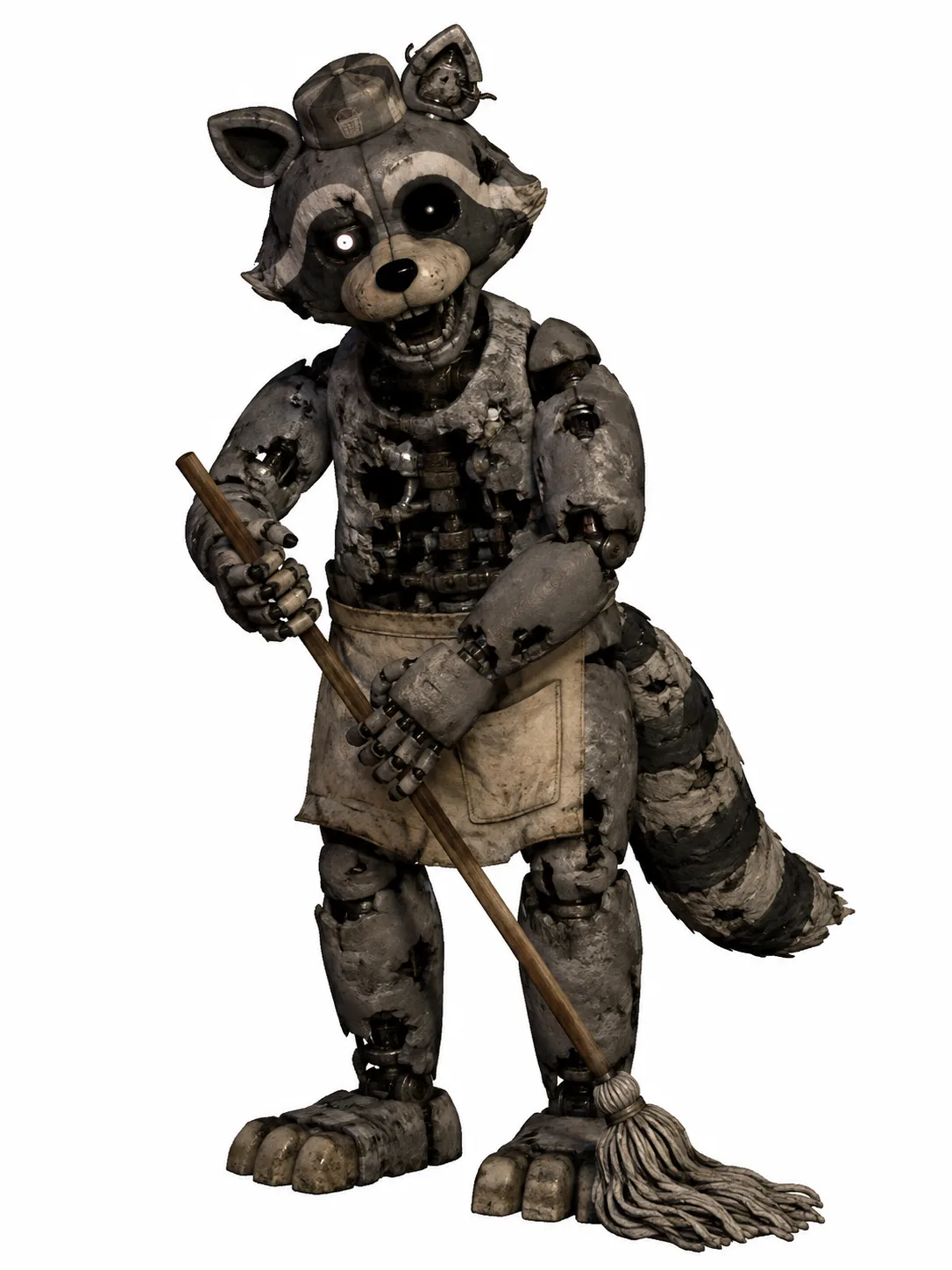
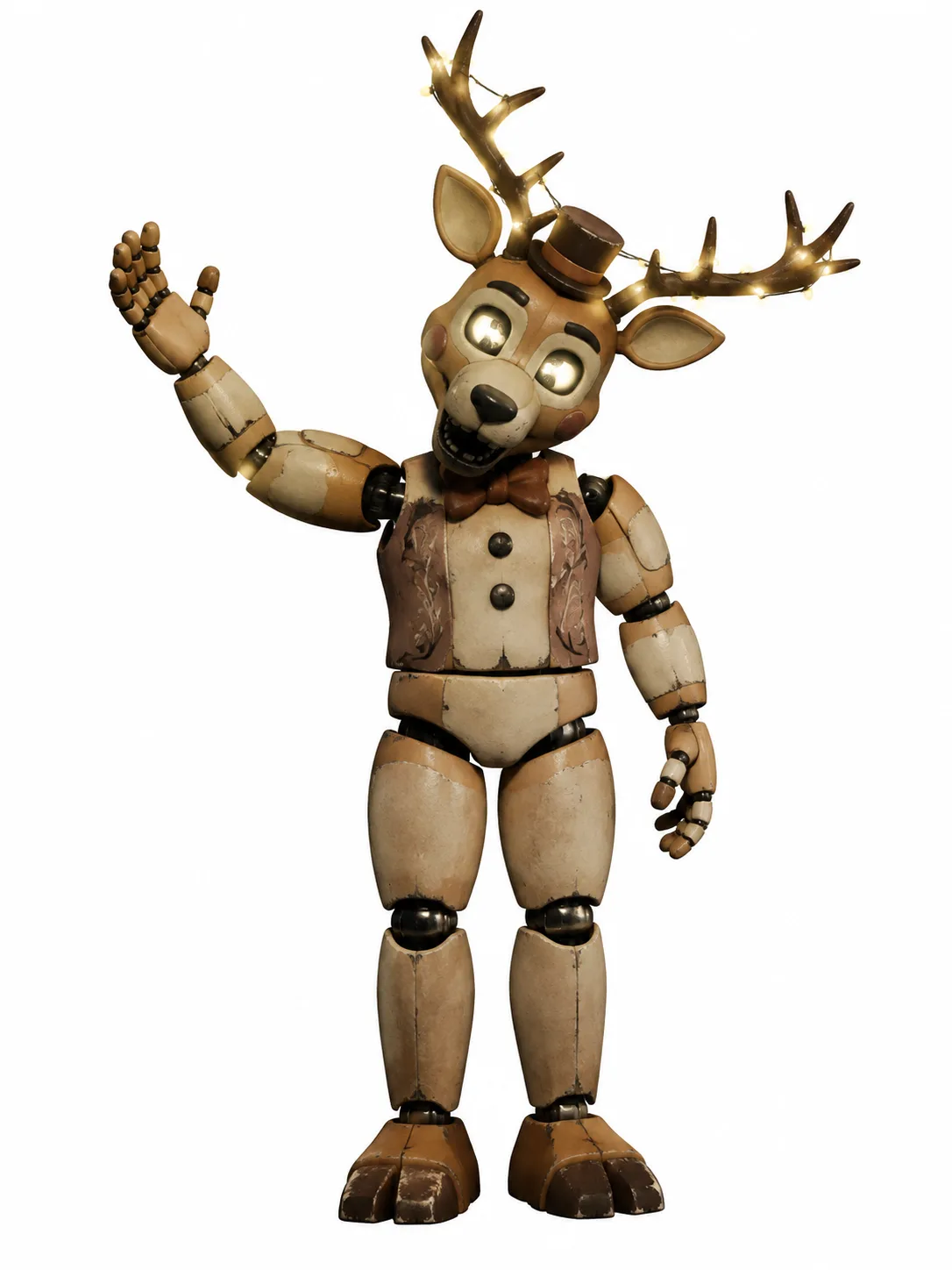
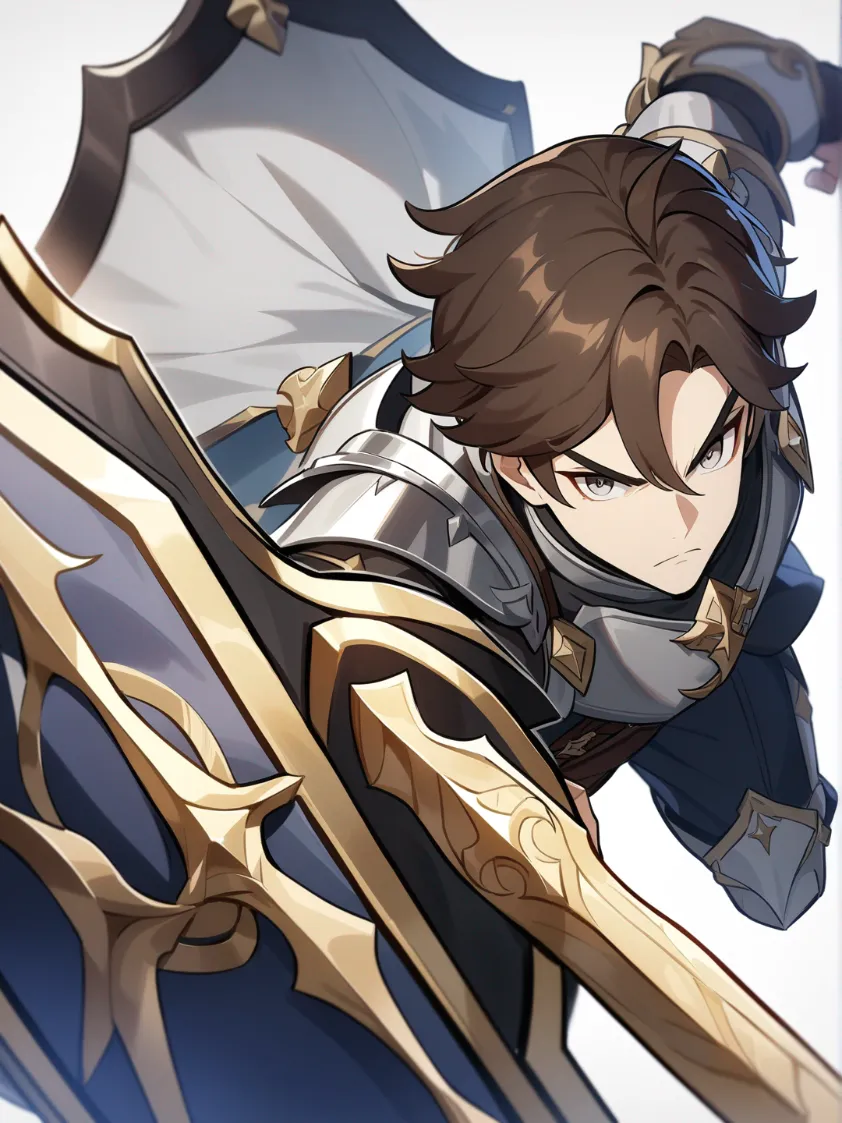
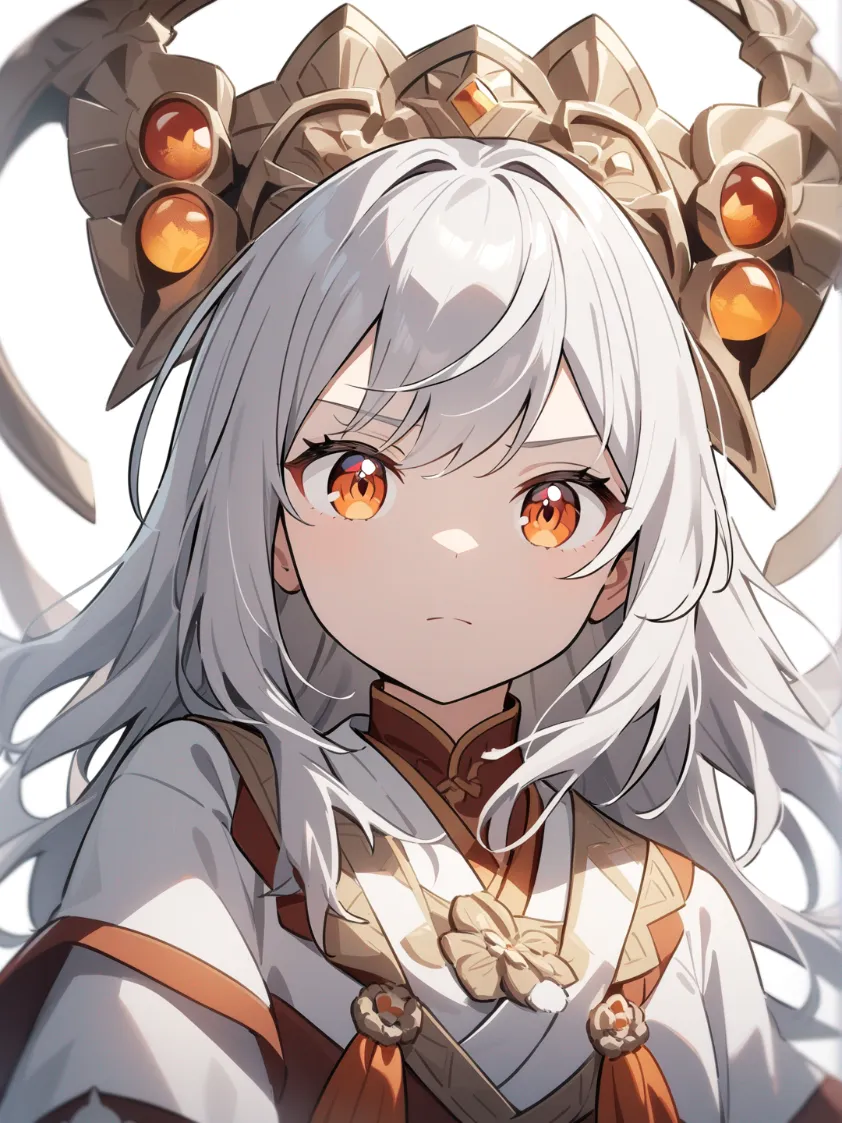
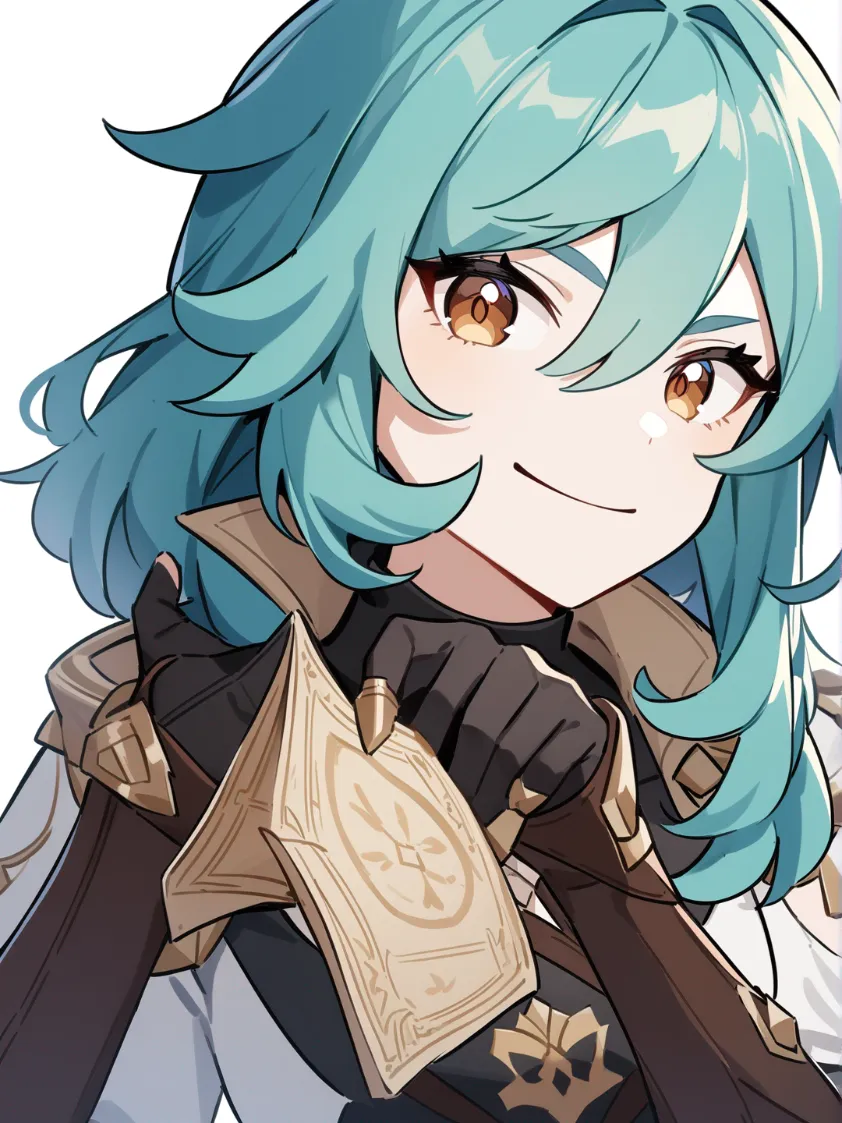
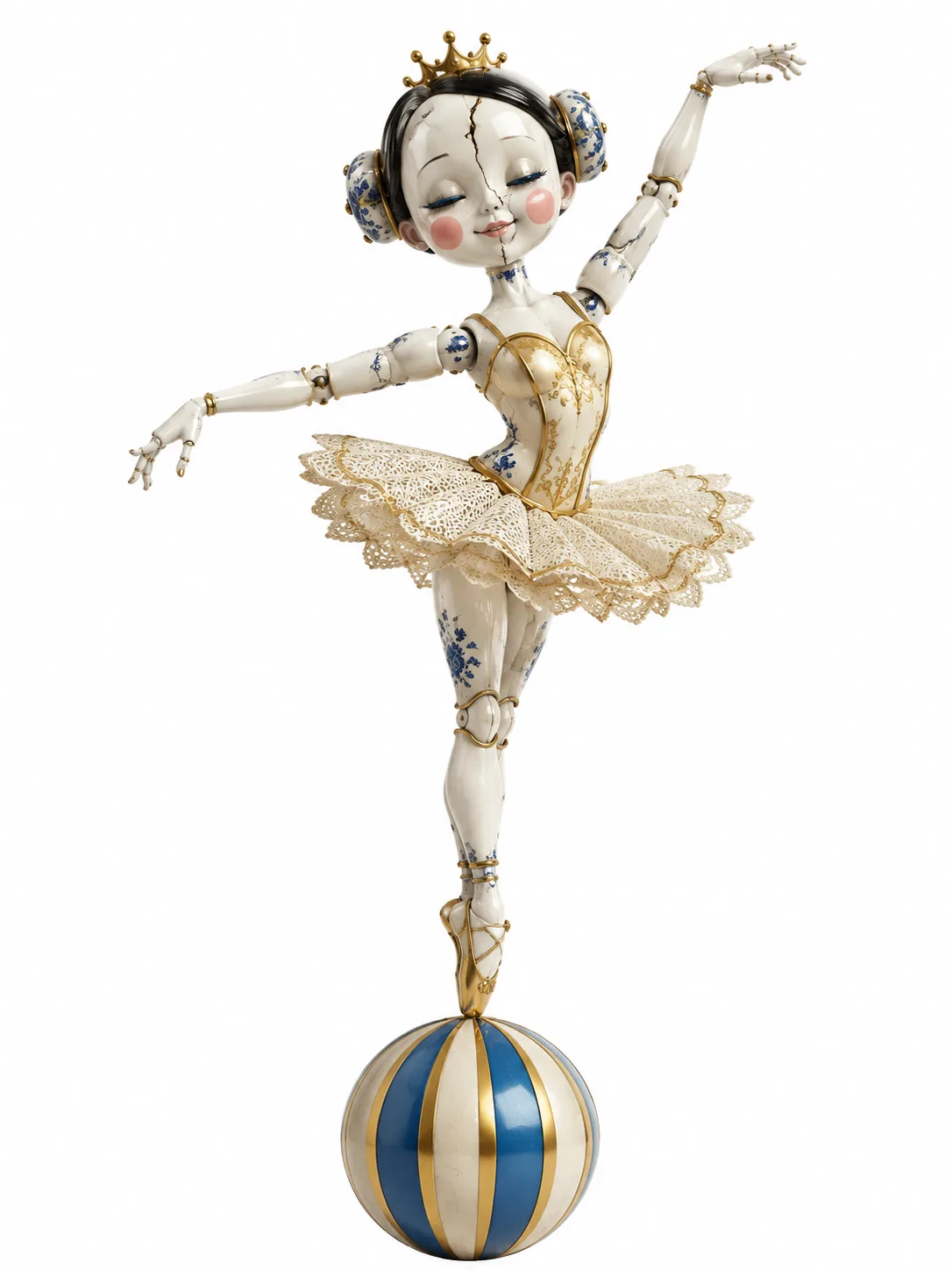
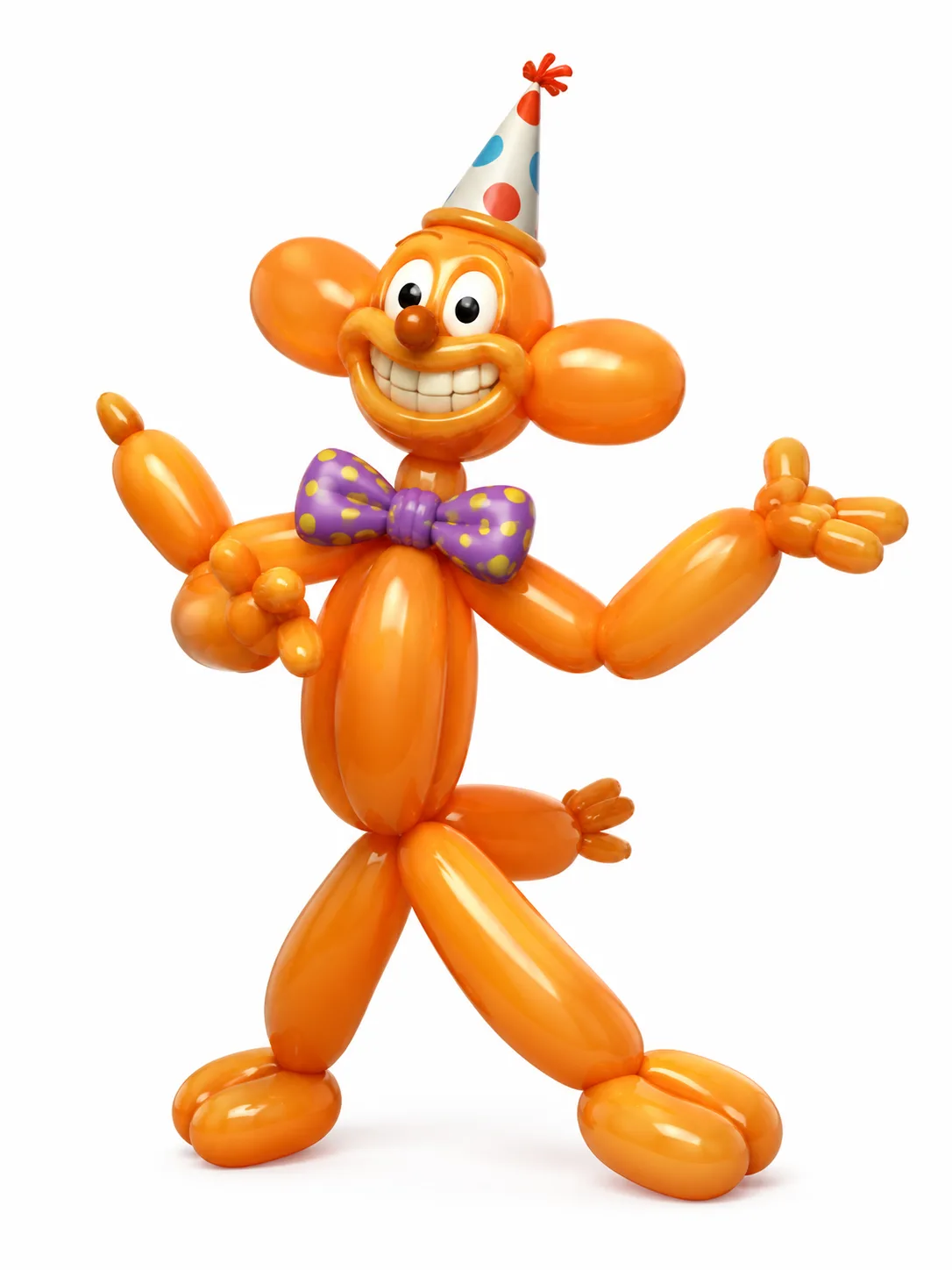
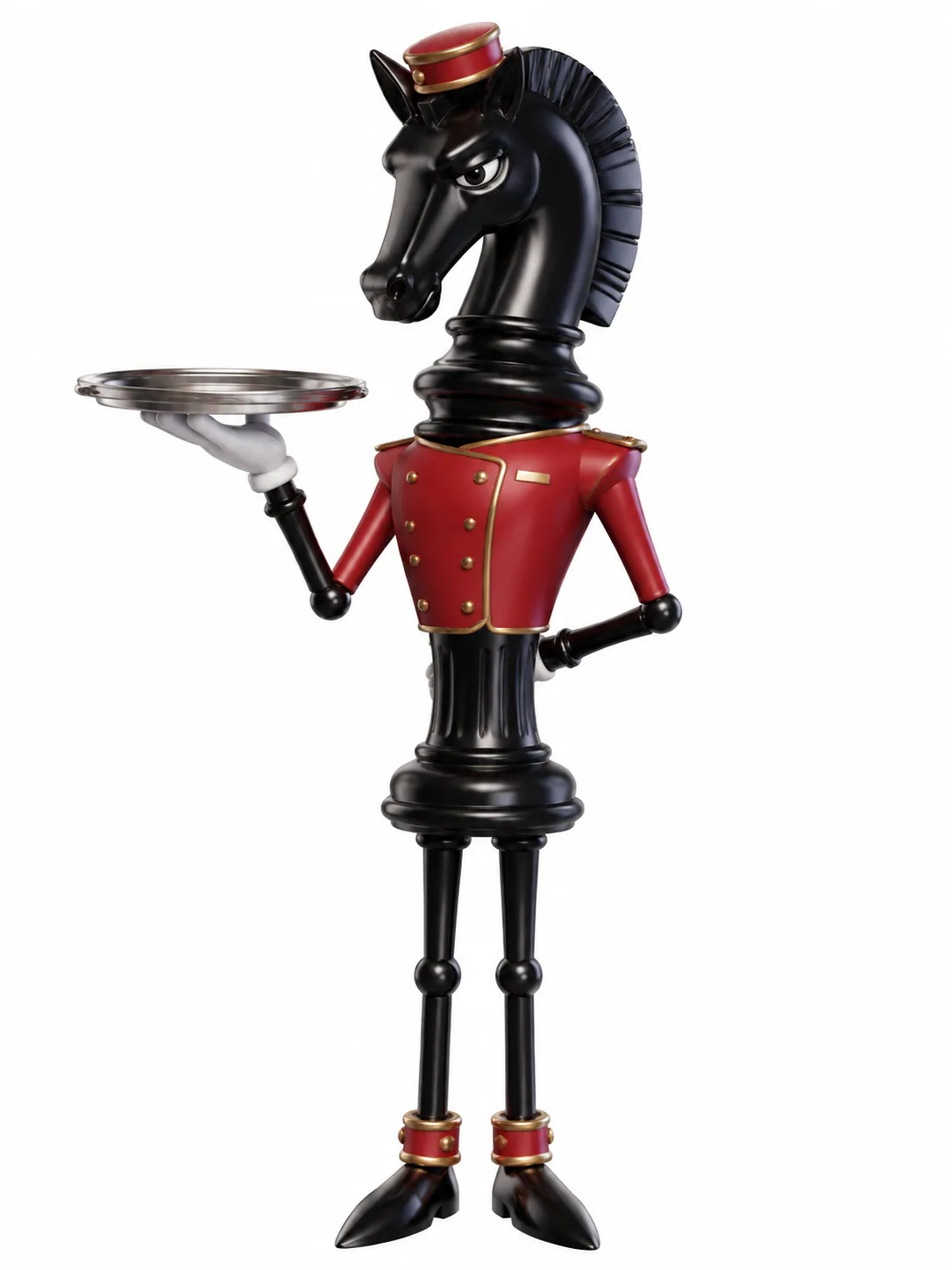
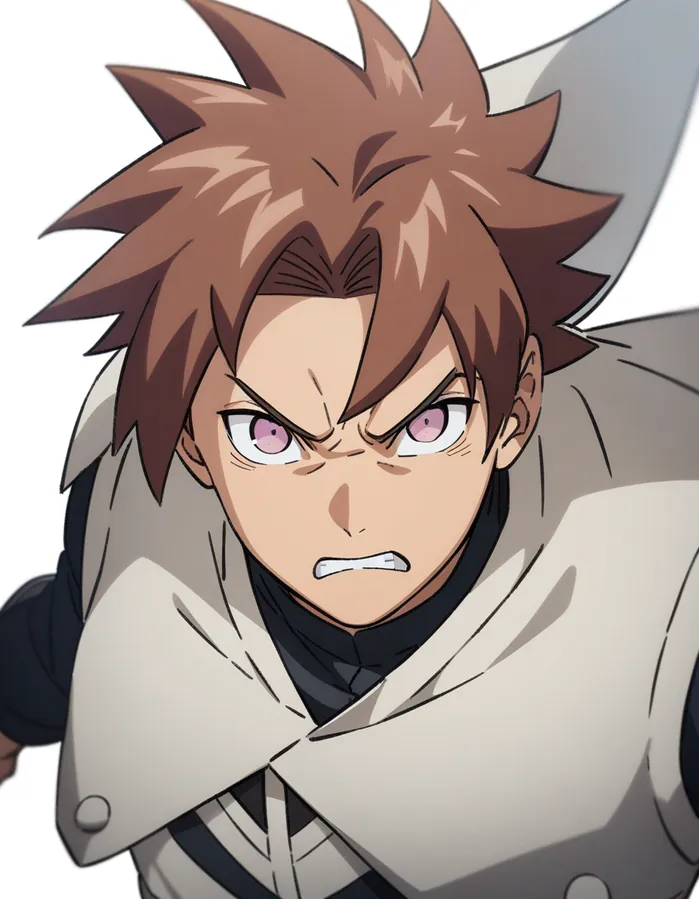
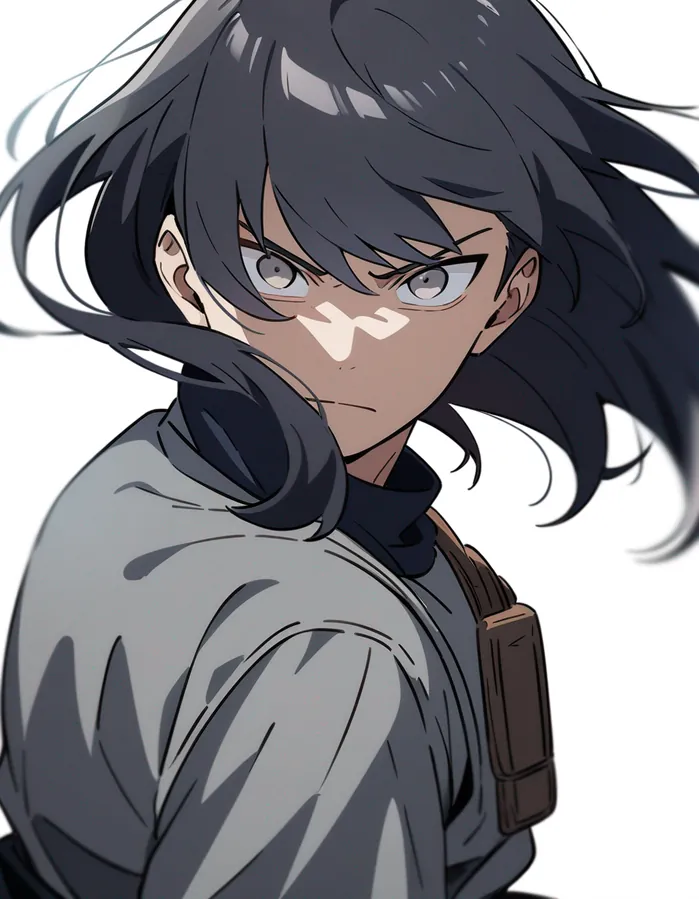
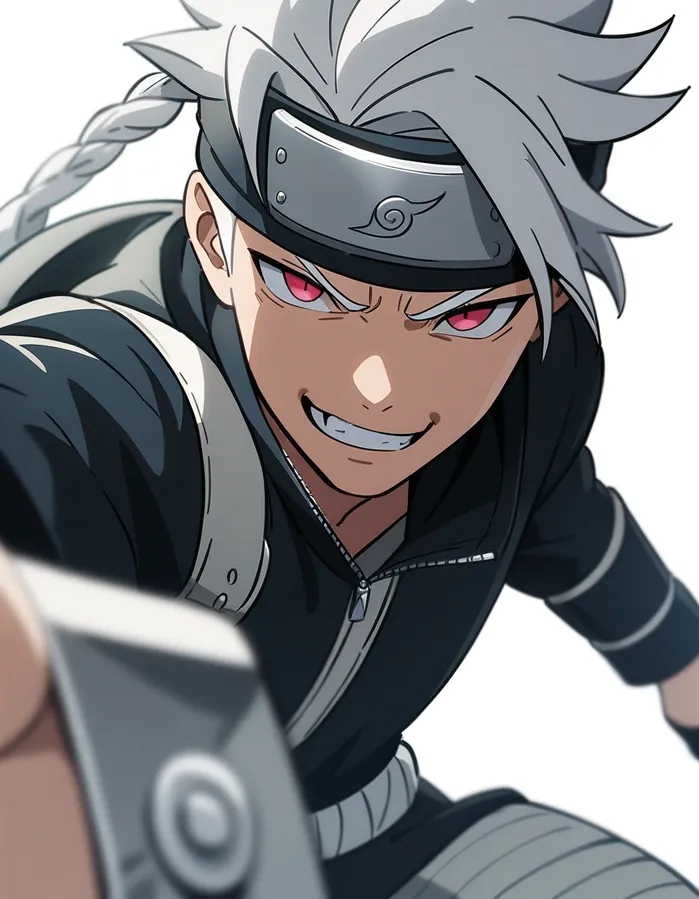
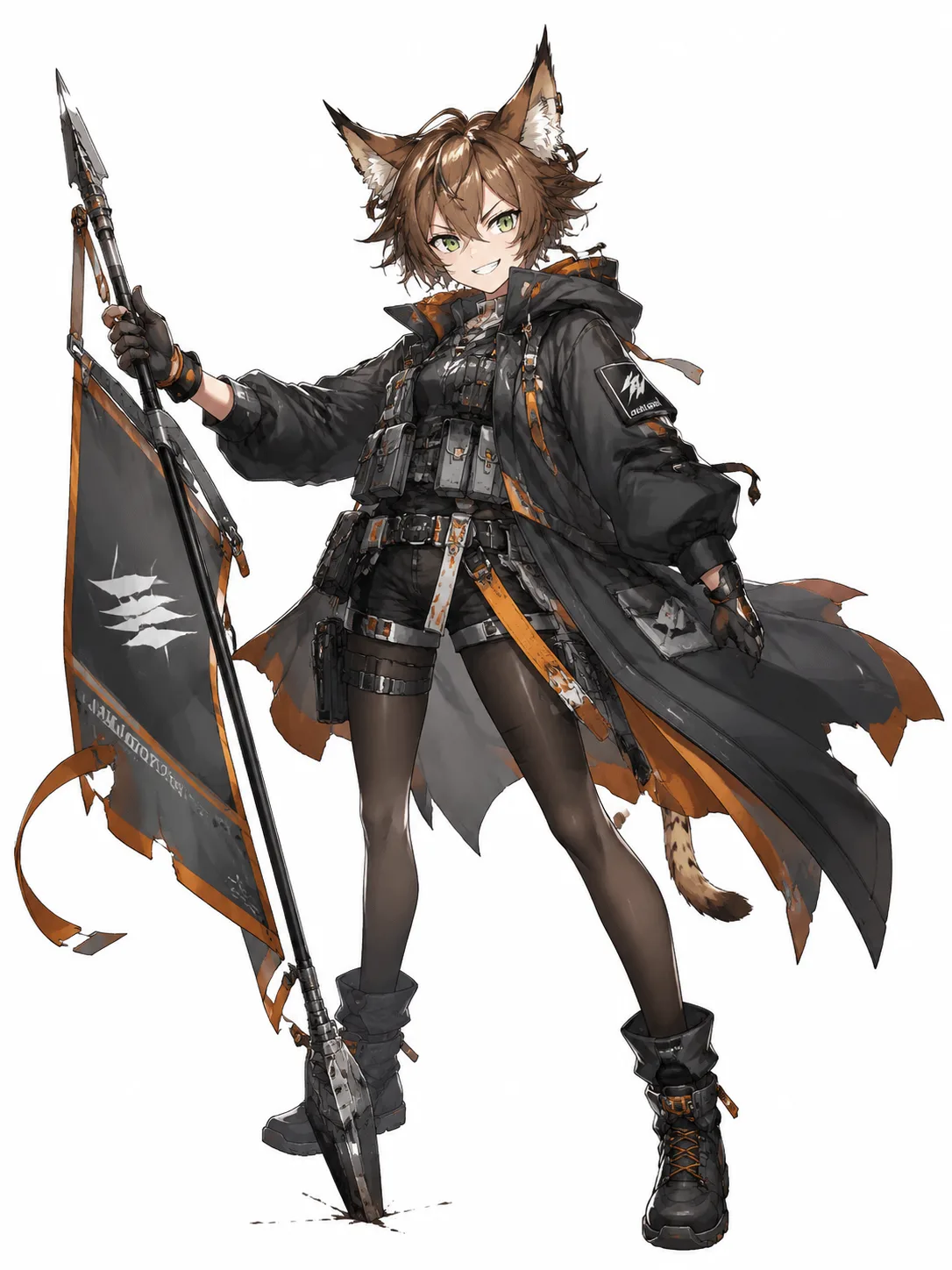
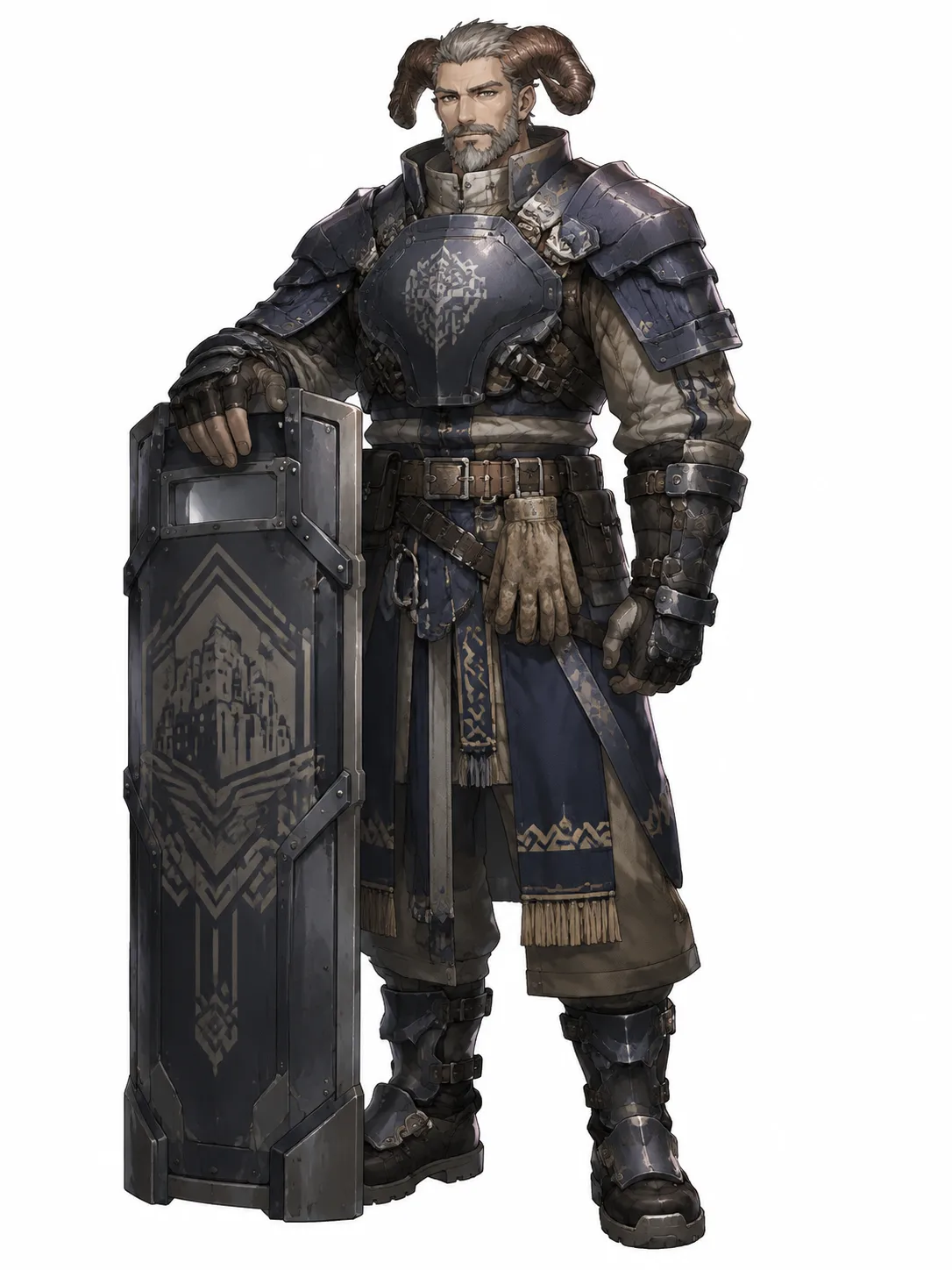
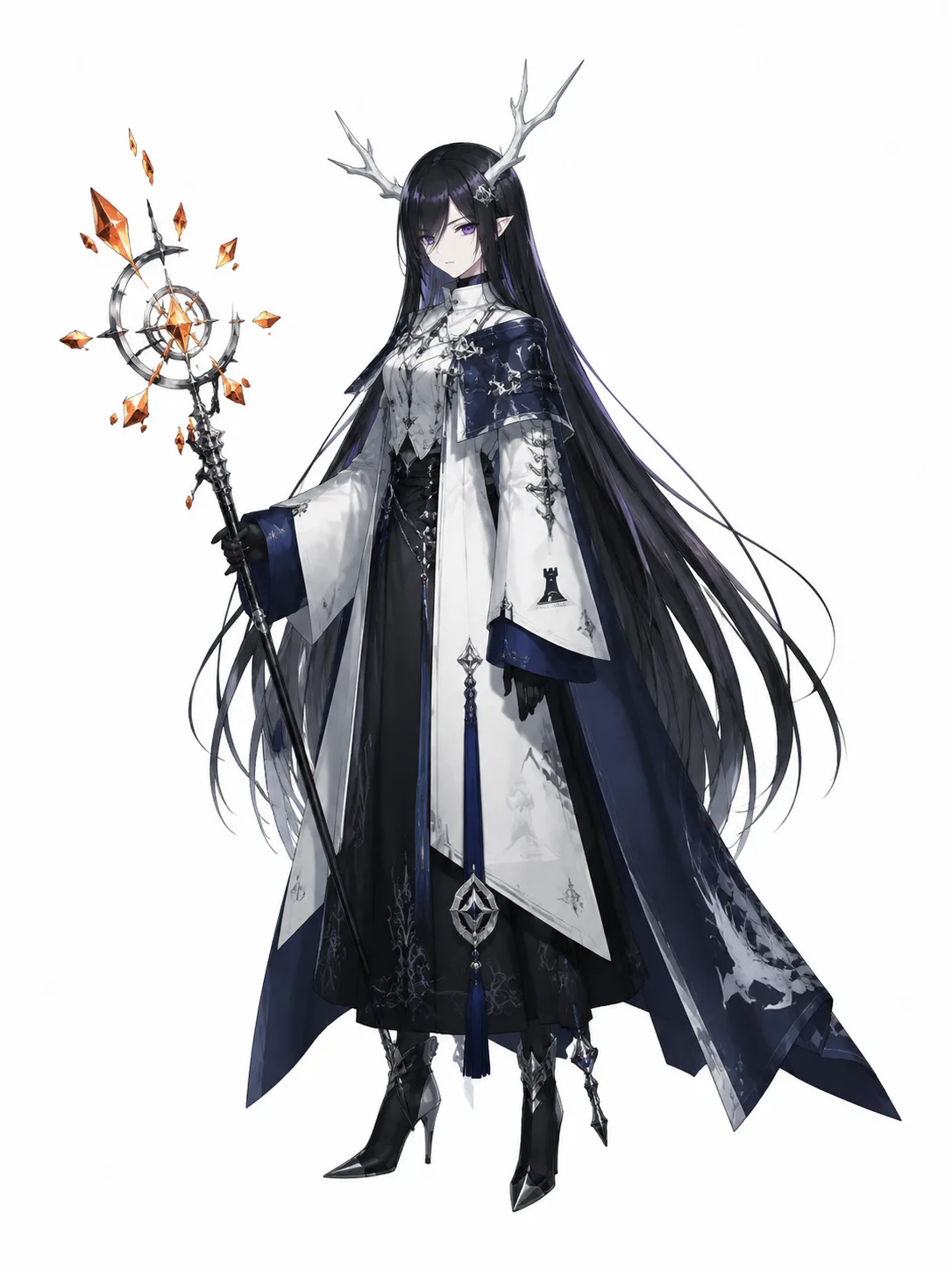
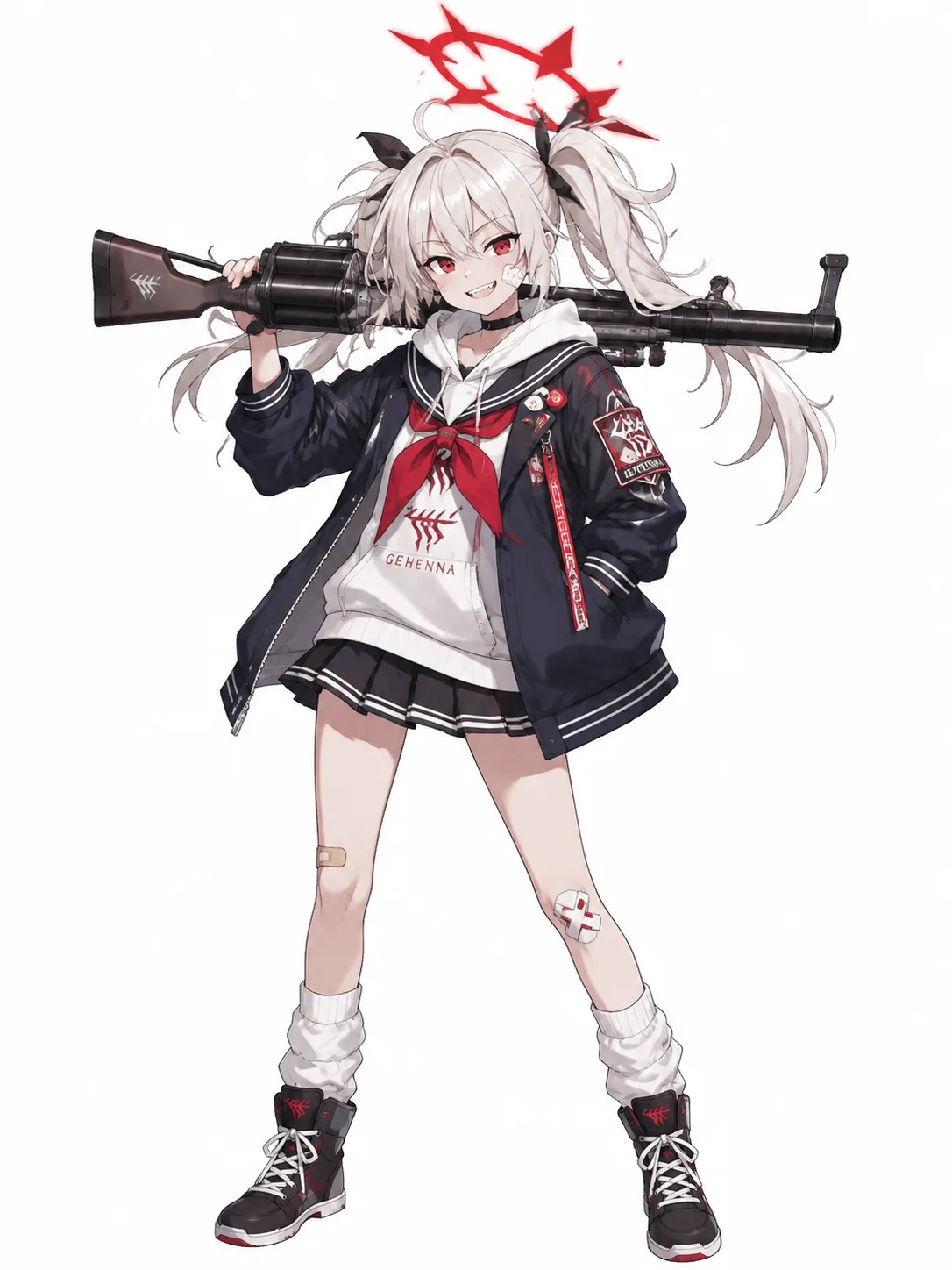
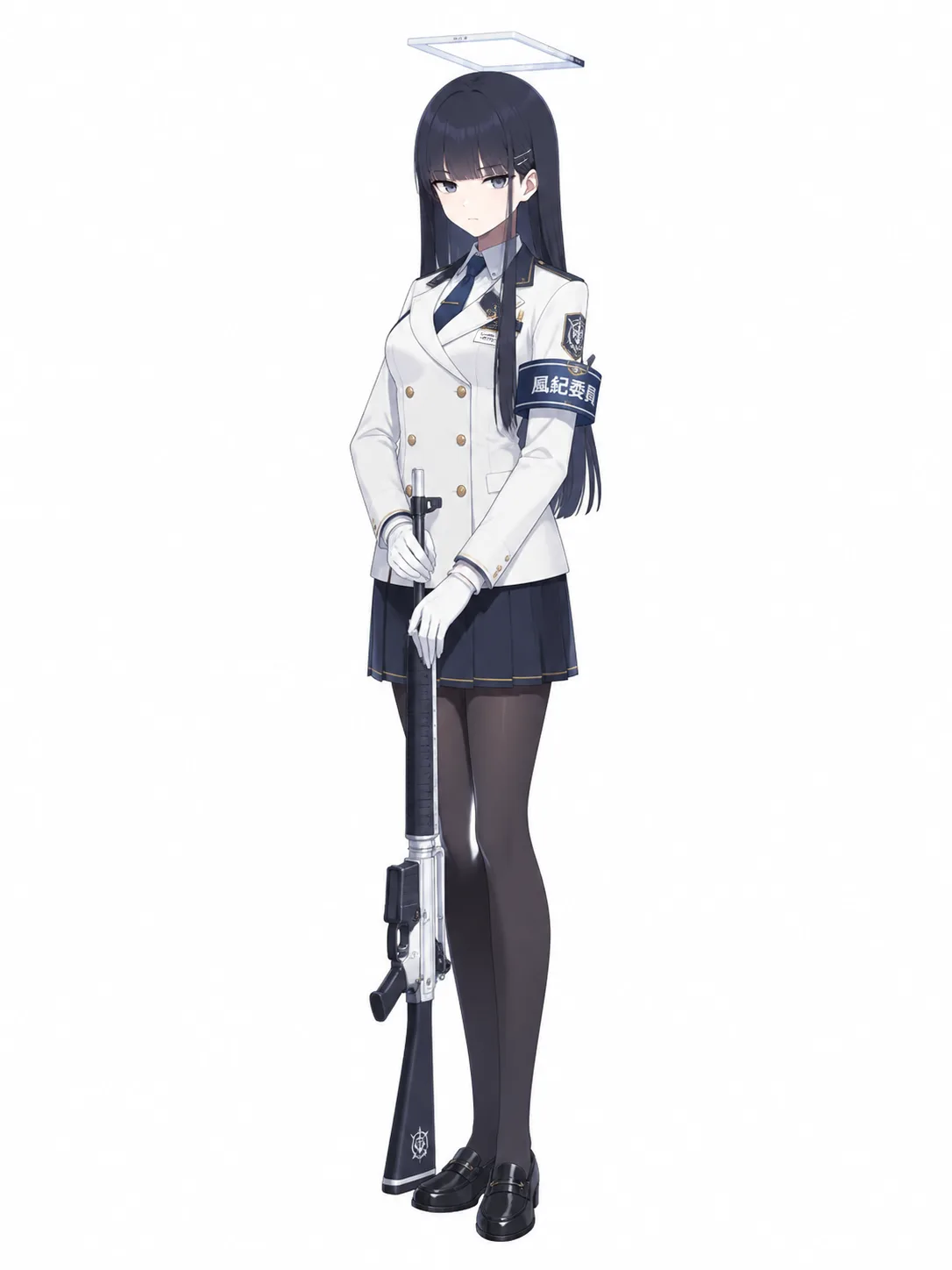
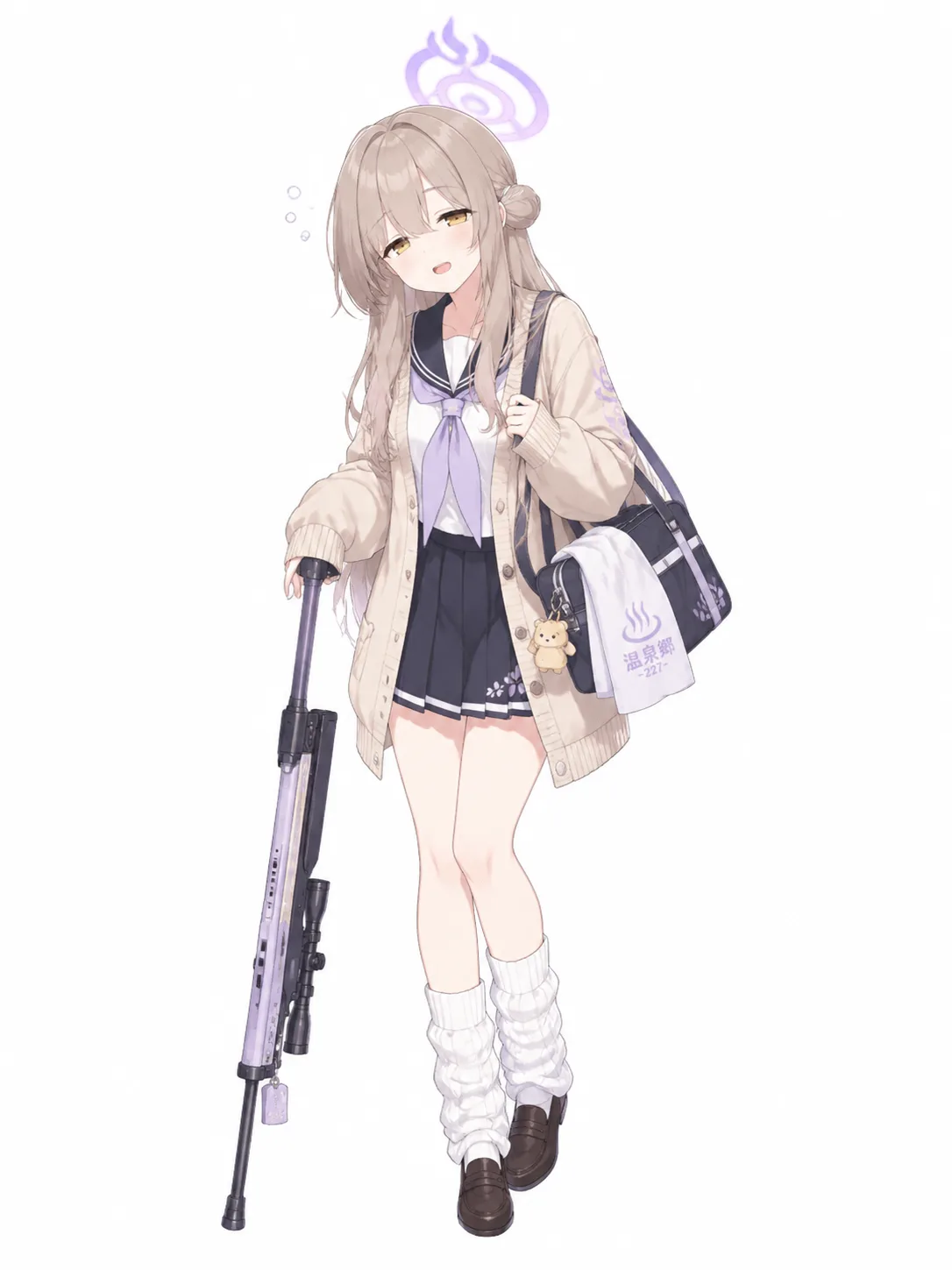
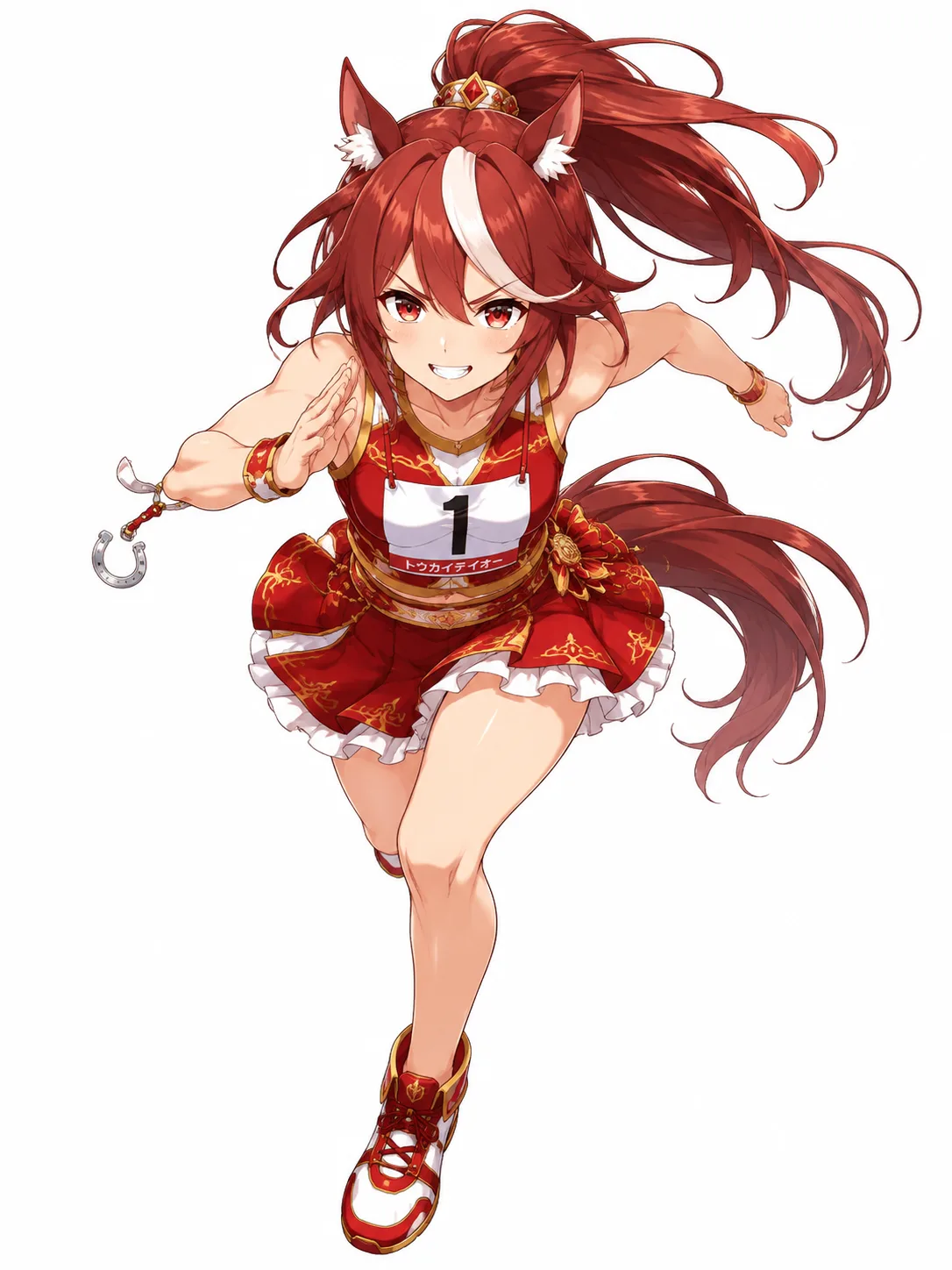
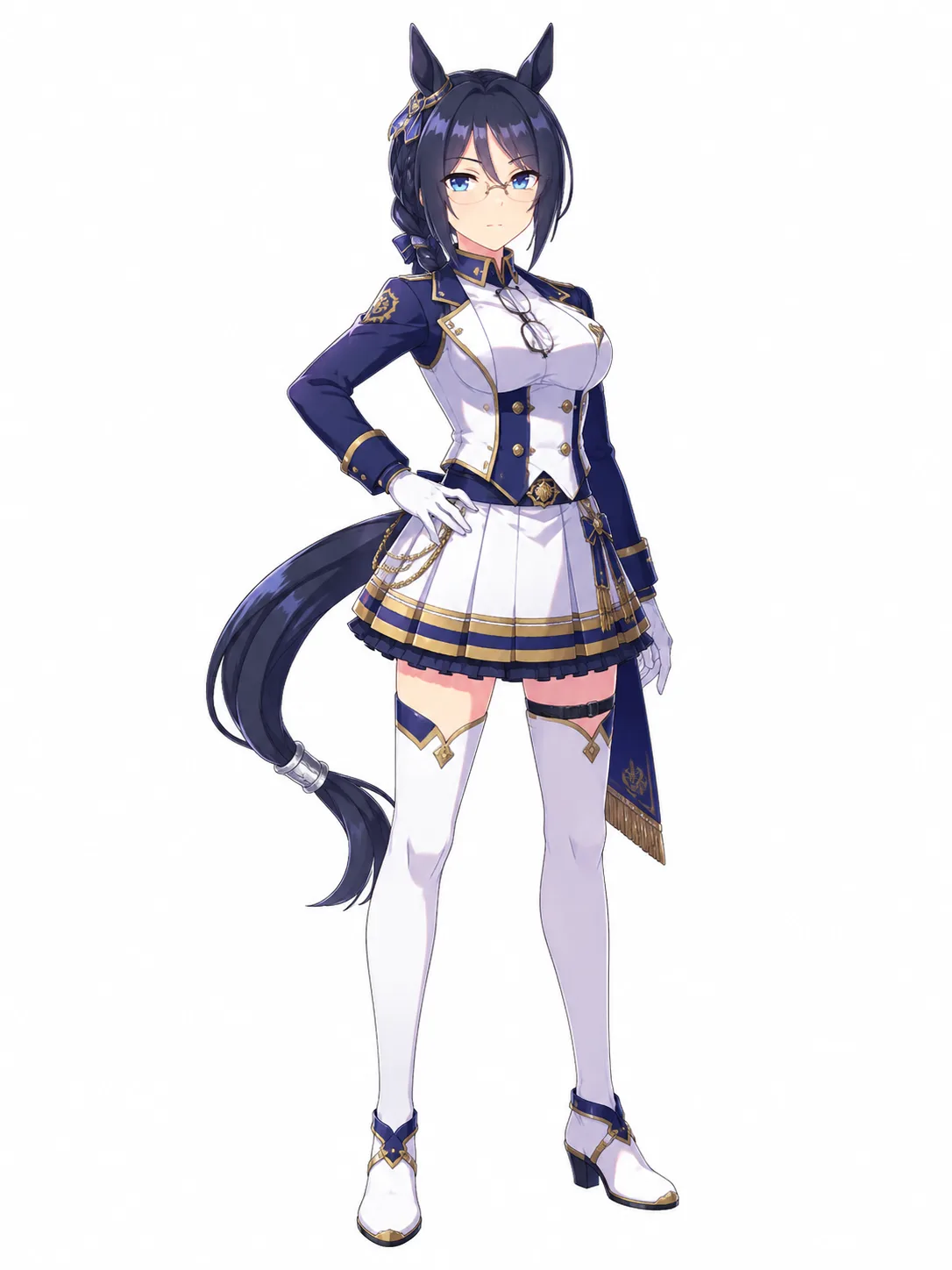
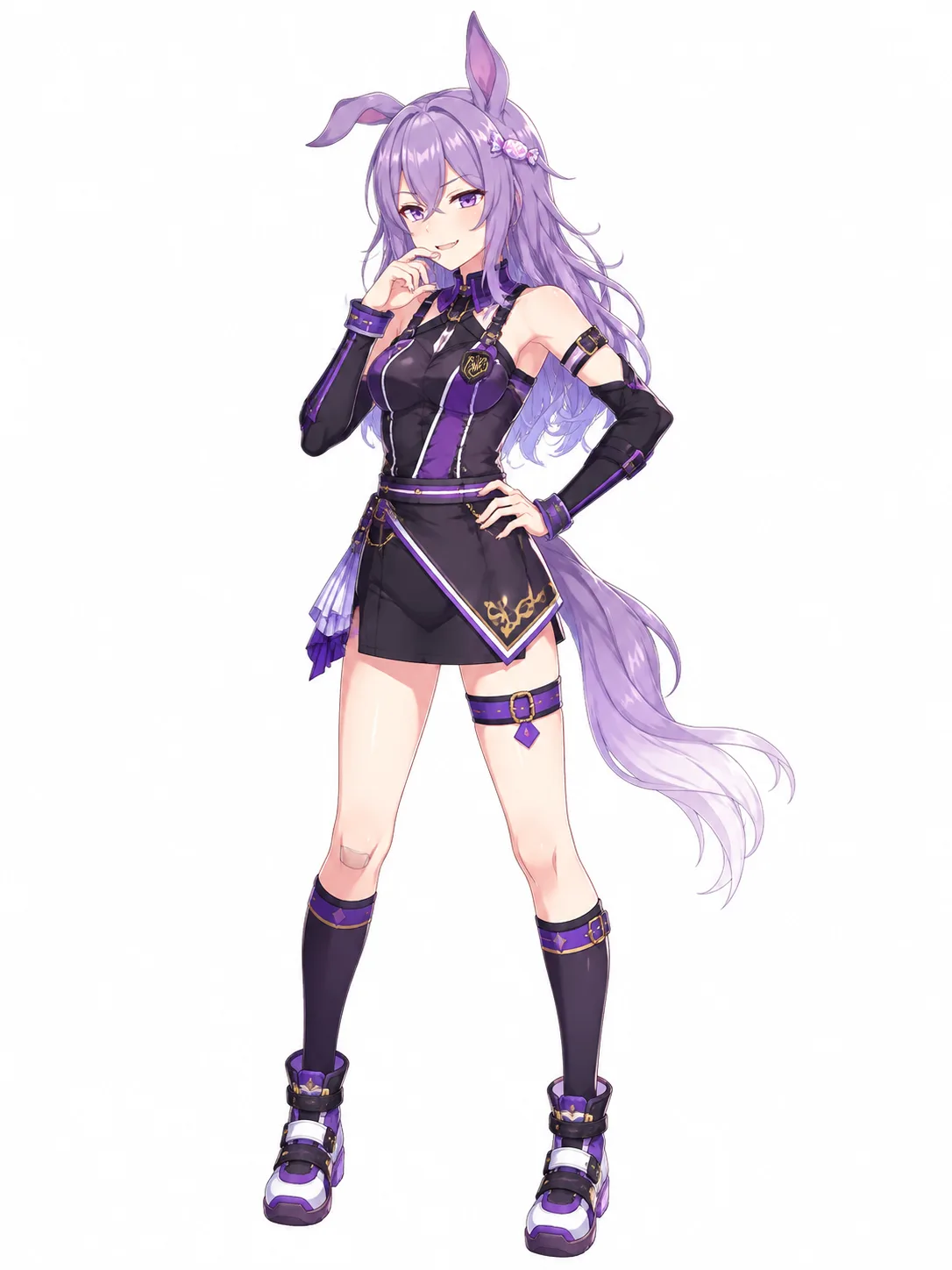
OC examples made with DrawMyOC
Every image here was written before it was drawn — hover any card to read the exact prompt behind it.
Pricing
Choose the plan that works best for you.
Starter
Credits: 700
Fast generation speed
No watermark
Creation history
Commercial use
Priority support
Pro
Credits: 1,600
Fast generation speed
No watermark
Creation history
Commercial use
Priority support
Studio
Credits: 3,500
Fast generation speed
No watermark
Creation history
Commercial use
Priority support
OC Maker FAQ
Everything you need to know about generating original character art with AI
1What is an OC and how does DrawMyOC work?
An OC (original character) is a character you've created — for a story, RPG, fanfiction, or just for fun. DrawMyOC takes your written description or reference image, then uses AI to illustrate that character in the art style of your choice. The whole process typically takes under 30 seconds.
2What is the best OC maker?
It depends on what you want to end up with. Dress-up makers such as Picrew let you assemble a character from parts an artist already drew, which is great for a quick avatar in that artist's style. An AI OC maker like DrawMyOC draws the character you describe, in the art style you pick, and then makes stickers, a PNGtuber set, a turnaround sheet and more from that same character. If you want one character across many images, choose a tool that keeps it consistent.
3Is DrawMyOC free? Do I need to sign up?
You can write your description and browse every page without an account. To generate, sign up for free: new accounts get 20 free credits, valid for 30 days, with no card required. One image costs 10 credits, or 6 with High quality off, and failed generations don't use credits. After that, buy a credit pack or a monthly plan. The free, no-AI tools on the asset maker pages (sticker and emote resizing, token cropping) need no account at all.
4How do I generate art for my OC?
Three steps: (1) Describe your character in plain English (hair, eyes, outfit, personality cues) or upload a reference image, (2) Pick an art style and optional pose/mood, (3) Click Generate. You'll get a downloadable image in seconds — re-roll until it matches your vision.
5Can I make a full-body OC?
Yes. Write "full body" in your description, or open More options and pick Full body under framing. Portrait, bust, half body and character sheet framings are there too, and the Character Turnaround Generator draws front, side and back views of the same character.
6Can I make an OC of myself?
Yes. Describe yourself the way you would brief an artist: hair, eyes, glasses, the clothes you like and the vibe you want, then pick an art style. You can also add a photo as a reference, but the image model's safety filter sometimes refuses realistic photos of people. A written description works reliably, and an illustrated reference works best.
7Is DrawMyOC like Picrew?
Both let you make a character without drawing, in different ways. A Picrew maker gives you one artist's set of parts to choose from, so every result is in that artist's style. DrawMyOC uses AI to draw whatever you describe, in the art style you choose, so the character can be anything you can put into words. It then keeps that same character for stickers, emotes, a PNGtuber set, tokens and more.
8What art styles are supported?
We cover several broad categories — Anime & Manga, Cartoon & Comic, Illustration & Painting, Retro & Pixel, and Aesthetic & Mood — each with multiple specific styles inside. Pick whichever fits the vibe of your character. New styles are added regularly based on user requests.
9What can I make from one OC?
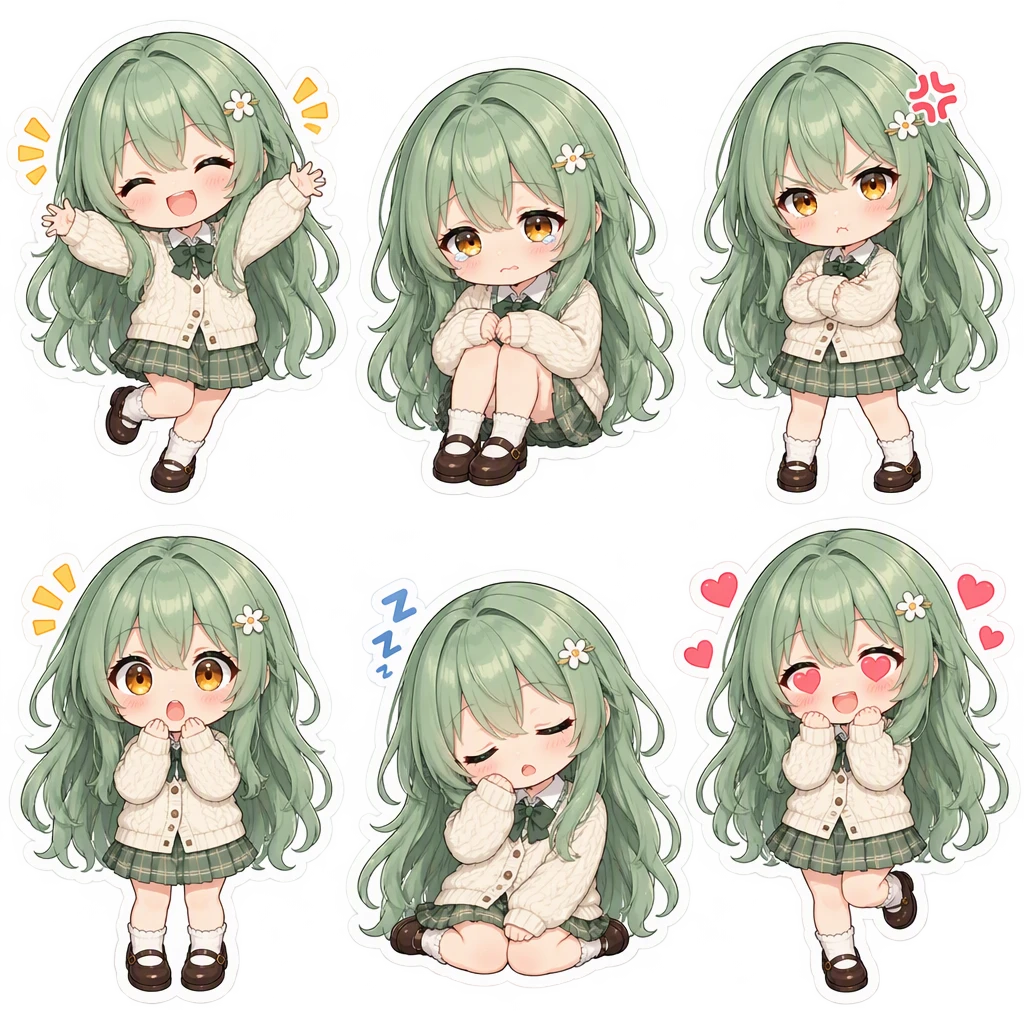
Every OC you make gets its own library page. From there you can generate, in one click each: new illustrations in any of 60 art styles, a six-expression sticker pack (transparent PNG, split for Discord and Telegram), a four-state PNGtuber avatar set, a round VTT token for Roll20 and Foundry, a 9:16 phone wallpaper, a multi-view turnaround sheet and outfit changes. Each asset is drawn from your character's main image, so the character stays consistent. You can also start any asset straight from a description or your own art — no separate character step.
10Does DrawMyOC work on mobile?
Yes. The generator runs in any modern browser on iOS, Android, tablets, and desktops — no app install required. Reference image uploads use your device's native picker, so you can pull straight from your camera roll on phone.
11Can I use the generated art commercially?
Free-tier output is for personal use only (profile pictures, fanfiction, RPGs). Paid plans include commercial rights — use your generated OC art in merch, books, games, or client work, with no watermark and no royalties.
12Is DrawMyOC a Perchance AI character generator alternative?
Yes. If you've used Perchance's text-based character generator and want a visual one with consistent multi-style output, DrawMyOC is a direct upgrade — upload a reference once and keep the same character across anime, cartoon, pixel, and aesthetic styles, with downloadable HD art every time.
13How can I get support?
Our team typically replies within one business day. Email support@drawmyoc.com with questions, feedback, or feature requests and we'll get back to you.
Still have questions? Contact us atsupport@drawmyoc.com
Bring Your OC to Life Today
Describe your character, pick an art style, and download AI-generated OC art in seconds — then keep building stickers, PNGtuber sets and more from the same OC.
Get Started Free